How to Grow WhatsApp Channel Followers (Without Fake Ones)
Grow WhatsApp Channel followers the honest way: share your channel link and QR code, get found in the directory, post well, and why bought followers backfire.
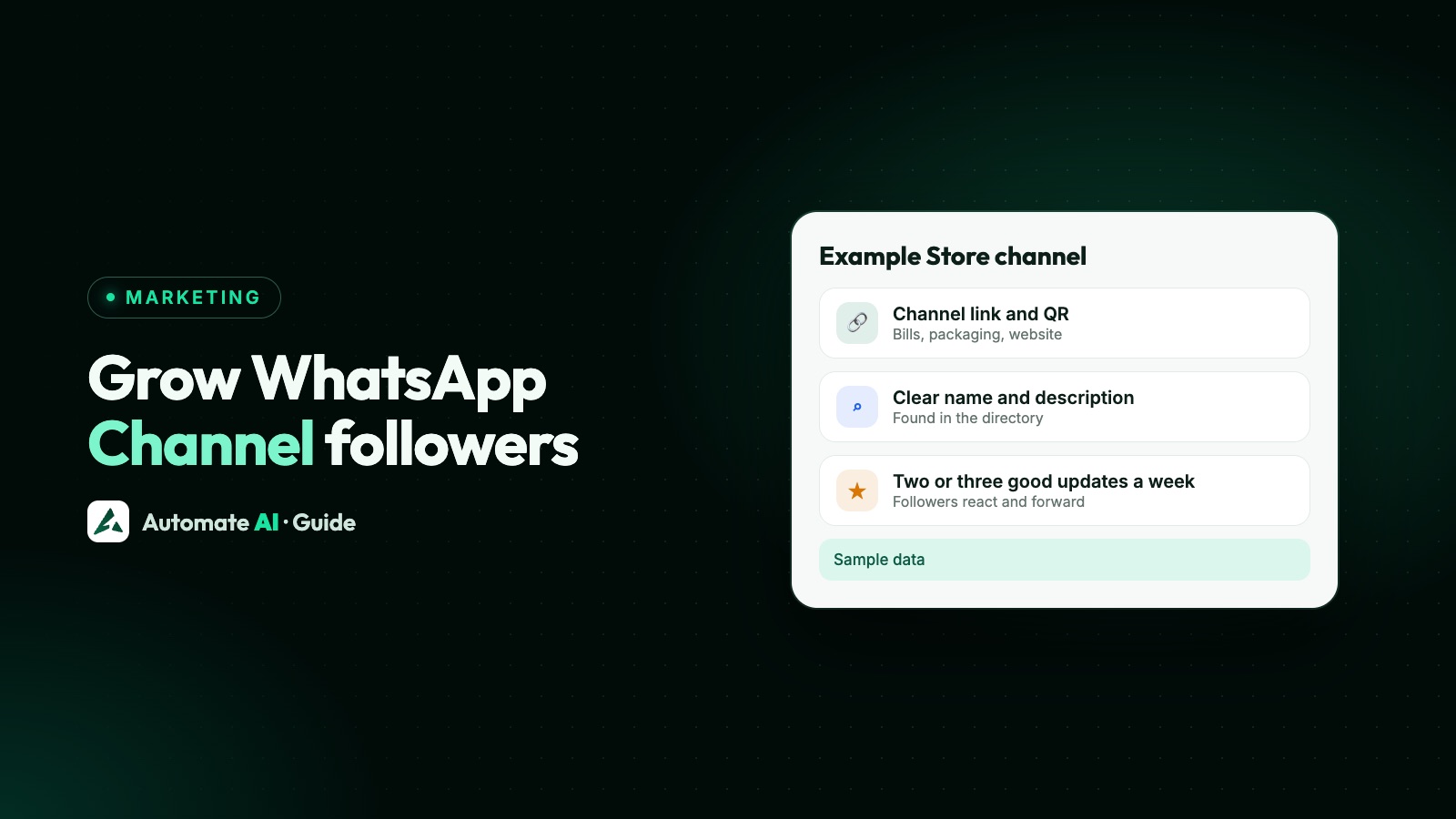
To increase WhatsApp Channel followers, share your channel’s link and QR code everywhere your customers already are, give it a clear name and description so it can be found in the channel directory, and post useful updates on a steady schedule. WhatsApp says people find channels in three ways: a link shared on other websites or apps, followers sharing it with their contacts, and searching or browsing the directory.
There’s no free trick that adds real followers overnight, and “free follower” apps and bought followers cause more problems than they solve. This guide covers the methods that work, a week-by-week plan, how to read your channel insights, and what WhatsApp’s own rules say about faking growth.
Key takeaways
- Every channel has its own link and QR code. Put them on your website, bills, packaging, social profiles and email signature.
- The directory is filtered by country and language, and WhatsApp’s recommendations look at updates, reactions, posting frequency and follower count.
- A clear name and description matter: WhatsApp’s guidelines ask for a title that reflects the channel’s content.
- Too many or low-quality updates lead to unfollows, says WhatsApp. Post less, but make each update worth opening.
- Fake followers don’t react or read, and WhatsApp can remove a channel from the directory or suspend it for fraud.
Where WhatsApp Channel followers come from
Before spending effort, it helps to know the only doors in. WhatsApp’s Help Center lists them, and every growth method below uses one of them:
| Door | How it works | What you control |
|---|---|---|
| Your channel link and QR code | Anyone who opens the link or scans the code sees your channel and can follow it | Where you share it, and how you ask |
| Followers sharing | Followers can forward your channel or an update to their own contacts | Whether your updates are worth forwarding |
| Search | People type a name into channel search | A name people would actually search for |
| Directory and recommendations | People browse by category, or see “Find channels to follow” at the bottom of the Updates tab | Your name, description, posting rhythm and the reactions you earn |
| Promoted channels | Some channels pay to be shown, labelled “Ad”, where Meta offers it | Budget, if it’s available in your country |
Channels are one-way. Followers can react with an emoji and vote in polls, but they can’t reply, and they don’t see your number or each other’s. If you’re still deciding whether a channel is the right tool at all, read WhatsApp Channels vs Communities vs groups first.
Set up the channel so people say yes
A link only helps if the page it opens convinces people. When someone opens your channel, the name, description and latest updates decide whether they follow. Get these right first:
- Name it plainly. Use your business name plus what you post, such as “Example Store: new arrivals”. WhatsApp’s guidelines ask for a title that reflects the channel’s content and helps people decide.
- Write a one-line promise in the description. Say what you post and how often: “New stock and members-only prices, twice a week.”
- Add a clear icon, usually your logo, so it’s recognisable in the Updates tab.
- Post three or four good updates before you promote it. An empty channel gives visitors no reason to follow.
- Add admins if a team will post. WhatsApp lets you invite up to 16 extra admins, and every admin can see the channel’s insights.
You can create and run a channel from the WhatsApp Business app as well as regular WhatsApp. Channels are managed inside WhatsApp itself: Automate AI and other WhatsApp Business API platforms don’t post to them.
12 honest ways to get more followers
Each of these is free apart from your time. Pick the ones that match where your customers already see you.
Use your channel link and QR code
- Website: add “Follow us on WhatsApp” with the link in your header, footer or a thank-you page. On a phone, one tap opens the channel in WhatsApp.
- Shop counter and packaging: print the channel’s QR code on bills, bags, boxes, menus and posters, with one line on why to follow.
- Social profiles: add the link to your Instagram, Facebook and YouTube bios, and pin a post about it.
- Email signature and newsletter: one line under your name reaches everyone you already write to.
- Your WhatsApp Status: WhatsApp lets you share the channel link to your Status, which the contacts you share Status with can see.
Ask the customers you already talk to
- At the end of a good chat: after you’ve solved a problem, add “We post new arrivals on our channel” with the link.
- In an order confirmation email or receipt, where people are already paying attention.
- To opted-in WhatsApp contacts: send one invitation to customers who agreed to hear from you. See the sample message below.
Earn shares and directory reach
- Post things worth forwarding: price lists, today’s rates, a short how-to, an event date. Followers can forward updates to their chats.
- Use polls to ask what to stock or post next. Votes are a form of engagement, and the results give you content ideas. More in WhatsApp polls for business.
- Keep a steady rhythm. WhatsApp lists update frequency, reactions and follower numbers among the things it looks at when recommending channels.
- Cross-promote with partners: a supplier, an event venue or a business in a related trade can mention your channel in theirs, and you mention theirs.
Invite your WhatsApp contacts the right way
Your existing customers are the warmest audience you have. On the WhatsApp Business app, sharing the channel to your Status or in a chat is enough for a small circle. If you send messages through the WhatsApp Business API, an invitation to follow your channel is promotional, so it goes out as an approved marketing template, and only to people who opted in to hear from you.
A sample invitation you can adapt (demo data):
In Automate AI, you send this as a WhatsApp campaign: pick the approved template, choose the contacts or group, send now or schedule it, and see sent, delivered, read and button clicks. A contact who types STOP is opted out automatically. Two things to keep in mind:
- Send it once, not every week. Repeated invitations are exactly the kind of message people block and report. See how to reduce blocks and reports.
- WhatsApp currently doesn’t deliver marketing templates to US numbers, so US customers need the link another way. Details in WhatsApp marketing messages to US numbers.
What to post, and how often
WhatsApp’s Channels Guidelines say admins should avoid sending too many or low-quality updates, which could lead people to unfollow. A simple plan that suits most small businesses:
| Day | Update | Why it works |
|---|---|---|
| Monday | What’s new this week: one photo and a price | Gives followers a reason to check in |
| Wednesday | A poll: “Which colour should we restock?” | Easy to answer, and it tells you what to stock |
| Friday | A members-only offer or early access | A reason to follow rather than just visit your profile |
| Occasionally | A short how-to, an event date or behind the scenes | Something people want to forward |
Two or three good updates a week beat ten weak ones. Keep personal messages, order updates and support out of the channel, because followers can’t reply. Those belong in one-to-one chats.
Why fake followers hurt your channel
Searches for “WhatsApp channel followers increase free” lead to apps and sellers promising thousands of followers. Here’s what WhatsApp’s own pages say, and why it’s a bad trade even before the rules.
What WhatsApp’s rules say
- WhatsApp’s pages don’t have a rule that names “buying followers”. But the Terms of Service forbid creating accounts through unauthorized or automated means, and publishing falsehoods or misleading statements.
- The Channels Guidelines forbid fraud, including activity that purposefully deceives, impersonates or willfully misrepresents, or exploits WhatsApp or its users.
- The Supplemental Terms for Status and Channels list fraudulent activity among the things you must not do, and say WhatsApp may remove updates, restrict features, or disable or suspend an account.
- WhatsApp finds abuse with automated tools, human review and user reports. Its listed actions include removing a channel from the directory or search, revoking its invite link, suspending the channel and banning admins.
Why it backfires anyway
- They don’t react, vote or forward. WhatsApp lists reactions among the signals for recommending channels, so dead followers add nothing there.
- Your insights stop meaning anything. You can’t tell whether a post worked when most of your audience isn’t real.
- Real visitors notice a huge follower count next to updates with almost no reactions.
- “Free follower” apps can be risky: some ask you to log in or share codes. Never give anyone your WhatsApp verification code.
Measure growth with channel insights
WhatsApp gives channel admins metrics and insights about followers and reach, opened from your channel’s info page. WhatsApp’s Help Center article on channel metrics explains what each number means and when they’re available, so check it there, because WhatsApp changes these screens from time to time.
Look at three things each week: how many people followed and unfollowed, how many people your updates reached, and which updates got reactions or poll votes. Those tell you which promotion worked and which posts lost people.
A useful habit: change one thing at a time (say, adding the QR code to bills) and look at net follows two weeks later.
When a channel isn’t the right tool
Followers are an audience, not a customer list. You can’t message a follower one-to-one from the channel, personalise an update, or see who read it. Your follower list shows profile names, and the quick private-chat option is for followers who are already your contacts.
So most businesses pair the two: a channel for public updates, and opted-in one-to-one messages for orders, reminders and personal offers. For the one-to-one side, share a WhatsApp chat link and QR code next to your channel QR, so people can ask a question as well as follow. Our free WhatsApp link generator makes that chat link and a downloadable QR code. To build an opted-in list, see WhatsApp opt-in.
Frequently asked questions
How can I increase WhatsApp Channel followers for free?
Share your channel’s link and QR code on your website, bills, packaging, social profiles, email signature and Status, ask happy customers at the end of a chat, and post useful updates two or three times a week so people forward them.
Where do I find my channel link and QR code?
WhatsApp says every channel has an associated link and QR code that you can share to chats, Status and other apps. Open your channel and its channel info to share them.
Is buying WhatsApp Channel followers allowed?
WhatsApp’s pages don’t name it directly, but its terms forbid creating accounts by unauthorized or automated means and misleading activity, and its Channels Guidelines forbid fraud. WhatsApp can remove a channel from the directory, suspend it or ban admins.
Why doesn’t my channel show up in search?
WhatsApp filters the channel directory by country and language. Ask people to search for the exact name, or send them the direct link.
Can Automate AI post to my WhatsApp Channel?
No. Channels are managed in WhatsApp itself. Automate AI sends approved templates to opted-in contacts, which you can use to invite customers to follow your channel.
Can channel followers see my phone number?
No. WhatsApp keeps admins’ and followers’ phone numbers hidden from each other on channels.
Sources
- WhatsApp Help Center: About creating a WhatsApp Channel
- WhatsApp Help Center: How to create a WhatsApp Channel
- WhatsApp Help Center: How to find and follow WhatsApp Channels
- WhatsApp Help Center: About how WhatsApp recommends channels
- WhatsApp Help Center: How to see channel metrics and insights
- WhatsApp Channels Guidelines
- WhatsApp: Supplemental Terms of Service for Status and Channels
- WhatsApp Terms of Service
WhatsApp rules and prices change. We check these guides against Meta’s documentation, but always confirm current terms with Meta before you rely on them. Questions? Message us on WhatsApp at +91 836 977 8812.