Meta Ads for Clinics and Dentists: What’s Allowed and How to Get Bookings
Meta ads for clinics and dentists: Meta’s health ad rules, copy that passes review, sample ads, and a WhatsApp booking chat that keeps health details out.
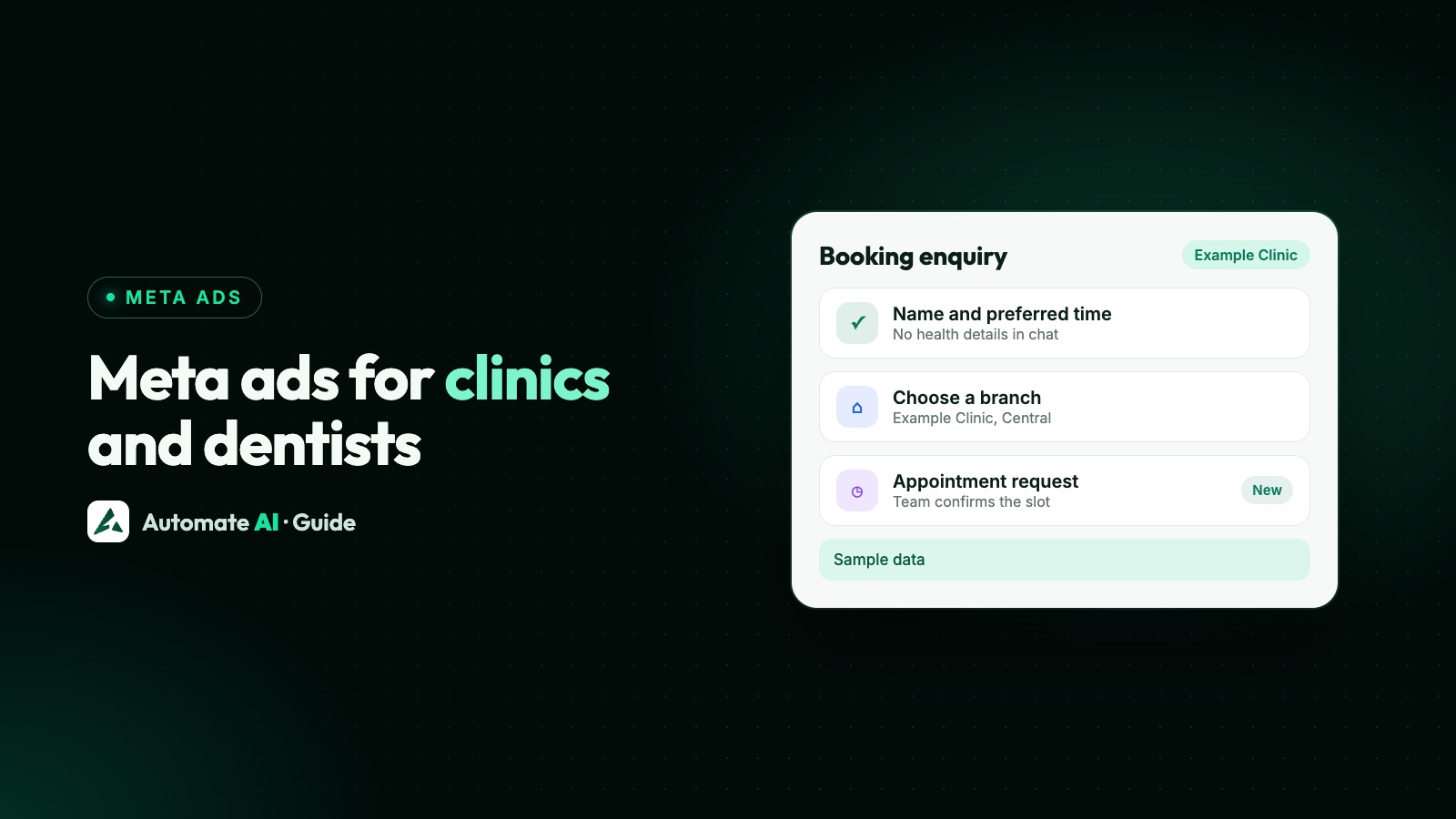
Clinics and dentists can run Meta ads, as long as each ad describes the service rather than the viewer’s health, makes no promise of results, follows Meta’s health and wellness rules, and books the appointment without asking for health details. The simplest route is an ad that opens a WhatsApp chat where patients pick a branch and a time.
This guide covers the Meta policies that catch clinic and dental ads, copy that’s safer to run, three sample ads, the audience rules for patient lists, and a booking chat that collects only a name, a preferred time and a branch. It explains platform rules, not medical or legal advice: your country’s rules for advertising medical services apply too.
Key takeaways
- Write about your service, never the viewer’s condition. “Do you have tooth pain?” breaks Meta’s personal attributes rule; “Same-week dental check-ups in Baner” doesn’t.
- Ads for cosmetic treatments must target people 18 or over, and copy must never put down how people look (Meta bans statements of inferiority about physical appearance).
- No ad may claim to cure conditions Meta lists as incurable, such as diabetes, or promise a result within a set time without qualifiers.
- A custom audience can’t be based on health information, so don’t upload a list of patients with a particular condition.
- In the chat, ask only for a name, preferred time and branch, and ask patients not to send symptoms or reports on WhatsApp.
Why clinic ads should open a WhatsApp chat
Before booking, patients ask practical questions: are you open on Saturday, which branch is nearer, how soon can I come in? A Click-to-WhatsApp ad opens a chat with your clinic number, with a greeting and a ready-typed message you write, so the first thing your front desk sees is a booking request.
Meta’s developer documentation describes these ads as sending people “directly into conversations” with your business on WhatsApp. In Meta Ads Manager you can also add ice breakers, short prompts such as “Book a check-up” or “Clinic timings”, so patients tap rather than type.
There’s a cost angle too. Meta’s pricing page says that when someone messages you from a Click-to-WhatsApp ad on the WhatsApp Android or iOS app and you reply within 24 hours, a free entry point window of up to 7 days opens, during which Meta doesn’t charge for your messages. That can cover the booking confirmation and a reminder if the visit falls inside it. Automate AI still charges its normal rates for those messages.
Meta’s health rules that catch clinic and dental ads
We read Meta’s Advertising Standards page on health and wellness. There’s no separate rulebook for clinics or dentists; these are the parts that apply most often:
| Rule | What Meta says | What it means for a clinic |
|---|---|---|
| Cosmetic procedures | Ads must target people 18 or over | Fillers, chemical peels, laser treatments and similar: adults only |
| Before-and-after | Allowed for cosmetic procedures in ads aimed at people 18 or over; no statements of inferiority about physical appearance, and no side-by-side comparisons for wrinkle treatments | Show realistic results, never shame the “before” |
| Cure claims | No claims to cure listed incurable conditions, such as diabetes or cancer | Say you help manage a condition, never that you cure it |
| Clickbait | No promises of specific outcomes within a set time without qualifiers | Drop “pain-free in 3 days” and “perfect smile in a week” |
| Weight loss | Ads must target people 18 or over | Weight management clinics: adults only |
| Family planning and fertility | Clinic and IVF ads only for people 18 or over | Target adults only |
| Dental products | Products such as teeth whitening are exempt from the age rule | A whitening kit ad can reach everyone; a cosmetic procedure ad can’t |
Prescription medicines are covered by Meta’s separate drugs and pharmaceuticals policy, which has its own requirements, so most clinics are better off advertising the consultation rather than any medicine.
Describe the service, not the patient
A common reason clinic ads are rejected is a different rule: personal attributes. Meta’s Advertising Standards say ads can’t assert or imply a person’s physical or mental health, including medical conditions, or imply knowledge of a user’s medical information. Meta’s own example: “Do you have diabetes?” is not allowed, while “New diabetes treatment available” is.
| Risky copy | Safer copy |
|---|---|
| Suffering from tooth pain? | Same-week dental appointments at our Baner clinic |
| Your back pain ends here | Physiotherapy sessions, Monday to Saturday |
| Embarrassed by your smile? | Teeth whitening consultations with our dentists |
| Struggling with your weight? | Weight management consultations for adults |
| Cure your diabetes naturally | Diabetes care clinic with regular check-ups |
| Perfect teeth in 7 days | Ask us what clear aligner treatment involves |
The same applies to the greeting and pre-filled message in the chat, because they’re part of the ad. More reasons ads get turned down are in why Click-to-WhatsApp ads get rejected.
Audiences and patient lists
Location does most of the work for a clinic. Patients rarely travel far for a check-up, so start with your area and a modest radius, and leave interests empty so the copy and picture find the audience.
- No health-based custom audiences. Meta’s Custom Audience terms say the audience, its name and its criteria must not be based on health information. A list called “Root canal patients” or “Diabetic patients” breaks this even if it holds only phone numbers.
- A plain list is different. “Patients who visited in the last year” describes a relationship with your clinic, not a condition. You still need a legal basis to upload it, and people who opted out must be left out.
- Don’t describe health in targeting. Meta removed detailed targeting options about topics people may see as sensitive, including health causes, in January 2022, so build audiences from location, age and your own customer lists with a legal basis, never from health information.
- Check local law. Many countries treat patient data as specially protected. If in doubt, don’t upload it.
How customer list audiences work, and which contacts you may include, is in Meta ads custom audiences.
Keep health details out of the WhatsApp chat
WhatsApp’s Business Messaging Policy says not to use WhatsApp for telemedicine or to send or request health-related information where the rules require stronger safeguards than WhatsApp offers. It also bars asking for full card numbers, financial account numbers and ID numbers. The safe approach is to use the chat for booking only.
- Ask for: the patient’s name, a preferred day and time, and the branch.
- Don’t ask for: symptoms, reports, prescriptions, photos of the problem or insurance numbers.
- Say so in the greeting: “Please don’t send symptoms or reports here; the doctor will go through everything at your visit.”
- Offer a person. WhatsApp’s policy requires a clear way to reach a human, so let patients ask for the front desk.
- Handle replies that include health details by moving the conversation to a phone call or the visit, and don’t ask follow-up questions in the chat.
Our healthcare page covers the day-to-day side: reminders, report-ready alerts and the shared front-desk inbox.
Three sample clinic ads
Each ad has three bits of text: the ad itself, the pre-filled message the patient sends with one tap, and the greeting your clinic shows. Naming the service in the pre-filled message tells your team which ad the chat came from. These are our own samples with made-up clinics.
1. Dental check-ups (sample: Example Dental Care, Baner)
- Primary text: Check-up and cleaning at Example Dental Care, Baner. Weekday and Saturday slots, two minutes from Example Chowk. Message us to pick a time.
- Headline: Book a dental check-up
- Pre-filled message: Hi, I’d like to book a dental check-up.
- Greeting: Thanks for messaging! Which day suits you? Please don’t send symptoms or reports here.
2. Physiotherapy (sample: Example Physio Clinic, Manchester)
- Primary text: One-to-one physiotherapy sessions at Example Physio Clinic, open until 8 pm on weekdays. Message us to book your first appointment.
- Headline: Evening physio appointments
- Pre-filled message: Hi, I’d like to book a physio appointment.
- Greeting: Happy to help! Would you prefer a weekday evening or a Saturday morning?
3. Skin clinic consultation (sample: Example Skin Clinic, Dubai), adults only
- Primary text: Chemical peel consultations at Example Skin Clinic with our dermatologists. We’ll explain the treatment and aftercare at your visit. Message us to book.
- Headline: Book a peel consultation
- Pre-filled message: Hi, I’d like to book a skin consultation.
- Greeting: Thank you! Which branch and day work for you?
Use real photos of your clinic and team rather than stock images. More layouts across industries are in Click-to-WhatsApp ad examples.
From ad to booked appointment
A chatbot can handle the booking questions, with the front desk confirming. A sample flow for the dental ad, with made-up names and times:
- Patient sends: “Hi, I’d like to book a dental check-up.” The greeting asks which day.
- Chatbot: “Which branch?” with buttons Baner · Aundh.
- Patient taps Baner. Chatbot: “Which time suits you?” as a list of the clinic’s usual slots; the front desk confirms the exact time.
- Patient picks Thursday 11 am. Chatbot asks for the patient’s name and saves it to the contact.
- Front desk confirms in the same chat: “Booked: check-up at Example Dental Care, Baner, Thursday 11 am. See you then!”
- The day before, a utility template reminds them, with Confirm and Reschedule buttons.
Building the booking chatbot is covered in how to take appointment bookings on WhatsApp, and reminder wording in WhatsApp appointment reminders. Chatbots are in the AI + Automation Plan and Series 4.
Set up and measure clinic ads in Automate AI
Meta Ads is in Automate AI’s main menu on every plan, for account owners and managers. Meta bills the ad spend to your own ad account.
- Connect your ad account with Continue with Facebook and pick the clinic’s ad account and Page.
- Describe the service in a line, such as “dental check-up and cleaning, weekdays and Saturdays, Baner”. AI drafts the headline, text, greeting and pre-filled message if you’ve added your own AI key in Settings; otherwise write them yourself. Check every line against the rules above.
- Set the area: your city with a radius from 17 to 80 km, or the clinic’s address with a radius from 1 to 80 km. Ages run from 18 up to 65, where Meta’s top setting means 65 and over.
- Add a photo, set a daily budget and publish. Nothing is spent until you publish, and Meta reviews the ad first.
- Tag each ad in Settings › Lead Sources with a phrase from its pre-filled message, such as “dental check-up”.
- Mark outcomes with contact statuses such as Booked and Visited.
- Compare spend, chats started and new contacts for every ad in Meta Ads.
Count booked and attended appointments per ad, not chats. Feature details are on the Click-to-WhatsApp ads page.
Frequently asked questions
Can clinics and dentists advertise on Facebook and Instagram?
Yes. Ads must follow Meta’s Advertising Standards: describe the service, not the viewer’s health, make no cure claims for incurable conditions, and target adults for cosmetic procedures.
Can a dental ad show before-and-after photos?
For cosmetic treatments in ads aimed at people 18 or over, Meta allows before-and-after transformations for cosmetic procedures, but the ad must not make statements of inferiority about how people look. Keep results realistic.
Why was my clinic ad rejected?
Often because it asked or implied something about the viewer’s health, such as “Suffering from back pain?”. Rewrite it to describe your service, and remove any promise of results within a set time.
Can I upload my patient list as a custom audience?
Not one based on health information, such as patients with a particular condition. A general list of past visitors may be possible if you have a legal basis and leave out people who opted out. Check your local data rules first.
Can patients send symptoms or reports on WhatsApp?
Ask them not to. WhatsApp’s policy says not to send or request health-related information where rules require stronger safeguards. Use the chat to book, and discuss health details at the visit.
Is this medical or legal advice?
No. It explains Meta’s and WhatsApp’s platform rules. Medical advertising rules vary by country, so check yours or ask a professional body.
Sources
- Meta Advertising Standards: Health and wellness
- Meta Advertising Standards: Privacy violations and personal attributes
- Meta: Custom Audience terms
- WhatsApp Business Messaging Policy
- Meta for Developers: Click-to-WhatsApp ads
- Meta for Developers: Updating Meta’s detailed targeting options (2021)
- Meta: Pricing on the WhatsApp Business Platform (free entry point window)
WhatsApp rules and prices change. We check these guides against Meta’s documentation, but always confirm current terms with Meta before you rely on them. Questions? Message us on WhatsApp at +91 836 977 8812.