Meta Verified for Business: Plans, Price and What You Get
Meta Verified for Business explained: Standard, Plus, Premium and Max plans, prices on Meta’s page, WhatsApp benefits, who can subscribe and how to cancel.
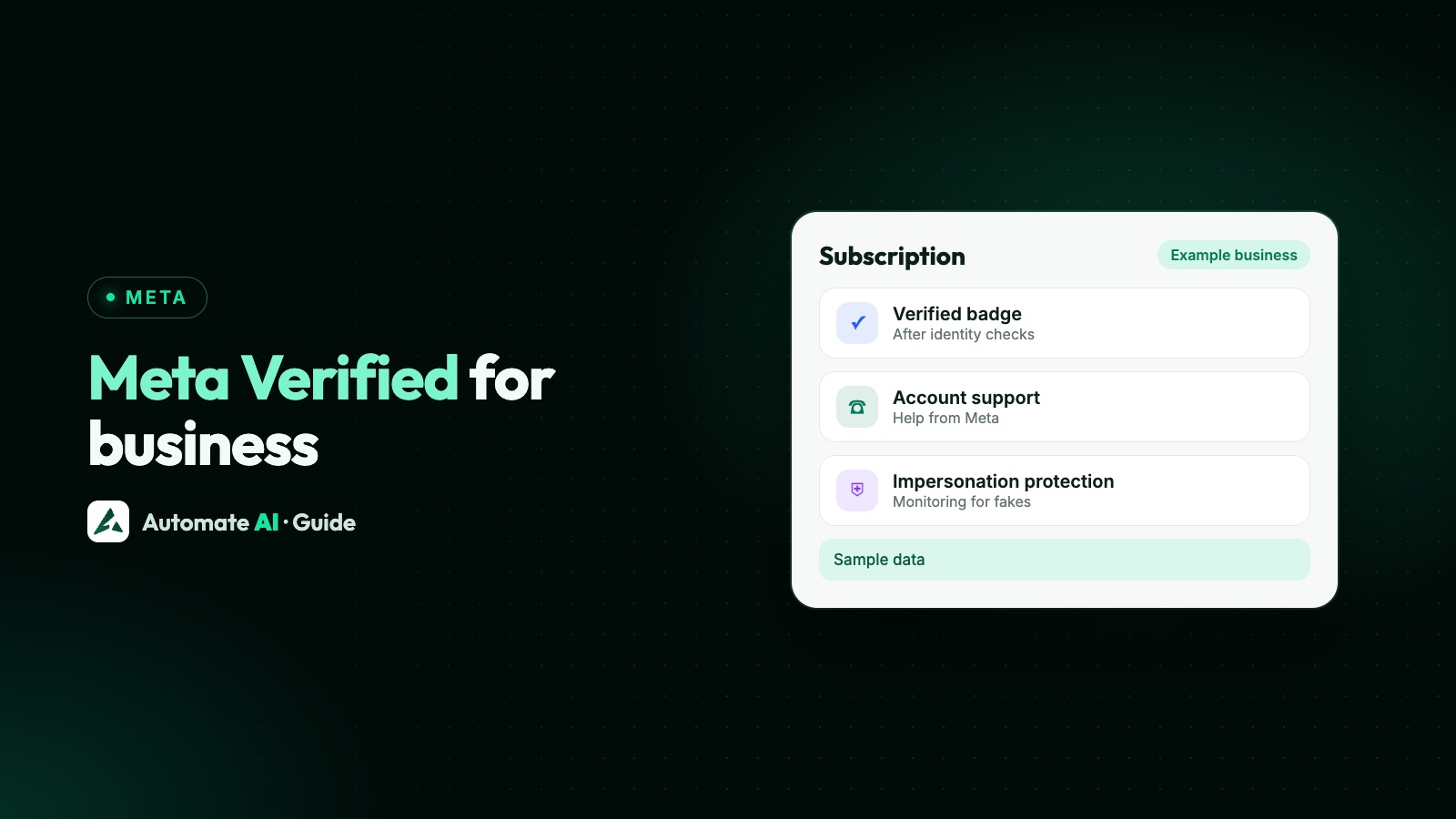
Meta Verified for Business is Meta’s paid subscription that gives one Facebook Page, Instagram account or WhatsApp number a verified badge, impersonation protection and better support. It comes in four plans: Business Standard, Plus, Premium and Max. On 25 November 2026 Meta’s page listed them at $14.99, $49.99, $149.99 and $499.99 a month per account, and it says plans, prices and availability vary by region.
This guide sets out what each plan includes on WhatsApp, who can subscribe, how to do it in the WhatsApp Business app, what happens when you cancel or change number, and when a business is better served by the WhatsApp Business API. For the badge itself and the free API route, see our WhatsApp verified badge guide.
Key takeaways
- One subscription covers one asset: a Facebook Page, an Instagram account or a WhatsApp phone number. Benefits don’t extend to other accounts in your business portfolio.
- All four plans include the verified badge and impersonation protection. Higher plans add more verified channels, more linked devices, business broadcasts and protected business accounts.
- Meta decides which plans you can buy from your business activity, so you may not see all four.
- On WhatsApp you subscribe in the WhatsApp Business app under Tools › Meta Verified. Meta reviews it in up to three business days and refunds the first payment if it can’t verify you.
- The subscription can’t be transferred, and changing your number cancels it.
- Meta Verified is for the WhatsApp Business app. Numbers on the API get the badge through an Official Business Account request instead.
What Meta Verified for Business is
Meta Verified for Business is a monthly subscription from Meta for businesses on Facebook, Instagram and WhatsApp. You choose which asset to subscribe, and the badge shows where that asset appears:
| Asset you subscribe | Where Meta shows the badge |
|---|---|
| Facebook Page | The Page and Messenger |
| Instagram account | Instagram and Threads |
| WhatsApp phone number | Your WhatsApp business profile, chat header and channel |
Meta’s page notes that the other benefits aren’t yet available on Threads or Messenger. On WhatsApp, the Help Centre says the badge can also appear in the calls tab, context cards and incoming calls from verified businesses.
Meta has since launched Meta One, a newer subscription it says builds on Meta Verified, and Meta Verified’s features are now available in it. How Meta One’s business bundle relates to the badge is covered in green tick vs blue tick.
Meta Verified business plans and prices
This is how Meta’s Meta Verified for Business page listed the plans when we opened it on 25 November 2026. Each price is for subscribing one Facebook Page, Instagram account or WhatsApp number:
| Plan | Price on Meta’s page | Adds over the plan before |
|---|---|---|
| Business Standard | $14.99 a month | Verified badge, impersonation protection, enhanced support and profile, one verified WhatsApp channel, 4 linked devices |
| Business Plus | $49.99 a month | Featured profile, reel links, more business addresses, 3 verified channels, 6 linked devices, business broadcasts |
| Business Premium | $149.99 a month | Employee impersonation protection, custom chat themes, 5 verified channels, 8 linked devices, 10 protected business accounts |
| Business Max | $499.99 a month | Personalised content strategy advice, active case monitoring, 10 verified channels, 10 linked devices, 50 protected business accounts |
- Prices vary. Meta’s page shows these figures with a $ sign and no country, adds a lower price for Business Standard bought on desktop in New Zealand, and says plans, benefits and availability may vary by region, app and account. The WhatsApp Help Centre adds that prices may change with discounted offers.
- Check your own price in the app. The WhatsApp Business app shows the package Meta recommends for you before you pay, so check the price there. Our verified badge guide notes the India launch price from 2024.
- Facebook and Instagram together save 20% on the total, according to Meta’s page.
- Not every plan for everyone. Meta decides which plans you can access from your activity on its apps, such as profile visits, post engagement, status views and, where the law allows, message conversations.
What you get on WhatsApp in each plan
The WhatsApp Help Centre lists these benefits for a subscribed WhatsApp Business app number:
| Benefit on WhatsApp | Standard | Plus | Premium | Max |
|---|---|---|---|---|
| Verified badge | Yes | Yes | Yes | Yes |
| Impersonation protection | Yes | Yes | Yes | Yes |
| In-app support | Yes | Prioritised | Prioritised | Prioritised |
| Verified channels | 1 | 3 | 5 | 10 |
| Business web page | Yes | Yes | Yes | Yes |
| Linked devices | Up to 4 | Up to 6 | Up to 8 | Up to 10 |
| Send business broadcasts | No | Yes | Yes | Yes |
| Protected business accounts | No | No | 10 | 50 |
What these mean in practice:
- Protected business accounts (Premium and Max) help protect associated accounts from being falsely banned for impersonation, in WhatsApp’s words. They can still be banned for breaking the WhatsApp Business Terms.
- Linked devices let more of your team answer from the same number on other phones or computers.
- Business broadcasts are the app’s paid way to message many customers at once; see WhatsApp Business broadcast pricing.
- A business web page is a simple page for your business with its own link address.
Who can get Meta Verified for Business on WhatsApp
Meta says Meta Verified for businesses is available in select regions. On WhatsApp, its eligibility page says you must be at least 18, have a phone number in a country where it’s offered, and follow Meta Verified for Business terms and the WhatsApp Business terms. Your WhatsApp Business account must:
- have been on the WhatsApp Business app for a certain number of days;
- have sent a message recently;
- be located in a country where Meta Verified for WhatsApp Business is available;
- have a profile name and a profile picture;
- not already have an active Meta Verified subscription through Meta Business Suite.
If you’re not eligible yet, Meta offers a waitlist, though it says joining doesn’t mean you’ll get early access. If you already have a verified badge, Meta says you keep it with no action needed.
How to subscribe in the WhatsApp Business app
Have your business details ready first. The business name must match the documents you verify with, and if the account is linked to Facebook or Instagram you may need to log in with full control admin permissions. Then:
- In the WhatsApp Business app, tap Tools on the chat list.
- Tap Meta Verified. If it isn’t there, it isn’t available to you yet.
- Tap Continue, then the button for the recommended subscription package.
- Select the account or accounts to verify. You can bundle linked Facebook or Instagram accounts. Tap Continue.
- Set up a payment method and tap Pay to make the first payment, then Next.
- Select your business and tap Next, or tap None of these matches my business.
- Choose a verification method, enter the details, and tap Next or Submit, then Done.
Meta says review can take up to three business days, longer when there are many applications, and that your first payment is refunded if it can’t verify your business.
Managing, cancelling and changing number
Manage the subscription in the app under Tools › Meta Verified › Manage Subscription. To cancel, tap Cancel subscription, give a reason, then confirm. From WhatsApp’s help pages:
- Benefits last until the end of the billing period. After that the badge goes, your web page is removed 15 days after the subscription ends, and linked devices beyond your four most recently used are removed.
- Coming back means resubscribing, relinking devices and creating a new web page address.
- Changing your phone number cancels an active subscription. You subscribe again with the new number.
- No transfers. You can’t move it to another WhatsApp Business account. A second account needs its own subscription, in a different business portfolio.
- A new phone is fine. Moving the account to a new device doesn’t affect the subscription.
- Switching to regular WhatsApp removes the verified status. WhatsApp says you may be able to ask your app store for a refund.
Meta Verified or the WhatsApp Business API?
Meta Verified is built for the WhatsApp Business app. For a number on the WhatsApp Business Platform (API), Meta’s route to the badge is requesting an Official Business Account, which has no fee but strict requirements. We cover that route step by step in the verified badge guide, so here’s only the short version:
| Meta Verified (Business app) | Official Business Account (API) | |
|---|---|---|
| Cost | Monthly subscription per number | No fee for the request |
| Badge | Yes, once verified | Yes, if Meta approves the request |
| Team access | Up to 4 to 10 linked devices by plan | A shared inbox through your provider |
| Messaging many customers | Business broadcasts on Plus and above | Approved templates, campaigns and automation |
| Ads that open a chat | Yes | Yes, with replies from a team, chatbot or AI |
The badge itself doesn’t raise messaging limits or lower message prices; Meta business verification is one way to raise messaging limits on the API. If you’re weighing up the move, WhatsApp Business app limitations lists where the app stops scaling.
Is Meta Verified for Business worth it?
| If you | Consider |
|---|---|
| Run a small shop on the Business app and copycats use your name | Business Standard, for the badge and impersonation protection |
| Need several staff on one app number and want to broadcast | Business Plus, or compare with moving to the API |
| Have staff being impersonated | Business Premium or Max, for employee impersonation protection (2 or 5 employees) and protected business accounts |
| Want the badge but already use the API | An Official Business Account request, not Meta Verified |
| Want more customers, not a badge | Ads that start WhatsApp chats, and fast replies |
The badge builds trust, but it doesn’t bring people to your chat. If more enquiries are the goal, Click-to-WhatsApp ads do that job. In Automate AI you create them from Meta Ads in the main menu on every plan: describe your offer, check the ad AI writes, publish, and each chat arrives in the shared inbox as a new contact, with spend and cost per chat for every ad. See Click-to-WhatsApp ads in Automate AI. If you run lead forms instead, the Facebook Lead Ads integration, in the AI + Automation Plan and Series 4, saves each lead as a contact and can send a WhatsApp template at once. To move your number to the API first, start with the WhatsApp Business API overview.
Frequently asked questions
How much is Meta Verified for Business?
On 25 November 2026 Meta’s page listed Business Standard at $14.99, Plus at $49.99, Premium at $149.99 and Max at $499.99 a month, each for one Facebook Page, Instagram account or WhatsApp number. Meta says prices and plans vary by region, so check the price in the app before you pay.
What is the difference between Business Standard, Plus and Max?
All include the badge and impersonation protection. On WhatsApp, Standard has 1 verified channel and 4 linked devices; Plus adds business broadcasts, 3 channels and 6 devices; Max has 10 channels, 10 devices and 50 protected business accounts, plus content strategy advice.
How do I get Meta Verified on WhatsApp Business?
In the WhatsApp Business app, tap Tools › Meta Verified, choose the package, select the accounts, pay, and verify your business. Meta reviews it in up to three business days.
Can I get Meta Verified on a WhatsApp API number?
No. Meta Verified is for the WhatsApp Business app. API numbers get the verified badge by requesting an Official Business Account, which has no fee.
Does one subscription cover Facebook, Instagram and WhatsApp?
No. Each price is for one asset. Meta’s page says subscribing Facebook and Instagram together saves 20%, and benefits don’t extend to other accounts in your business portfolio.
What happens if I change my WhatsApp number?
The subscription is cancelled, and you need to subscribe again with the new number. It also can’t be transferred to another WhatsApp Business account.
Sources
- Meta: Meta Verified for Business (plans and prices)
- WhatsApp Help Centre: About Meta Verified for Business on WhatsApp
- WhatsApp Help Centre: How to subscribe to Meta Verified for Business on WhatsApp
- WhatsApp Help Centre: Eligibility requirements for Meta Verified on WhatsApp
- WhatsApp Help Centre: How to manage or cancel your Meta Verified subscription
WhatsApp rules and prices change. We check these guides against Meta’s documentation, but always confirm current terms with Meta before you rely on them. Questions? Message us on WhatsApp at +91 836 977 8812.