Boost Post vs Ads Manager: Which to Use on Facebook and Instagram
Boost post vs Ads Manager on Facebook and Instagram: what each does, boosting on Instagram without Facebook, what boosts cost, and which suits WhatsApp leads.
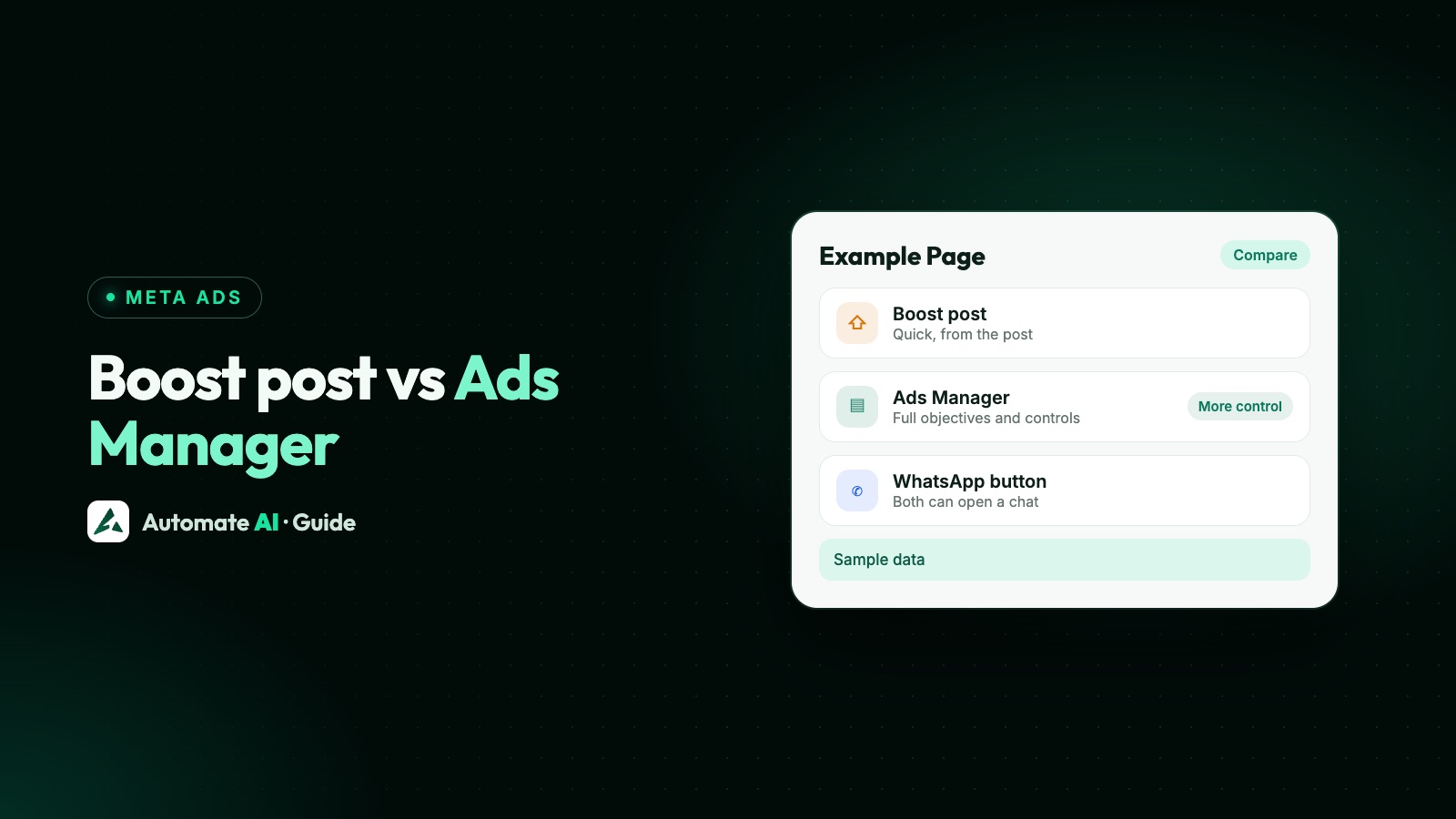
Boost a post when you want a post that’s already doing well to reach more people quickly, with a simple goal, audience, budget and duration. Use Ads Manager when you need a specific objective such as leads or sales, more placements, new creative, custom or lookalike audiences, or proper testing. Both are paid ads, and both appear on your bill as ads.
This guide compares the two side by side, shows how to boost on Facebook and Instagram (including without a Facebook Page), explains what a boost costs and how to avoid a fee people miss, and covers the best route when what you actually want is WhatsApp chats.
Key takeaways
- A boosted post is an ad made from something you already posted. It has fewer goals, placements and targeting options than an Ads Manager ad.
- Ads Manager adds objectives like leads, sales and app promotion, more placements, custom and lookalike audiences, and new creative such as carousels.
- You can boost on Instagram without a Facebook Page only the first time you boost, and on that route you can’t use saved audiences.
- Boosts have no fixed price: you set a daily budget and duration. On iPhone and iPad, Apple may add a 30% service fee when you pay in the app.
- Both a boost and Ads Manager can make an ad that opens a WhatsApp chat; Ads Manager gives you more control over it.
Boosted post vs Ads Manager ad: the short answer
Meta’s own description is simple: a boosted post is an ad you create from existing content on your Facebook Page or Instagram account, such as a post, story or reel. An ad made in Ads Manager (or Meta Business Suite) is built from scratch inside a campaign, with many more settings.
| Boost post | Ads Manager | |
|---|---|---|
| Starts from | A post, story or reel you already published | New creative, or an existing post |
| Goals | A short list, such as messages, engagement, leads, website visitors or calls | Six objectives, including Leads, Sales and App promotion |
| Placements | Facebook feeds, with Instagram and a few others you can tick | Also Facebook side ads, Messenger, Instagram Stories, WhatsApp Status and Audience Network |
| Targeting | Location, age, gender and interests | Also custom audiences, lookalikes and finer audience controls |
| Creative | The post as it is, with optional text variations | Carousels, per-placement edits, Advantage+ creative and more |
| Budget | Daily budget and duration, or run until the budget is spent | Daily or lifetime budgets, schedules and bid strategies |
| Testing and tracking | Results in the Page’s Ad Center or Instagram insights | A/B tests, Pixel and Conversions API, full reporting |
| Where you do it | Facebook Page, Instagram app or instagram.com | Ads Manager on a computer or the Ads Manager app |
A boost isn’t a worse ad. It’s a shortcut with fewer choices. Meta suggests boosting when the aim is engagement or awareness for your Page, and Ads Manager when you need more advanced ad types.
When boosting is the right call
- A post is already doing well. Meta points out that lots of comments, likes and shares usually mean a post resonated, so boosting it puts proven content in front of more people.
- You’re short of time. A boost takes a few taps: goal, audience, budget, duration.
- You want local reach for an event, a new branch or a weekend offer.
- You’re testing an idea cheaply before building a proper campaign around it.
- You only have a phone. Boosting works in the Instagram and Facebook apps.
If a boost keeps working, Meta lets you re-boost the same post. You don’t have to post first, either: create a new post and choose Boost instead of Publish.
When to use Ads Manager instead
- You want leads or sales, not likes. Meta says boosts focus on website clicks, Page engagement and local promotion, while objectives such as Leads, Sales and App promotion are in Ads Manager. See Meta ads objectives.
- You want to target your own customers, leave them out, or find people like them with a lookalike. See Meta custom audiences and lookalikes.
- You need control over placements, such as Stories only, or WhatsApp Status.
- You want to test two images, two offers or two audiences against each other.
- You track conversions with the Meta Pixel or Conversions API and want Meta to optimise for them.
- You run several ads under one budget, with schedules and clear naming.
You can still use your best post in Ads Manager. In the ad, choose Use existing post under Ad setup, then Select post, so the ad keeps the post’s content. Two catches from Meta’s help: a post with a call to action for a different goal (for example Shop now) can’t be used for some ad types, and changing details on the ad, such as adding a phone number, also changes the original post. Making ads from existing posts in Ads Manager works on a computer only.
New to campaigns, ad sets and ads? Start with Meta Ads Manager for beginners.
How to boost a post on Instagram
You need a professional account (business or creator). In the app:
- Go to your profile and tap the post you want to boost.
- Below the image, tap Boost.
- Set the goal (what people should do), the audience, the budget per day and the duration, then tap Next.
- Tap Preview ad to check the placements and Advantage+ creative.
- Tap Boost post. Meta reviews the ad before it runs, and you get a notification when it’s approved or rejected.
Boosted Instagram posts can appear in Explore, home feed, profile feed and Stories. On instagram.com the steps are the same: open the post, click Boost, fill in the details and select Boost post. You can also boost an Instagram post from your Facebook Page on a computer, once the two are connected.
Boosting on Instagram without Facebook
Yes, it’s possible, with limits. Instagram’s help says that if you’re boosting from a professional account for the first time, you don’t have to connect a Meta ad account or a Facebook Page. Businesses that have boosted before can’t use this route.
| Boost without an ad account | Boost with a Meta ad account | |
|---|---|---|
| Who can | First-time boosters only | Anyone with a professional account |
| Payment | You enter payment details on Instagram | Your ad account’s payment method |
| Saved audiences | Not available | Available |
| Where you manage it | In Instagram only | In Instagram and Ads Manager |
Connecting an ad account takes a Facebook login, and anyone with access to your Instagram professional profile can then use that ad account and see its payment information. Decide who has access before you connect.
What a boost costs
There’s no fixed price for a boost. You choose how much to spend per day and for how long, and Meta charges for delivery within that budget, the same way as any other ad. Meta publishes no standard cost per boost, so don’t trust a single “price to boost a post” figure: what you pay for results depends on your audience, goal, creative and competition.
To plan a budget from the leads you need, try our Meta ads calculator with your own numbers, and read how Meta ads budgets work.
Boosting for WhatsApp chats
If the goal is conversations, a boost can open WhatsApp directly. Your WhatsApp Business account (app or API) must be connected to your Facebook Page or Instagram account first.
- From your Facebook Page: click Advertise, choose Create new ad, pick the goal Get more messages, select WhatsApp and your number, set a welcome message, then the audience, schedule and budget. Meta says this works for posts with external links, videos and single photos.
- From Instagram: tap Boost post on the post, choose the goal Message you, then WhatsApp Business and a call to action.
If Ads Manager or your Page says a WhatsApp number is missing, see “WhatsApp number required” in Meta Ads Manager. Ads made inside the WhatsApp Business app itself are a separate route, covered in ads from the WhatsApp Business app.
For a business that runs ads every week, a boost soon feels limited: one post at a time, few placements, and only the basic targeting and goals. That’s when Ads Manager, or a tool built on it, earns its place.
Making and tracking chat ads from Automate AI
Automate AI doesn’t boost posts. Its Meta Ads menu (every plan, for owners and managers) creates full ads in your own ad account, the Ads Manager way, without you building the campaign by hand:
- Connect your ad account with Continue with Facebook and pick the ad account and Page.
- Choose what the ad is for: WhatsApp chats, website visits, lead forms, phone calls, Messenger, Instagram messages, reach or website sales.
- Describe the offer in a line. AI drafts the headline, text, audience and the WhatsApp greeting. Edit anything and add a photo.
- Set the daily budget and an optional end date, check the preview and publish. Ads are created paused, so nothing is spent until you publish, and Meta reviews them first.
Chats from the ad arrive in the shared inbox as new contacts. Meta Ads also lists every ad in the connected account, including ones made in Ads Manager, with spend, clicks, chats started and cost per chat. A boost charged to that ad account is an ad in it, so it can show up there too; because it uses an existing post, its text can’t be changed in Automate AI, so edit the post itself or make a new ad. For lead form ads, the Facebook Lead Ads integration (AI + Automation Plan and Series 4) saves each lead as a contact and can send an approved WhatsApp template straight away. More on the ad side in Click-to-WhatsApp ads.
Frequently asked questions
Is boosting a post the same as running an ad?
Yes, a boosted post is a paid ad, and it appears on your bill as one. It’s made from an existing post and has fewer goals, placements and targeting options than an ad made in Ads Manager.
Is it better to boost a post or use Ads Manager?
Boost for quick reach or engagement on a post that’s already doing well. Use Ads Manager for leads, sales, custom or lookalike audiences, more placements, new creative and testing.
Can I boost a post on Instagram without Facebook?
Only if you’re boosting from a professional account for the first time. Then you don’t need a Meta ad account or Facebook Page, but you can’t use saved audiences and you manage the ad in Instagram only.
How much does it cost to boost a post on Instagram?
There’s no fixed price. You set a daily budget and duration. If you add funds in the Instagram app on an iPhone, Apple may take a 30% service fee, so instagram.com or a computer can cost less.
Can a boosted post send people to WhatsApp?
Yes. On a Facebook Page choose the goal Get more messages and WhatsApp; on Instagram choose Message you and WhatsApp Business. Your WhatsApp Business account must be connected first.
Can I turn a boosted post into an Ads Manager ad?
You can use the same post in Ads Manager with Use existing post when you create the ad. Changing details on that ad, such as a phone number, also changes the original post.
Sources
- Meta Business Help Centre: How to choose an ad objective in Meta Ads Manager
- Meta Business Help Centre: The difference between boosted posts and Meta ads
- Meta Business Help Centre: About boosted posts
- Meta Business Help Centre: Boost a post on Instagram
- Instagram Help Centre: About Meta ad account options for ads on Instagram
- Meta Business Help Centre: How to create ads that click to WhatsApp from your Page
- Meta Business Help Centre: Create ads that click to WhatsApp from Instagram
- Meta Business Help Centre: How to create ads from existing posts in Meta Ads Manager
WhatsApp rules and prices change. We check these guides against Meta’s documentation, but always confirm current terms with Meta before you rely on them. Questions? Message us on WhatsApp at +91 836 977 8812.