Meta Ad Account Disabled: Why It Happens and How to Appeal
Meta ad account disabled? Find the cause in Business Support Home, fix a failed payment or a hacked account, request a review, and keep WhatsApp chats going.
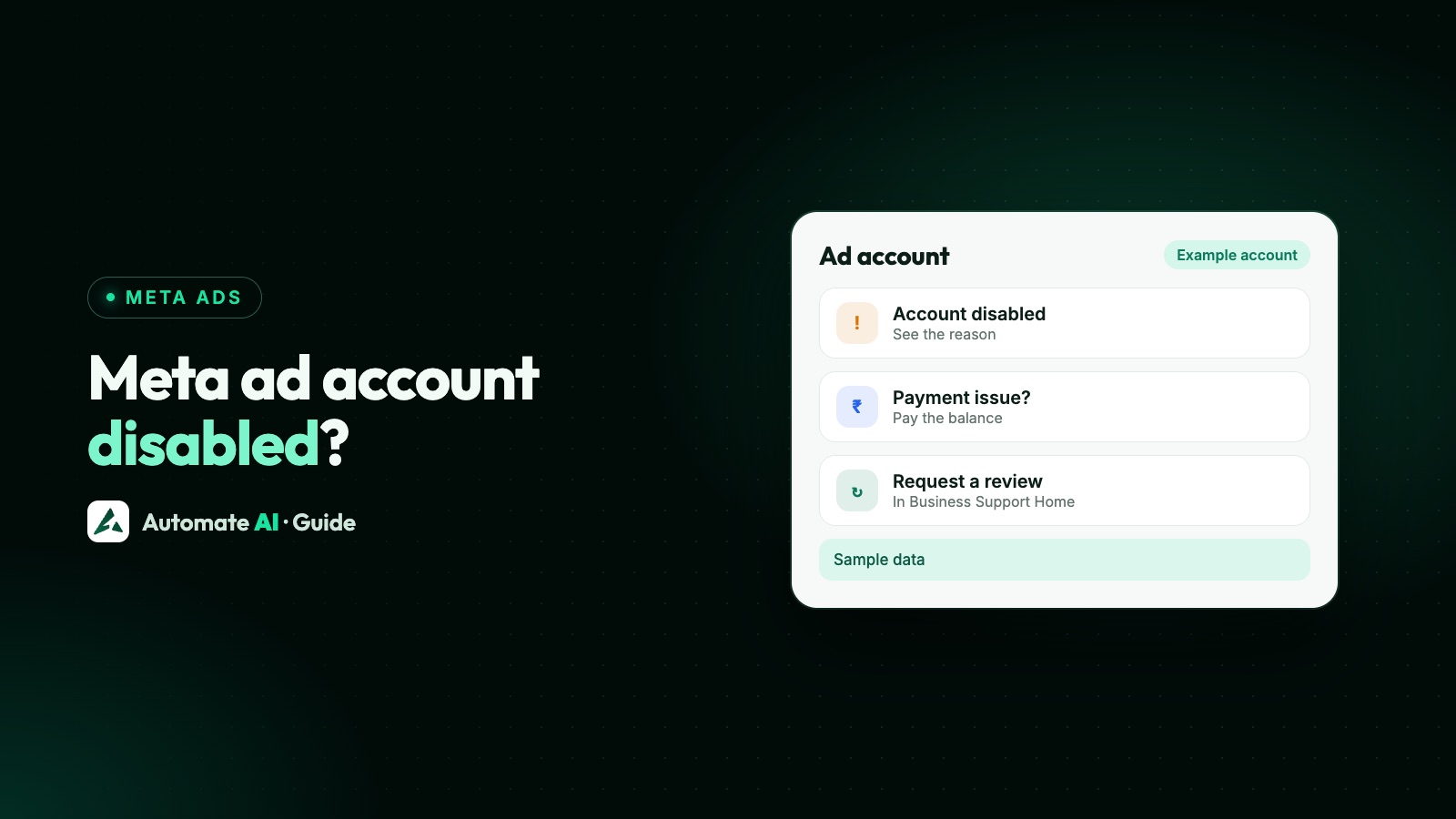
If Meta disables your ad account, open Business Support Home on a computer, click the disabled account and follow the steps under “What you can do”. Meta disables ad accounts for three broad reasons: a policy violation, a failed payment, or activity that looks like a hacked or risky account. Each has a different fix. A failed payment is usually solved by paying the balance; a policy or security disable is solved by confirming your identity, securing the account or requesting a review.
This guide helps you work out which one you have, what to do in the right order, what to write in a review request, and what not to do while you wait. It sticks to what Meta’s Business Help Centre says. Meta decides every review, so nobody (including us) can promise an account will come back or say exactly when.
Key takeaways
- Start in Business Support Home › Account overview: click the disabled account and read What you can do, which lists the steps Meta wants from you.
- A failed payment pauses your ads and disables the account until the amount due is paid. That one is fixed in Billing and payments, not with an appeal.
- Policy and security disables may ask you to confirm your identity, complete verification, secure your account or request a review. Only an admin of the account can request a review.
- Meta says reviews are typically done in 48 hours, sometimes longer. You get a limited number of requests, and the decision after a review is final.
- If the account is reinstated, ads don’t restart on their own. Turn them back on in Ads Manager.
- Don’t open a new ad account to carry on: Meta lists evading enforcement as a reason to restrict more of your assets.
What “ad account disabled” means
An ad account is where your campaigns live and where Meta bills your spend. Meta’s help page on advertising restrictions says that if an ad account is restricted, “your ad account, its ads and some of its advertising assets are disabled”.
Meta can restrict advertising at four levels: the business portfolio, the ad account, the Page and your personal profile. A rejected ad is a separate, smaller problem. It helps to know which one you’re looking at:
| What’s restricted | What it stops | Read this |
|---|---|---|
| One ad (rejected, not a restriction) | Only that ad | Click-to-WhatsApp ad rejected |
| The ad account | All ads in that account | This guide |
| The Page | The Page isn’t allowed to advertise | Business Support Home, same review steps as below |
| Your personal profile | You can’t advertise; ad accounts where you’re the only user may be disabled too | This guide (the profile section) |
| The business portfolio | The whole portfolio can’t advertise | Meta business portfolio restricted |
Restrictions aren’t always a full stop. Meta says they can also be a lower daily spending limit or payment threshold, or the loss of some payment or advertising features. If ads are running but slowly, that’s a different problem: see Meta ads not delivering.
Why Meta disables ad accounts
Meta’s help pages list these situations. Match yours before you do anything else:
| Cause | What Meta says | Usual fix |
|---|---|---|
| Failed payment | Ads are paused and the account is disabled until the amount due is paid | Pay the balance or add funds |
| Policy violations | Not following the Community Standards, Advertising Standards, Commerce Policies or other terms | Fix the cause, then request a review if you think it’s wrong |
| Hacked or compromised account | Meta suspects the business portfolio or its assets were compromised | Secure the account, then follow the steps shown |
| Missing two-factor authentication | The advertiser doesn’t meet Meta’s two-factor requirements | Turn on two-factor authentication |
| Unusual payment or account activity | High rates of failed or disputed payments, or other unusual activity | Follow the steps shown; Meta may limit features while it investigates |
| Incomplete verification | Meta may ask you to confirm your identity or complete verification | Complete the step it asks for |
Meta’s Ads Review Policy adds what it weighs when it restricts a business: severe or repeated policy violations, evading review and enforcement, using inauthentic accounts to set up assets and run ads, and managing assets connected to other abusive assets.
Disabled “for no reason”? Where to find the real one
Meta does give a reason, but it isn’t always where you first look. Check these in order:
- Business Support Home. Go to Meta Business Support Home, pick 14, 30 or 90 days with the calendar icon, and look in the Outstanding tab of Recent account issues. Click the account for details. The Resolved tab shows past issues.
- Billing and payments. An “unsettled” message or a failed charge means it’s a payment disable, not a policy one.
- Other people on the account. In Account settings, under Ad account roles, see who has access. If one person’s profile was restricted and they were the only user, Meta says their ad accounts may be disabled too.
- Signs of a hack. Meta says that when it sees suspicious activity it may remove admins, pause ads or change payment methods to recover an account. If you see changes you didn’t make, treat it as a security problem first.
- Past rejections. Rejected ads can add warnings to the account, and severe or repeated violations can lead to a restriction. Editing or deleting a rejected ad doesn’t remove the violation.
Meta is open that mistakes happen. Its page on enforcing the Advertising Standards says review is largely automated and that both machines and people make mistakes. That’s exactly what a review request is for.
Disabled after a failed payment: how to fix it
This is usually the quickest to fix. Meta says that when a payment fails, your ads are paused and the ad account is disabled until you’ve paid the amount due, and you won’t get more charges until you do. To pay:
- Go to Billing and payments and select the ad account.
- Click Payment methods.
- Click Pay now (automatic billing) and choose a payment method or add a new one, or click Add funds if the account uses prepaid funds.
- If the payment keeps failing, try again later with a different card, then use Contact support at the bottom of Business Support Home.
Before you retry, check what Meta lists: the method is supported in your country and enabled for online payments, a card has a CVV and hasn’t expired, it has enough funds, you can receive the OTP, and it isn’t already on too many ad accounts (Meta says typically up to ten). Meta notes that advertisers in India may not be able to use Pay now or Add funds once the account is disabled, which is when Contact support matters.
Once the balance is paid, Meta says it resumes active and scheduled ads. After Add funds it can take a little while. Add a backup payment method to prevent a repeat, and see the Meta ads payment threshold.
Disabled for policy or security: how to appeal
You may see “Account Quality” in older emails and guides. Meta now says Account Quality is Business Support Home, and that’s where the steps are:
- On a computer, open Meta Business Support Home and select Account status overview (or Account overview).
- Click the disabled ad account.
- Look for What you can do. Meta may ask you to confirm your identity, complete verification, secure your account or request a review. Do them in the order shown.
- To appeal, choose Request review and complete the on-screen steps. You must be an admin on the account.
- Track the decision in Business Support Home.
Meta says a review is typically completed in 48 hours, though some take longer. If it decides the restriction should stay, the account stays blocked; if not, it removes the restriction and reinstates the account. You can request an advertising restriction review only a limited number of times, and once the review is complete the decision is final. Meta says asking for a review won’t hurt your standing.
What to include in your request
- What happened, in plain words: what the account advertises and to whom.
- What you changed, such as removing the ad that broke a policy or taking out a claim you can’t back up.
- Security steps, if a hack was involved: two-factor authentication on, unknown people removed, passwords changed.
- Business details that match your documents. See Meta business verification.
When your own profile or a hacked login is the problem
Meta’s restriction can sit on the person, not the account. If your Facebook or Instagram profile is restricted from advertising, you can’t advertise or create ads, and ad accounts where you’re the only user may be disabled. Other members of the business portfolio, ad account or Page may still be able to advertise. That’s why one admin alone is a risk: see give access to a Facebook ad account to add a second person properly.
If you think the account was hacked, secure it before you appeal. Meta’s ads review policy page points to business.facebook.com/hacked to report a compromised business account. Then, in Meta Business Suite’s Security Centre:
- Require two-factor authentication. Meta says it’s required for many business portfolios that are 90 days or older and recommends it for everyone with access.
- Add another person with full control, so the business isn’t locked out if one person leaves.
- Check Payment activity in Billing and payments for charges you don’t recognise, and the ad account roles for people you didn’t add.
What not to do while you wait
- Don’t open a new ad account to keep the same ads running. Meta lists evading or attempting to evade its review and enforcement as a reason to restrict businesses, and that can spread to more of your assets.
- Don’t delete rejected ads in a hurry. Meta says deleting a rejected ad may lose your chance to request a review of it, and it doesn’t remove the violation anyway.
- Don’t use throwaway Facebook profiles to manage ads. Meta names inauthentic accounts as a reason for restrictions.
- Don’t pay anyone who promises reinstatement. Only Meta decides, inside Business Support Home.
Keep WhatsApp enquiries going meanwhile
A disabled ad account stops ads. Meta enforces WhatsApp messaging separately, so your WhatsApp number can keep working unless the WhatsApp account has a restriction of its own. Check your WhatsApp accounts in Business Support Home too. While the ads are off:
- Reply to every chat you already have, quickly. People who messaged you are your warmest leads.
- Message customers who opted in to hear from you with an approved template. See WhatsApp opt-in.
How this works with Automate AI
Click-to-WhatsApp ads made in Automate AI’s Meta Ads menu run on your own Meta ad account: you connect it with Continue with Facebook, and Meta bills the ad spend to that account. So a disable, an appeal or a payment problem is always handled in Meta’s own tools, by an admin of your account. Automate AI checks the account’s status when you connect it. In the Continue with Facebook list, an account that can’t run ads is marked “not active” and can’t be picked. If you type its ID instead, the app says why in plain words, such as Disabled by Meta, Has an unpaid balance or Under risk review by Meta, and asks you to fix it in Meta Ads Manager first.
Once Meta reinstates the account and you’ve turned the ads back on, Meta Ads shows spend, chats started and cost per chat for every ad in it, including ones made in Ads Manager, and chats land in your shared inbox. More on the ad builder in Click-to-WhatsApp ads. If you’re unsure what a message from Meta means, contact us and we’ll talk it through.
Frequently asked questions
Why was my Meta ad account disabled?
Usually a failed payment, a policy violation, or activity that looks like a hacked or risky account. Business Support Home shows which: click the disabled account and read the details and What you can do.
How do I appeal a disabled Meta ad account?
As an admin, open Business Support Home on a computer, select the disabled account in Account status overview, choose Request review under What you can do and complete the steps, then track the decision there.
How long does a Meta ad account review take?
Meta says reviews are typically completed in 48 hours, although some take longer. It doesn’t promise a date, and you can request a review only a limited number of times.
My ad account was disabled after a payment failed. Do I need to appeal?
Usually not. Pay the amount due in Billing and payments with Pay now or Add funds, and Meta resumes active and scheduled ads. If paying keeps failing, use Contact support in Business Support Home.
Can I just create a new ad account?
Not to get around the disable. Meta lists evading enforcement as a reason to restrict more of a business’s assets. Fix the cause and request a review instead.
Will my ads restart if the account is reinstated?
No. Meta says ads that were running before the restriction don’t restart automatically. Turn them back on in Ads Manager, or in Automate AI’s Meta Ads menu if you manage them there.
Does a disabled ad account stop my WhatsApp messages?
Not by itself. Ads and WhatsApp messaging are enforced separately, so your WhatsApp number can keep sending and receiving. Check your WhatsApp accounts in Business Support Home too, since they have their own status.
Sources
- Meta Business Help Centre: Troubleshoot a disabled or restricted account
- Meta Business Help Centre: About advertising restrictions
- Meta Business Help Centre: Request a review if you are restricted from advertising
- Meta Business Help Centre: Fix a failed payment issue on Meta
- Meta Business Help Centre: About Meta Business Support Home
- Meta Business Help Centre: Troubleshoot unrecognised activity on your ad account
- Meta Business Help Centre: About the enforcement of Meta Advertising Standards
- Meta for Business: Ads review policy (advertising account restrictions)
- Meta Business Help Centre: Verify a contact from a Meta representative
- Meta Business Help Centre: About Security Centre
WhatsApp rules and prices change. We check these guides against Meta’s documentation, but always confirm current terms with Meta before you rely on them. Questions? Message us on WhatsApp at +91 836 977 8812.