Can Snapchat Ads Send People to WhatsApp?
Snapchat has no ad that opens WhatsApp itself. How to send Snapchat ad traffic to a WhatsApp chat with a link or lead form, and tell which ad worked.
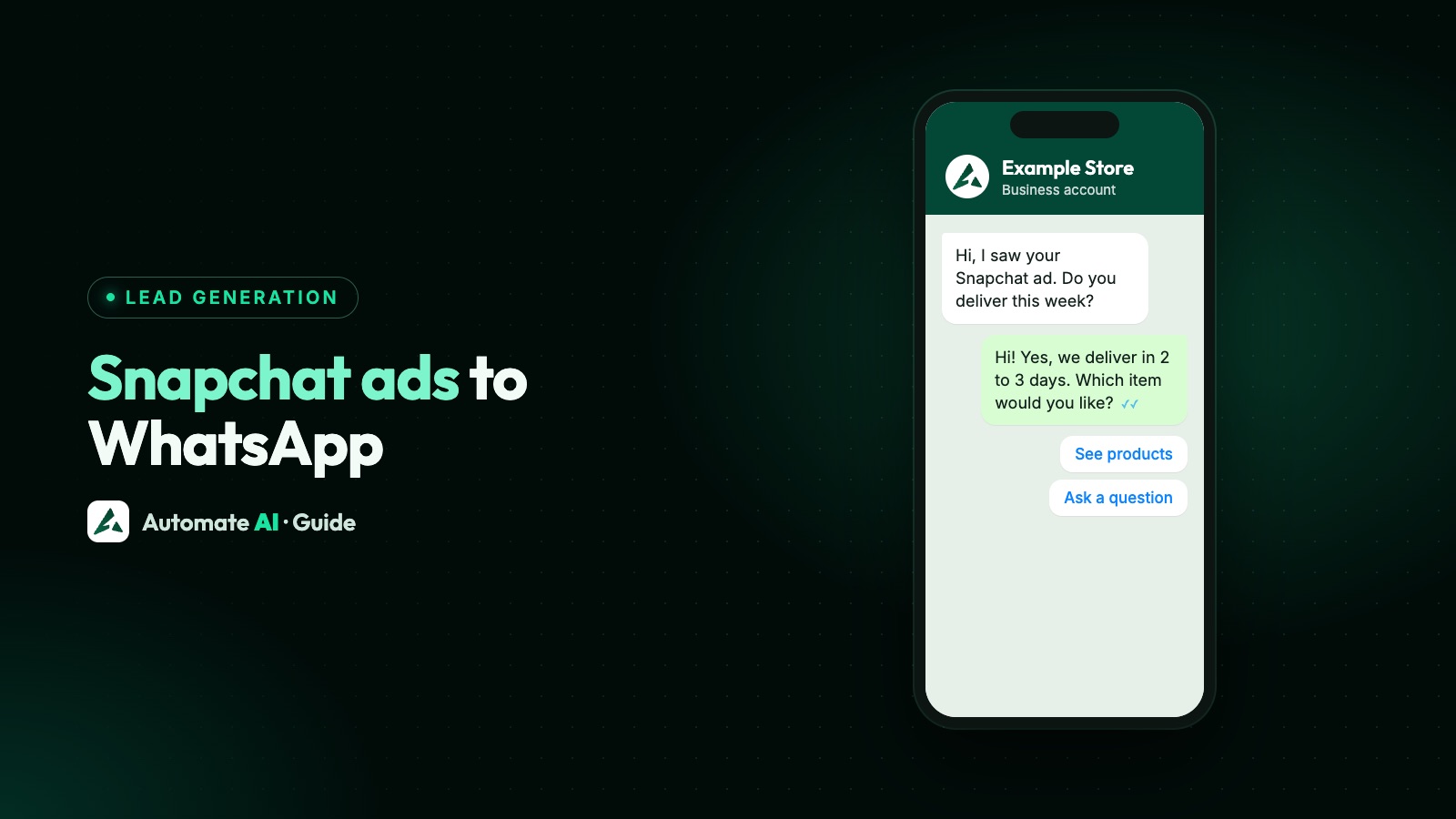
Yes, but only through a link: Snapchat has no ad format that opens a WhatsApp chat on its own, the way Meta’s Click-to-WhatsApp ads do on Facebook and Instagram. The practical route is a Snapchat ad with a website link that goes to a landing page with a WhatsApp button, or to a wa.me link with a message typed in.
This guide sets out what Snapchat ads can actually link to according to Snap’s own documentation, the three routes that end in a WhatsApp chat, sample messages for each ad, and how to tell which ad brought which chat. Snap’s pages don’t mention WhatsApp at all, so test every route on a real phone before you spend.
Key takeaways
- Snapchat ads can link to a website, an app, a deep link, a phone call or text, a lead form, a Lens or a reminder. None is a WhatsApp chat.
- The dependable route is a website link to a landing page with a WhatsApp button and a message typed in.
- A Snapchat lead form can feed a WhatsApp welcome template, if the form asks for consent and a developer connects it.
- Give each ad its own typed-in message and a Lead Source rule, because WhatsApp doesn’t pass UTM tags or ad IDs from Snapchat.
- Chats from Snapchat get the normal 24-hour window, not Meta’s free entry point window.
What a Snapchat ad can link to
Snap’s Marketing API lists five campaign objectives: Awareness and Engagement, Traffic, Leads, App Promotion and Sales. What happens when someone swipes up or taps depends on the attachment. From Snap’s developer documentation on creatives:
| Attachment | What it does | Gets you to WhatsApp? |
|---|---|---|
| Website (web view) | Opens a web page; the link must be https and up to 2,048 characters | Yes, through a landing page or a wa.me link |
| App install | Sends people to install your app | No |
| Deep link | Opens a place inside your own app, with an app store or website fallback | Not documented for WhatsApp |
| Call | Starts a phone call to a number verified in Ads Manager | No, it’s a phone call |
| Text | Starts a text message to a verified number, with an optional typed-in message of up to 160 characters | Snap doesn’t say it opens WhatsApp |
| Lead form | Collects details such as name, email and phone inside Snapchat | Yes, if you send a template afterwards |
| Lens | Opens an AR Lens | No |
Snap’s documentation says Call and Text attachments are only available in the United States, France, Qatar, Saudi Arabia, Egypt, Kuwait and the United Arab Emirates. The Text attachment starts a text message to a phone number, and nothing in Snap’s pages says it can open WhatsApp, so treat it as a phone text, not a WhatsApp chat.
Why there’s no Snapchat Click-to-WhatsApp ad
Click-to-WhatsApp is Meta’s own ad format, run from Facebook and Instagram. Meta adds the ad details to the first message, and its pricing page gives chats that start from those ads a free entry point window of up to 7 days, if you reply within the customer service window. A chat that starts from a Snapchat ad gets none of that. It’s an ordinary message from someone who tapped a link.
Automate AI’s Meta Ads menu creates Facebook and Instagram ads, including Click-to-WhatsApp ads. It doesn’t create or manage Snapchat ads, and it isn’t connected to Snap Ads Manager, so the campaign, budget and Snap’s reports stay in Snapchat. What Automate AI handles is the chat, from the first message.
If your audience is on Instagram as well, compare costs with a real Click-to-WhatsApp campaign: how Click-to-WhatsApp ads work explains the format.
Route 1: a landing page with a WhatsApp button
This is the route to start with. Snap reviews the landing page as well as the ad, and its policies reject pages that are broken, not made for phones, disruptive, unsafe or unrelated to the ad. A short page of your own passes those checks and gives visitors without WhatsApp another way in.
- Build one page per offer, with the same product, price and wording as the ad, and the WhatsApp button near the top on phones.
- Make the button a wa.me link with your number in full international format, no +, zeros, brackets or dashes, and a typed-in message added as
?text=with URL-encoded text, as WhatsApp’s Click to Chat help page describes. - Give each ad its own typed-in message, so the first line of the chat says where it came from (samples below).
- Add a privacy policy link if the page collects any personal details, which Snap’s policies require.
- Create the ad with the Traffic objective and a Website attachment pointing at the page.
- Test before launch: tap the ad preview on Android and on iPhone, press the button, send the message from a phone that isn’t your business number, and check it reaches your inbox.
Already have a button on your site? How to add a WhatsApp chat widget has the code, and our WhatsApp link generator builds the link.
Route 2: a wa.me link as the website
Snap’s website attachment needs an https link, and a wa.me link is one, so you can point an ad straight at it. It’s quicker, with one tap fewer for the viewer. Weigh it carefully:
- It isn’t a documented use. Snap’s pages don’t describe linking ads to a messaging app, and its review applies its landing page rules to wherever the ad goes.
- It opens inside Snapchat first. Snap shows website attachments in a web view, so whether WhatsApp takes over cleanly depends on the phone. Test on both Android and iPhone.
- No fallback. Viewers without WhatsApp, or on a phone where the handover fails, have nowhere to go.
If you try it, put a counted link in between. In Automate AI, Campaigns › Tracking › Smart links turns any http or https address, such as your wa.me link, into a short link that counts every tap, with an optional expiry date. Make one per ad and compare the counts with Snap’s swipe-ups. Don’t change a smart link’s destination after Snap approves the ad (Snap’s policy forbids changing a link after review), and don’t let it expire while the ad runs: an expired link shows a “Link Expired” page, which is a broken landing page.
Route 3: a Snapchat lead form, then a WhatsApp template
With the Leads objective, people fill in a form inside Snapchat, and you message them on WhatsApp afterwards. Snap’s Lead Generation Ads guide describes what a developer needs:
- A consent checkbox. Forms can carry up to two consent fields, each with its own wording and a required switch. Use one for WhatsApp, naming your business, because WhatsApp’s policy needs opt-in before you message anyone.
- A webhook per form. Snap sends each lead as JSON as it arrives. Only one webhook can be set per form, and creating it needs Organization Admin access to the ad account.
- A signature check. Snap signs each webhook, so the receiving step can confirm it really came from Snap.
Snap’s payload calls the number phone_number, while Automate AI’s contact webhook expects phone, an API key in the header, and only fields it knows. So a small step in the middle, on your server or in Zapier, has to pick out the fields, clean the number to digits with its country code (no spaces or dashes) and forward them. The contact webhook and API keys come with the AI Assistant + Marketing + Automation Plan and Series 4 (see pricing). Automate AI then saves the lead, adds it to a group and sends your approved welcome template. The full setup is in how to send website form leads to WhatsApp.
Typed-in messages and Lead Sources, ad by ad
WhatsApp passes the message text and nothing else: no UTM tags, no Snap ad ID. The typed-in message is your label. Original samples for made-up businesses:
| Ad | Typed-in message | Lead Source rule |
|---|---|---|
| Sneaker drop, video | Hi, I saw the Snapchat sneaker drop. Is size 9 in stock? | Words “Snapchat sneaker” → source “Snapchat: sneakers” |
| Café weekend offer | Hi, I’d like the Snapchat brunch offer for Saturday | Words “Snapchat brunch” → source “Snapchat: brunch” |
| Driving school | Hi, I came from Snapchat. When is the next beginner slot? | Words “came from Snapchat” → source “Snapchat: general” |
In Settings › Lead Sources, add the words and a source name for each ad. When a new contact’s first message contains those words (whole words, ignoring capitals and punctuation), Automate AI fills in their Lead Source, which shows in the chat list. You can have up to 50 rules, and existing contacts are never changed.
Two limits: people can edit the message before sending, and a returning customer won’t be tagged again. It’s a label, not exact accounting. A distinct word in each message can also start a matching keyword reply or chatbot (both on the AI Assistant + Marketing + Automation Plan and Series 4).
Tracking the click side
The other half of the picture is what happened before the chat. Three tools help:
- UTM tags with Snap’s macros. Snap’s API documentation lists macros for web view links, including
{{campaign.name}},{{adSet.name}}and{{ad.id}}. For Route 1, a landing page link such as?utm_source=snapchat&utm_campaign={{campaign.name}}&utm_content={{ad.id}}shows each ad’s visits in your analytics. - Snap events. Snap’s Conversions API event names include
PAGE_VIEWand five custom events,CUSTOM_EVENT_1toCUSTOM_EVENT_5. A developer can report a WhatsApp button tap as a custom event, so Snap sees more than page views. - Smart link counts for each ad’s WhatsApp link, as in Route 2.
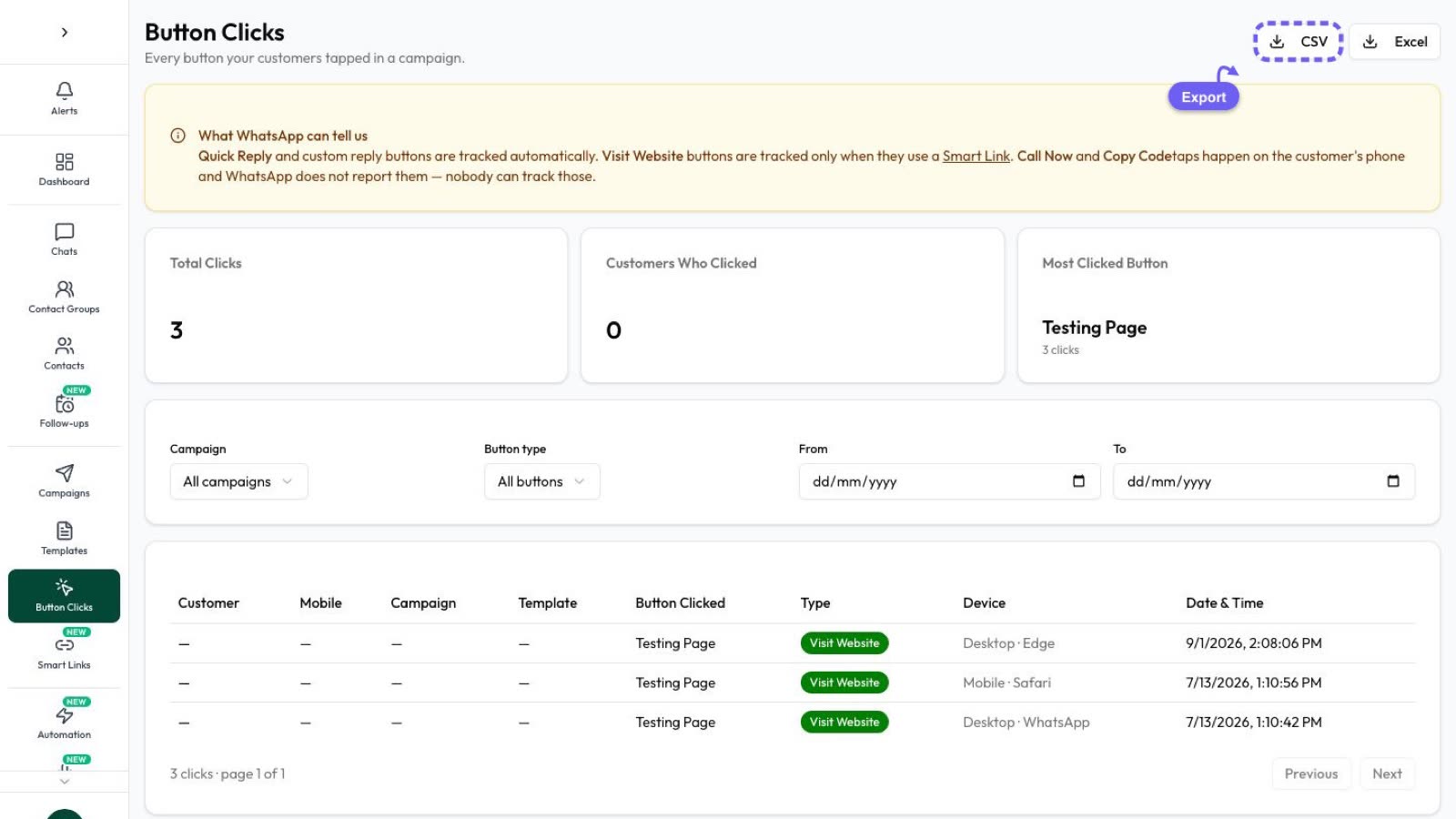
None of these says who bought. For that, move each chat through statuses such as New lead, Qualified and Won in Settings › Contact Statuses, and count Won contacts by Lead Source. How to track which ads bring WhatsApp buyers explains the Meta side, where the ad details do arrive with the chat.
After the chat starts
Once the viewer presses send, WhatsApp’s normal rules apply:
- A 24-hour customer service window opens. You can reply with any message inside it, and Meta gives each business number 1,000 free service messages a month.
- After 24 hours, you can only send approved template messages, charged by category.
- Offers need opt-in. A question about one pair of sneakers isn’t consent to promotions. Ask in the chat before the window closes; see WhatsApp opt-in.
Answer fast. On the AI Assistant + Marketing + Automation Plan and Series 4, a keyword reply or chatbot can greet each Snapchat chat at once, and your team picks it up in the shared inbox. Later, send WhatsApp campaigns to contacts who agreed. Running ads elsewhere too? See TikTok ads to WhatsApp and Google Ads clicks to WhatsApp, where each platform has its own WhatsApp option, and the 24-hour window.
Frequently asked questions
Can a Snapchat ad open WhatsApp directly?
Not with a built-in format. Snap’s attachments are a website, app, deep link, call, text, lead form, Lens or reminder. A website link to a landing page with a WhatsApp button, or to a wa.me link, is how you get there.
Does Snapchat’s Text attachment open WhatsApp?
Snap’s documentation says it starts a text message to a verified phone number and doesn’t mention WhatsApp. It’s also only available in a short list of countries.
Can Automate AI create Snapchat ads?
No. Its Meta Ads menu creates Facebook and Instagram ads only. Run Snapchat ads in Snap Ads Manager, and handle the chats that arrive in Automate AI.
Are WhatsApp chats from Snapchat ads free?
Snap charges for the ad. On WhatsApp, Meta’s free entry point window is only for its own Click-to-WhatsApp ads, so Snapchat chats use the normal 24-hour window and the monthly free service messages.
How do I know which Snapchat ad brought a chat?
Give each ad its own typed-in message and add a Lead Source rule for its words. Use UTM tags with Snap’s macros on the landing page for the click side.
Can I message people who filled in a Snapchat lead form on WhatsApp?
Yes, if the form asked for consent to WhatsApp messages from your business. A developer forwards each lead to Automate AI, which saves the contact and sends an approved template.
Sources
- Snap Marketing API: Creatives (attachments and web view macros)
- Snap Marketing API: Campaigns (objectives)
- Snap Marketing API: Lead Generation Ads Guide
- Snap Conversions API: Parameters (event names)
- Snap Advertising Policies: General requirements
- Snapchat for Business: Ad formats
- WhatsApp Help Center: How to use Click to Chat
- Meta: Pricing on the WhatsApp Business Platform
WhatsApp rules and prices change. We check these guides against Meta’s documentation, but always confirm current terms with Meta before you rely on them. Questions? Message us on WhatsApp at +91 836 977 8812.