WhatsApp Business Restricted for 24 Hours: What to Do
Restricted on WhatsApp Business? Find your real end time, what you can still do in the app or API, when a review helps, and why 24 hours is no fixed rule.
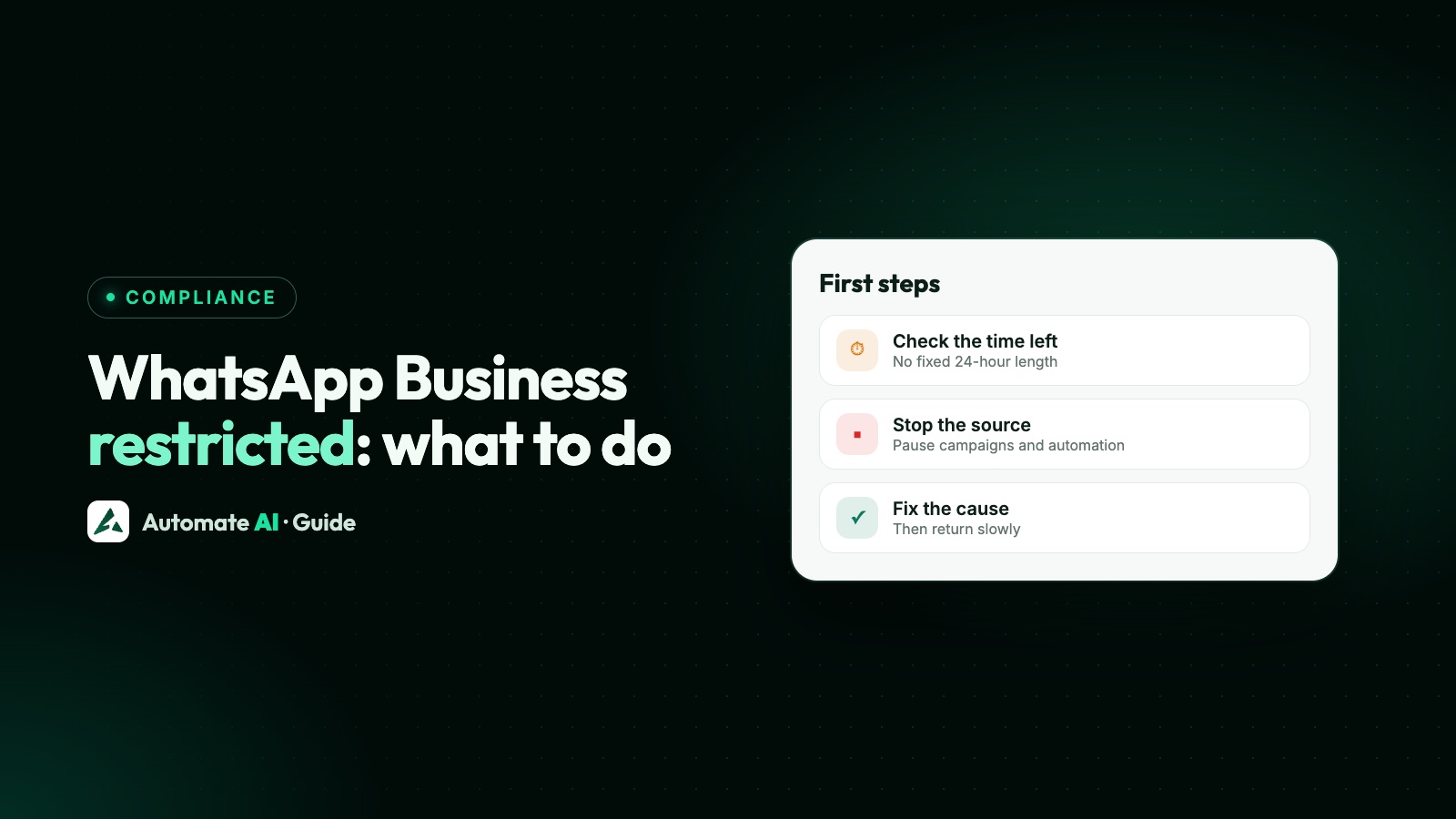
A WhatsApp Business restriction doesn’t have a fixed 24-hour length, so go by the time your own account shows. In the Business app, WhatsApp says a restriction ends on its own once the allocated time passes, and you can see the time left. On the WhatsApp Business API, Meta’s shortest published block is 1 day. Business Support Home shows your active restrictions, and developers get the type and expiry from the account_update webhook when it applies.
What to do next depends on which of the two you use. This guide shows how to find your end time, what you can still do, when a review is worth requesting, and what to change before the block ends. If your number is banned rather than restricted, go to the guide for the Business app or the API.
Key takeaways
- WhatsApp doesn’t publish a standard length for a restriction in the app. The time remaining shown on your account is the number to trust.
- App: tap New Chat and pick a contact you’ve never chatted with. The pop-up shows the time left, and the restriction ends without any action from you.
- API: Meta lists a 1 or 3-day template block, then a 5, 7 or 30-day block on all messages, then an account lock with no end date.
- A review can help on the API if the decision looks wrong. Meta says a decision can take 24 to 48 hours, and you stay restricted while you wait.
- Don’t move to another number, a modified app or a paid “unban” service. Fix what caused it, or the next step can be longer.
First, work out which restriction you have
“Restricted” covers several different things. The message you see tells you which one you have, and each has a different end and a different fix.
| What you see | Where | How long | Can you appeal? |
|---|---|---|---|
| “Your account is restricted right now” or “Your account may be restricted soon” | WhatsApp or Business app | No published length; the app shows the time left | WhatsApp’s page gives no review step and says it ends automatically; Meta’s Help Centre offers a review for Business app accounts |
| Can’t send marketing messages or business broadcasts | Business app | Three days, longer after repeats | Not for business broadcasts; you wait for it to end |
| “Temporarily banned” | WhatsApp or Business app | No published length | WhatsApp’s page mentions no appeal. Switch to the official app or stop scraping, or it may become permanent |
| Account restricted for a policy violation | API, in Meta’s tools | 1 or 3 days, 5, 7 or 30 days, or an indefinite lock | Usually yes, in Business Support Home |
| “This phone number can’t use WhatsApp” | WhatsApp or Business app | A ban, not a restriction | Tap Request review if the option is there |
If your whole business portfolio or ad account is limited, that’s a separate case. See Meta Business portfolio restricted.
Where the “24 hours” idea comes from
Several real WhatsApp timings involve 24 hours or one day, and it’s easy to mix them up. None of them means every restriction lasts a day:
| Timing | What it really is |
|---|---|
| Most ban reviews are completed within 24 hours | WhatsApp’s wording for banned numbers that requested a review, not restrictions |
| 1-day template block | The shortest block Meta lists for the API; a 3-day block is the other option at this level |
| 24 to 48 hours | How long Meta says an API appeal decision typically takes |
| 24-hour customer service window | How long you can send free-form replies after a customer writes. It’s not a penalty. See the 24-hour window |
If you’re restricted in the Business app
WhatsApp says you don’t need to do anything to remove the restriction. It ends once the allocated time passes, and you get a notification in WhatsApp. Its stated reason is that recent activity might show signs of spam, automated or bulk messaging.
How to see the time remaining
- Open the app and tap New Chat.
- Select a contact you’ve never chatted with before.
- Read the pop-up. It shows the time remaining if the account is still restricted.
What you can and can’t do
| You can still | You can’t |
|---|---|
| Chat with contacts you’ve exchanged chats or calls with before | Start chats or calls with new contacts |
| Keep using groups you’ve already chatted or called in | Create new groups, or add new members to groups |
| Wait it out with no action needed | Use linked devices, and you may be logged out of some companion devices |
Use the time to answer existing customers normally and clean up what caused it. WhatsApp also warns that anyone engaging in spam, automated or bulk messaging could have their account banned, so don’t go back to the same habits when the timer ends.
If only marketing messages or broadcasts stopped
WhatsApp suspends marketing messages or business broadcasts for three days if a business keeps sending spam after a warning. Access returns automatically on the date and time shown in the app. Repeated restrictions can mean longer suspensions. Anything you’d scheduled won’t be sent, and you aren’t charged for it. WhatsApp says business broadcast suspensions can’t be appealed, and it also tells you not to message the same contacts straight after you get access back.
If your notice appears in Meta’s tools rather than the app, follow the API section below. Meta’s Help Centre says its review covers WhatsApp Business app accounts too, which differs from WhatsApp’s own page, so go by what your notice offers.
If you’re restricted on the WhatsApp Business API
On the API, enforcement goes in steps for repeated breaches of WhatsApp’s policies. Severe harm, such as scams, can lead to immediate removal instead.
| Step | What’s blocked | How it ends |
|---|---|---|
| Warning | Nothing yet; the warning names the policy | Change what caused it |
| 1 or 3-day block | Marketing, utility and authentication templates, and adding phone numbers | At the end date, or if an appeal reverses it |
| 5, 7 or 30-day block | Sending any messages, and adding phone numbers | At the end date, or if an appeal reverses it |
| Account lock | All sending, with no end date | Only through an appeal |
| Permanent disablement | Removal from the platform | After warnings and restrictions with no change |
Meta’s Help Centre describes a restricted account more broadly: it can’t send new messages or reply to customers, customers may still message you, and your account data, message history and business profile stay intact. So don’t assume replies still work. Check what your own notice blocks.
How to find your restriction and any end date
- Business Support Home (Meta Business Suite › All tools): shows the policy, active restrictions, what happens if it repeats and how to appeal.
- Notices: Business Manager notifications, a banner in WhatsApp Manager and email to all admins, so keep admin emails current.
- Developers: the
account_updatewebhook sends anACCOUNT_RESTRICTIONevent with the restriction type and a Unix timestamp for when it expires. Types include blocks on messages you start, replies to customers and adding numbers. - Send errors: codes 368 and 131031 point to an account restricted or disabled for a policy violation, although 131031 can also mean request data, such as a two-step PIN, didn’t match. More in WhatsApp API error codes.
Should you request a review?
Only if you believe the decision is wrong, or you have the facts to show it was. A review isn’t a way to speed up a restriction you earned. Meta says not all spam violations can be appealed, so some businesses simply have to wait.
- Open Business Support Home and select the restricted account.
- Choose the violation and click Request review.
- Follow the steps. Meta’s Help Centre lists a confirmation code to your phone and a photo of a valid government-issued ID, which you upload on Meta’s own page only.
- Add honest supporting details, such as how you collect opt-in and what you’ve changed.
- Wait for the decision. The account stays restricted during the review.
Meta’s pages give different times: one help page says reviews typically take 24 hours, its developer docs say 24 to 48 hours, and another help page says it aims for 48 hours and some take longer. The same 24-hour page says violations can be appealed within 90 days, though the developer docs say not all spam violations can be appealed. If the violation is reversed, the account returns to its previous status. If it’s upheld, you may be able to request another review, so fix the issue first. Meta can also restrict an account permanently, with no further reviews. No one can promise a result, including us.
What not to do
- Don’t switch to a modified WhatsApp app. WhatsApp says unofficial apps can lead to temporary and then permanent bans.
- Don’t move to another number to keep sending. API blocks can include adding numbers, and the cause goes with you. Meta’s ad review rules list evading enforcement as a reason to restrict a portfolio: see Meta business portfolio restricted.
- Don’t pay for “unban” or “unrestrict” services. WhatsApp says third parties can’t remove a ban, and a review through its own process is the only route.
- Don’t contact everyone the moment access returns. That’s how a short block turns into a longer one.
- Don’t use bulk-sender tools on the app while you wait. WhatsApp’s page names automated and bulk messaging as the problem.
What to fix before the block ends
A restriction usually means people didn’t expect your messages, or what you sent broke a rule. Use the waiting time for these:
- Read the reason. On the API, Business Support Home names the policy. Don’t guess.
- Stop the source. Pause the campaign, list or automation that was running when it started, and turn off any auto-retry.
- Check your list. Keep people who opted in, and remove contacts who haven’t interacted with you lately. See WhatsApp opt-in.
- Honour every stop request, whether it comes in WhatsApp or elsewhere.
- Match the message to the promise. Send what people signed up for, and check why customers block you.
- Restart small. Begin with your most engaged customers, then watch your quality rating.
Once you’re back, follow the checklist for sending marketing messages safely. In Automate AI, WhatsApp marketing lets you send by tags, group, status or date, so you can start with a smaller, warmer audience and read each campaign’s results before you send more.
Limits that look like a restriction but aren’t
If only some messages fail, you may not be restricted at all:
| What happened | What it is | What to do |
|---|---|---|
| One template stopped sending | Low template quality: paused for 3 hours, then 6, and disabled the third time | Fix or replace that template |
| Free-form replies fail with error 131047 | More than 24 hours since the customer last wrote | Send an approved template |
| Error 131048 | A limit on how many messages this number can send | Check quality in WhatsApp Manager |
| Error 131064 | A messaging limit caused by template classification violations | Correct your categories; Meta says it lifts after the enforcement period |
Frequently asked questions
Is a WhatsApp Business restriction always 24 hours?
No. WhatsApp doesn’t publish a standard length for restrictions in the app, and Meta’s API blocks start at 1 or 3 days. In the app, go by the time left it shows. On the API, check Business Support Home and any notice from Meta.
How do I check how long my restriction lasts?
In the app, tap New Chat and select a contact you’ve never chatted with; the pop-up shows the time remaining. On the API, check Business Support Home or the account_update webhook.
Can I still reply to customers while restricted?
In the app, yes, to contacts you’ve already chatted with. On the API it depends on the block. Meta’s 1 or 3-day block covers templates and a 5, 7 or 30-day block covers all messages, but its Help Centre says a restricted account can’t reply, so check your notice.
Can I lift a WhatsApp restriction early?
In the app, WhatsApp’s page says the restriction ends automatically and gives no way to remove it, though Meta’s Help Centre offers a review for Business app accounts. On the API, a review can end it only if Meta reverses the violation, and not all spam violations can be appealed.
Will my chats be deleted during a restriction?
Meta says a restricted API account keeps its data, message history and business profile. In the app, you can keep chatting with existing contacts while restricted.
Can I use a different number until it ends?
We don’t recommend it. API blocks can stop you adding numbers, and moving doesn’t fix the cause. Wait, or request a review if the decision looks wrong.
Can a restriction turn into a ban?
Yes. WhatsApp warns that spam, automated or bulk messaging can lead to a ban, and Meta’s API steps end in a lock and then permanent disablement if nothing changes.
Sources
- WhatsApp Help Center: About restricted accounts
- WhatsApp Help Center: Can’t send marketing messages
- WhatsApp Help Center: Can’t send business broadcasts
- WhatsApp Help Center: About temporarily banned accounts
- WhatsApp Help Center: About account bans
- Meta Business Help: Why your WhatsApp Business account is restricted
- Meta: WhatsApp Business Platform policy and spam enforcement
- Meta: account_update webhook
WhatsApp rules and prices change. We check these guides against Meta’s documentation, but always confirm current terms with Meta before you rely on them. Questions? Message us on WhatsApp at +91 836 977 8812.