Facebook Ads for Restaurants: Bookings, Orders and Examples
How to run Facebook ads for restaurants: pick a goal, set a small radius, time ads to meals and send people to WhatsApp to book or order. With sample ads.
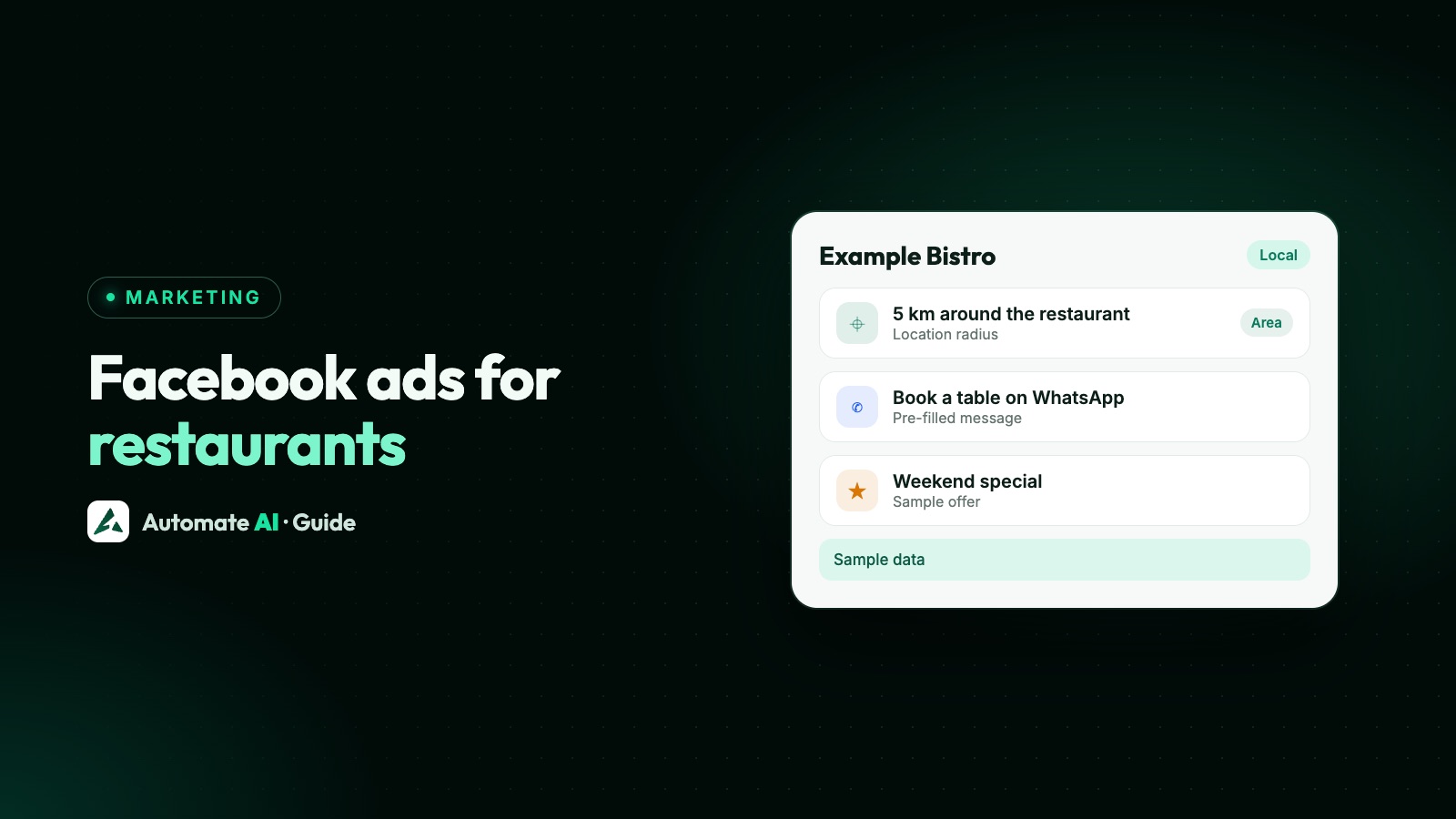
To run Facebook ads for a restaurant, pick one goal per campaign (table bookings, direct orders, party enquiries or a launch), show a real photo of a dish people can order today, reach only the area you serve, and send people somewhere they can act at once: a WhatsApp chat, a call or your ordering page. Then answer fast, because hungry people don’t wait.
This guide covers the ads themselves: which ad type fits each goal, how to set the area and timing, Meta’s rules on alcohol, sample ads you can adapt, and how to measure what came of them. What to do once a customer is chatting, from menus to order updates, is on our WhatsApp for restaurants page.
Key takeaways
- Give each campaign one job: bookings, orders, party and catering enquiries, or awareness for a new opening.
- For bookings and party enquiries, a Click-to-WhatsApp ad lets people ask first; for orders, send them to your ordering page or a chat.
- Keep the area small: the distance people will travel to eat in, or your delivery radius.
- Ads that promote alcohol follow Meta’s alcohol policy: never under 18, higher ages in some countries and Indian states, and banned in some places.
- Measure bookings and orders, not likes: tag each ad’s chats so you know which dish or offer brought customers in.
Do Facebook ads work for restaurants?
They can, but not by themselves. An ad gets attention; a booking or order happens only if the next step is quick and someone answers. Restaurants that struggle with ads usually have one of three problems: the ad doesn’t say what to do next, it reaches people too far away to come, or the enquiries go unanswered at the busiest time of day.
We won’t give you a cost per booking to expect, because it depends on your city, menu, prices and season. Start with a small daily budget, run each ad for at least a week, and judge it on bookings and orders. Meta ads budget per day covers how budgets work, and the learning phase explains why you shouldn’t change an ad every day.
Match the ad to what you want
Each restaurant goal has an ad type that suits it. In Automate AI’s Meta Ads menu these are the ad types you pick from; in Ads Manager they map to Meta’s objectives.
| Goal | Ad type | What the customer does |
|---|---|---|
| Table bookings | WhatsApp chats | Opens a chat with “I’d like to book a table” ready to send |
| Birthday, party and catering enquiries | WhatsApp chats or a lead form | Asks about dates, numbers and menus, or leaves details for a callback |
| Direct delivery or takeaway orders | Website visits (or Website sales with a Meta pixel) | Goes to your ordering page and orders |
| Quick takeaway by phone | Phone calls | Taps Call now and orders over the phone |
| A new opening, a new menu, a festival special | Reach more people | Sees the ad; you judge it on reach, not enquiries |
If you’re unsure whether people will ring or type, Facebook call ads vs WhatsApp ads has a short decision guide. For most bookings and party enquiries a chat works well, because people want to ask “Do you have a table for 6 on Saturday?” or “Can you do a veg menu for 40?” before committing.
Set the area and the timing
Area
A restaurant’s audience is mostly people who can get to it, or to whom you deliver. Choose your city and set a radius that matches: small for a neighbourhood café, wider for a destination restaurant that people drive to, and your delivery radius for an ordering ad. In Automate AI’s Meta Ads menu each city gets a radius of 1, 5, 10, 17, 25, 40 or 80 km. In Ads Manager, if “Reach more people likely to respond to your ads” is ticked for your city, untick it to keep the ad local. Our Facebook ads for local businesses guide covers the location settings in detail.
Keep the rest broad. A small radius is already a small audience, so leave interests empty to start and only set age when it truly matters.
Timing
People decide where to eat close to mealtimes, and they want a reply while they’re deciding. Two practical rules:
- Only advertise when you can answer. If nobody can reply during the dinner rush, let a chatbot handle the common questions or run the ad at quieter hours.
- Schedule if it matters. Ads Manager can run an ad only at certain hours; Meta’s help pages differ on whether that needs a lifetime budget, so check in Budget & schedule. Automate AI doesn’t set ad schedules, so build a scheduled ad in Ads Manager; it still shows up in Automate AI’s Meta Ads list with its spend and results.
Facebook ad examples for restaurants
These are made-up examples for sample restaurants, to show the shape of a good ad. Each one names a specific dish or offer, says who it’s for, and tells people what to send. Write your own around your menu.
| Restaurant | Goal | Headline | Main text | Pre-filled message |
|---|---|---|---|---|
| Example Tandoor House, Indiranagar | Weekend bookings | Book your Saturday table | Charcoal tandoori platters and live music on Saturday nights. Tables for 2 to 12. Tap to book on WhatsApp. | Hi, I’d like to book a table for Saturday. |
| Example Dosa Corner | Breakfast awareness | Crisp dosas from 7 am | Twelve kinds of dosa, filter coffee and a quick table near the metro. Open from 7 every morning. | Not needed for a reach ad |
| Example Pizza Co. | Direct orders | Order direct, delivered hot | Wood-fired pizzas delivered within 4 km of our kitchen. Order on our site and pay online or on delivery. | Not needed: the button opens your ordering page |
| Example Banquets & Kitchen | Party enquiries | Birthday parties for 20 to 80 | Private hall, set menus and a cake table. Tell us the date and number of guests and we’ll send menus and prices. | Hi, I’m planning a party. Can you send menus and prices? |
| Example Biryani Kitchen | Phone takeaway | Biryani to take away tonight | Hyderabadi dum biryani, ready in 20 minutes. Call to order and pick up on your way home. | Not needed for a call ad |
Two details make these work. The pre-filled message says what the customer wants, so your first reply can be useful (“Sure! How many guests, and what time?”). And the greeting your business shows when the chat opens can ask the next question straight away, such as “Hi! Which date and how many guests?”
Photos and video
- Use your own food, shot in daylight, close up, one dish per picture. A photo of the real plate sets the right expectation.
- Show the place for bookings: a set table, the terrace, the private room.
- Short video of a dish being served or a tandoor working catches the eye in Reels and Stories.
- Tall images (1080 × 1920) suit Stories and WhatsApp Status; see WhatsApp Status ads if you want to show there too.
Keep prices and offers honest and current. Meta’s ad standards prohibit deceptive pricing, and a customer who arrives for a discount that has ended won’t come back.
Meta’s rules on alcohol in restaurant ads
Most food ads have no special rules. Alcohol is different. Meta’s alcohol policy covers ads that promote alcohol, including the availability of alcohol sales, invitations to an alcohol venue and venues whose business depends on alcohol sales. So an ad for a bar night or a happy hour counts, even if you’re a restaurant.
| Rule | What Meta says |
|---|---|
| Minimum age everywhere | Never targeted to people under 18 |
| Higher ages by country | For example 21+ in the United States, 19+ in Canada, 20+ in Japan, 25+ in Sweden |
| India, by state | 25+ in Chandigarh, Delhi, Haryana, Maharashtra and Punjab; 21+ in states such as Goa, Kerala and Tamil Nadu; 18+ in states such as Karnataka, Rajasthan and Sikkim |
| Not allowed at all | In some places, including Bihar, Gujarat, Lakshadweep, Manipur and Nagaland in India, and countries such as the UAE, Saudi Arabia, Pakistan, Bangladesh and Nepal |
| Everywhere else | Follow local law, and target people 18 or older |
Run the ad from Automate AI
You can make all of these in Ads Manager, or from Meta Ads in Automate AI’s main menu, on every plan, for account owners and managers. Meta bills the ad spend to your own ad account.
- Connect your ad account with Continue with Facebook, and pick the ad account and Page. Chat ads open a chat with your connected WhatsApp number.
- Choose the ad type: WhatsApp chats, Website visits, Lead form, Phone calls or Reach more people.
- Describe the offer in a line, such as “weekend table bookings with live music in Indiranagar”. AI drafts the headline, text, audience, greeting and first message (AI drafting uses your own AI key, added in Settings; without one, write the ad yourself); edit anything.
- Add your city and a photo of the dish or the room. Keep Automatic placements on unless you want only certain places; turn on WhatsApp Status under Placements for a chat ad if you want to show there too.
- Set a daily budget and an end date for a time-limited offer, check the preview and choose Save paused, so nothing is spent yet.
- Set the radius by editing the ad set’s audience (new cities start at 10 km), then publish the ad from the list.
Need an ordering page to send people to? Automate AI’s Online Store can be your menu with cart and checkout, and customers can also send their cart to you on WhatsApp. It’s included in the AI + Automation Plan and Series 4.
After the tap: answer within minutes
A booking enquiry that waits an hour has often booked somewhere else. Every chat from the ad lands in the shared inbox as a new contact, so whoever is free can answer. A chatbot can ask the date, time and number of guests for a booking while your staff are busy (chatbots are in the AI + Automation Plan and Series 4).
Replies to ad chats also cost less on WhatsApp: when someone messages you from a Click-to-WhatsApp ad on their phone and you reply within 24 hours, Meta doesn’t charge for your messages in a free window that can stay open for up to 7 days. Automate AI’s own message rates still apply from your wallet.
Menus, table booking flows, order updates and offers for regulars are covered on the WhatsApp for restaurants page, so we won’t repeat them here.
Measure bookings and orders, not likes
Likes and comments are nice; bookings pay the rent. A simple way to see which ad works:
- Give each ad a different pre-filled message, such as “book a table for Saturday” and “party menus and prices”.
- Tag the chats. In Settings › Lead Sources, add a phrase from each message with a source name, such as “FB ad: Saturday tables”. New contacts whose first message matches get that source in the chat list.
- Mark the outcome. When a chat becomes a booking or an order, set the contact’s status, so you can count customers per ad.
- Compare in Meta Ads. Automate AI shows spend, clicks, chats started and cost per chat for each ad in your ad account, including ads made in Ads Manager, and new contacts for chat ads made in Automate AI.
Then keep the ads that bring customers and turn off the ones that only bring chats. The full method is in track which ads bring WhatsApp customers.
Frequently asked questions
Do Facebook ads work for restaurants?
They can, when the ad shows a real dish or offer, reaches people close enough to come, and leads to a quick next step that someone answers. Results vary, so start small and judge ads on bookings and orders.
What is the best Facebook ad type for a restaurant?
It depends on the goal. WhatsApp chat ads suit bookings and party enquiries, website ads suit direct orders, call ads suit quick phone takeaway, and reach ads suit a new opening.
What radius should a restaurant target?
The distance your guests will really travel to eat in, or your delivery radius for an ordering ad. A neighbourhood café needs a smaller radius than a destination restaurant.
Can a restaurant advertise alcohol on Facebook?
Yes, where local law allows, following Meta’s alcohol policy: never to people under 18, to older ages in some countries and Indian states, and not at all in some places.
Can I take table bookings from a Facebook ad?
Yes. A Click-to-WhatsApp ad opens a chat with a booking message ready to send, and your team or a chatbot confirms the date, time and number of guests.
Should I boost a post or use Ads Manager?
Boosting is quick for a single post. Ads Manager, or Automate AI’s Meta Ads menu, gives you the ad type, area and budget you need for bookings and orders. See boost post vs Ads Manager.
Sources
- Meta Transparency Center: Alcohol (Advertising Standards)
- Meta Transparency Center: Prohibited commercial practices
- Meta Transparency Center: Advertising Standards
- Meta: Pricing on the WhatsApp Business Platform (free entry point window)
- Meta for Developers: Ads that click to WhatsApp
- Meta Business Help Centre: About budget scheduling
WhatsApp rules and prices change. We check these guides against Meta’s documentation, but always confirm current terms with Meta before you rely on them. Questions? Message us on WhatsApp at +91 836 977 8812.