Facebook Ads for Local Businesses: A Simple Setup That Brings Enquiries
Facebook ads for local businesses: set a radius around your area, send people to a WhatsApp chat or lead form, and reply fast. With sample ad copy and messages.
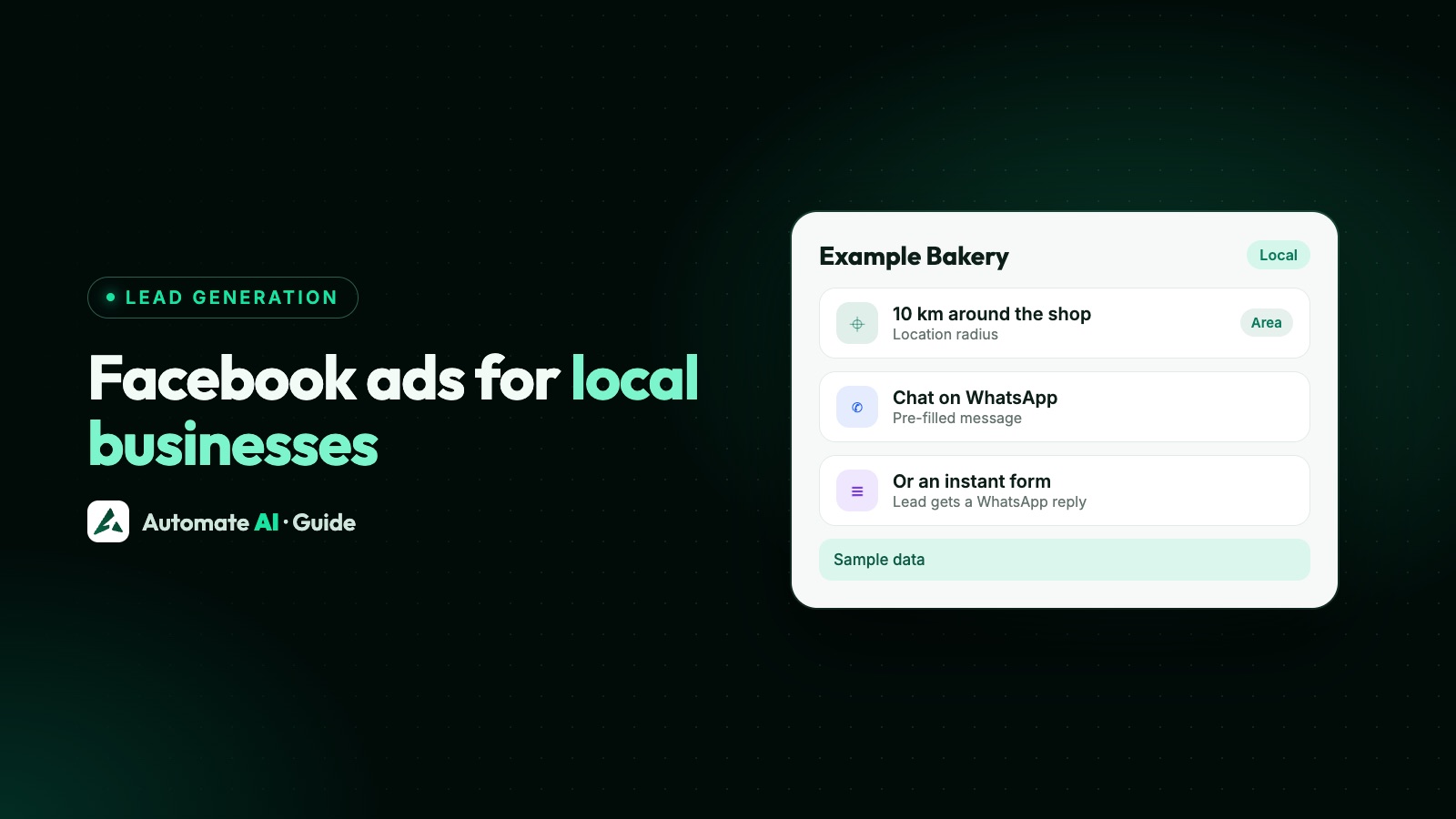
For a local business, the simplest Facebook ad setup that brings enquiries is one ad set: a radius around the area you serve, a broad audience inside it, one clear offer, and a destination that starts a conversation, either a WhatsApp chat or a short lead form. Then you answer every enquiry quickly.
This guide walks through that setup for shops, clinics, salons, home services and studios: how to draw your area, which destination to pick, sample ad copy and pre-filled WhatsApp messages you can adapt, and how to run it from Automate AI so each chat or form lead lands in one inbox. If you’ve never opened Ads Manager, start with Meta Ads Manager for beginners.
Key takeaways
- Pick one offer, one area and one destination per ad set. Local ads work best when the next step is obvious.
- Draw your area with a city plus a radius, or postcodes or a dropped pin in Ads Manager. Untick “Reach more people likely to respond” if you only want people in that area.
- Use a Click-to-WhatsApp ad when people want to ask before they book, and a lead form when you need the same few details from everyone.
- In Automate AI’s Meta Ads menu, each city gets a radius from 1 to 80 km, and Facebook Leads can send every form lead a WhatsApp template.
- Whatever the route, reply fast and track which ad each enquiry came from.
The setup at a glance
One campaign with one ad set is enough to start, as long as each part does one job:
| Part | What to set | Why |
|---|---|---|
| Offer | One thing people can act on this week: a booking, a free check, a menu, a quote | A vague ad gets vague enquiries |
| Area | Your city or locality with a radius you can actually serve | You only pay to reach people who can come to you |
| Audience | Age and gender only if they really matter; no stack of interests | Meta needs room to find people inside a small area |
| Destination | A WhatsApp chat or an instant form | Both start a conversation without a website |
| Follow-up | A reply within minutes, then one reminder | Local enquiries often go to whoever answers first |
Budgets are covered in Meta ads budget per day. This guide covers what makes a local ad different.
WhatsApp chat or lead form?
Both are good destinations for a local business. They suit different customers:
| Click-to-WhatsApp ad | Lead form (instant form) | |
|---|---|---|
| What happens on a tap | A WhatsApp chat opens with your number and a suggested first message | A form opens inside Facebook or Instagram, often with name and phone already filled in |
| Good for | Questions before buying: prices, availability, “do you cover my area?” | Callbacks, quotes and bookings where you need the same details from everyone |
| First message from you | A normal reply, because the customer wrote first | An approved WhatsApp template, because the lead hasn’t messaged you |
| Watch out for | Chats that never say what they want: a good pre-filled message fixes this | People who tapped quickly and don’t remember you: the higher intent form type helps |
Meta’s instant forms come in three types. More volume (the default) is quickest to submit; higher intent adds a review screen so people confirm their details, and shows only in Facebook and Instagram feeds on mobile; rich creative lets you add images and more context. A local service that phones every lead usually does better with higher intent.
Facebook lead ads vs WhatsApp ads goes deeper on the choice, and Meta ads leads on WhatsApp shows how to run both as one funnel.
Draw your area: locations and radius
Location is the setting that matters most for a local ad. In Ads Manager it sits in the ad set’s Audience section, and Meta treats it as a control: it doesn’t show the ad beyond your locations unless you allow it. You can choose:
- Cities, with a radius you adjust on a slider. Meta sets a default radius when you add a city, and you can pick “current city only” instead.
- A dropped pin, such as your shop’s address, again with a radius.
- Postcodes or ZIP codes, regions or whole countries. These have no radius: the whole area is included.
Location targeting reaches people who live in, recently visited or often visit an area. Meta says it can’t be fully accurate, so keep a polite reply ready for enquiries from just outside.
Choosing a radius
Start with the distance your customers really travel, or your team will drive for a home visit. A dense city locality needs a smaller radius than a town that draws in nearby villages. If the audience estimate is tiny, widen the radius first. Ads about housing, jobs or loans are special ad categories with their own minimum radius; see Facebook ads for real estate leads.
Keep the rest of the audience broad
A small area already makes a small audience, so adding interests can leave Meta too few people to learn from. Set age or gender only when they truly decide who buys, such as a women-only gym, and leave interests empty to start.
Meta’s Advantage+ audience can show the ad beyond your age and interest choices, but never beyond your location controls unless you allow it. How suggestions and controls work is covered in Meta ads targeting, and the other automatic settings in Meta Advantage+ explained.
Sample ad copy and pre-filled messages
A Click-to-WhatsApp ad has three pieces of text to write: the ad itself, the greeting your business shows when the chat opens, and the pre-filled message the customer sends with one tap. Make the pre-filled message say exactly what they want, so your first reply can be useful. These are made-up examples for sample businesses; adapt them to yours.
| Business | Headline | Greeting | Pre-filled message |
|---|---|---|---|
| Example Bakery, Pune | Custom birthday cakes, ready in 24 hours | Hi! Tell us the date, flavour and size, and we’ll send designs. | Hi, I’d like a birthday cake for this weekend. |
| Example Cool Care (AC repair) | AC service at home, same-week visits | Hi! Which area are you in, and how many ACs need a service? | Hi, I need an AC service at home. |
| Example Smile Dental | Book a dental check-up near you | Hi! Which day suits you for a check-up? We’ll share free slots. | Hi, I’d like to book a check-up. |
| Example Fit Studio | Try a group class this week | Hi! Morning or evening? We’ll send this week’s timetable. | Hi, I’d like to try a class. |
A sample primary text, for the bakery: “Birthday this weekend? Pick a flavour, send us a photo idea, and we’ll bake it fresh in our Kothrud kitchen. Pickup or delivery within 5 km. Tap to chat with us on WhatsApp.”
A first message for lead form leads
A form lead hasn’t messaged you, so your first WhatsApp message must be an approved template. A sample Marketing template for the AC repair business:
“Hi {{1}}, thanks for asking Example Cool Care about an AC service. Which day suits you for a home visit this week? Reply with a day and we’ll confirm a time. Reply STOP to opt out”
More wording ideas, and Meta’s rules for templates, are in WhatsApp template messages.
Set up a Click-to-WhatsApp ad in Automate AI
You can make this ad in Ads Manager, or from Meta Ads in Automate AI’s main menu, on every plan, for account owners and managers. Meta bills the ad spend to your own ad account. In Automate AI:
- Connect your ad account. Choose Continue with Facebook and pick the ad account and Page. The ad opens a chat with your connected WhatsApp number.
- Describe the offer in a line, such as “custom birthday cakes in Pune, ready in 24 hours”. AI drafts the headline, text, audience, greeting and the customer’s first message. Edit any of it: the greeting can be up to 300 characters and the pre-filled message up to 120.
- Add your area. Search for your city and add it. The AI may suggest cities too; any it couldn’t match are named so you can search for them. Leave interests empty unless you have a reason.
- Add a photo of your product, shop or team, and keep Automatic placements on unless you only want certain Facebook or Instagram placements.
- Set a daily budget and an end date if you want one, check the preview and publish. Ads are created paused, so nothing is spent until you publish, and Meta reviews the ad before it runs.
- Set the radius. New cities start at 10 km. To change it, edit the ad set’s audience in Meta Ads and pick 1, 5, 10, 17, 25, 40 or 80 km for each city.
Postcodes, regions and dropped pins aren’t offered in Automate AI. If you set them in Ads Manager, Automate AI keeps them as they are when you edit the ad set in Meta Ads. New ads from Automate AI start with Advantage+ audience off, so Meta keeps to the cities, ages and gender you chose.
Every chat from the ad arrives in the shared inbox; first-time customers are added as new contacts. More on the ad builder in Click-to-WhatsApp ads.
Send every form lead a WhatsApp message
For the lead form route, make the instant form first in Meta Business Suite › Instant forms. You can then create the ad in Automate AI’s Meta Ads menu by choosing a lead form ad and picking that form, or in Ads Manager. Then connect the form side:
- Add opt-in wording to the form. WhatsApp requires the person to know they’re opting in to hear from your business, by name. For example: “Example Cool Care will contact you on WhatsApp about your service request.”
- Get a template approved for the first message, like the sample above.
- Connect Facebook Leads under Integrations › Facebook Leads (included in the AI + Automation Plan and Series 4) and tick the Page that runs the form ads.
- Choose the first message: a default template, or a separate template for each ad, so a cake ad and a catering ad can each send their own.
- Check the lead activity. Each lead with a phone number becomes a contact; if the number is already saved, that contact is updated rather than duplicated.
Step-by-step screens and troubleshooting are in Facebook Lead Ads to WhatsApp and on the Facebook Lead Ads integration page.
Reply fast and know which ad worked
An enquiry is only worth the ad if someone answers it. A few habits help a small team:
- Answer chats inside the free window. When a customer messages you from a Click-to-WhatsApp ad on their phone and you reply within 24 hours, Meta doesn’t charge for that reply, and messages stay free in a window that can last up to 7 days. Automate AI still charges its normal rates for those messages from the wallet.
- Tag each chat ad. In Settings › Lead Sources, add a phrase from each ad’s pre-filled message, such as “birthday cake”, with a source name like “FB ad: cakes”. New contacts whose first message matches get that source in the chat list.
- Compare cost per chat. Meta Ads in Automate AI shows spend, clicks, chats started, cost per chat and new contacts for every ad, including ads made in Ads Manager.
- Give it a week. New ad sets go through a learning phase; changing them daily restarts it. See the Meta ads learning phase.
The number that matters most is enquiries that became customers. Mark them with a contact status so you can see which ad brought paying customers, not just the cheapest chats. Track which ads bring WhatsApp customers shows the full method.
Frequently asked questions
Do Facebook ads work for local businesses?
They can, when the ad reaches people who can come to you and the next step is simple. Results vary, so test with a small budget first.
How do I target a radius around my shop?
In Ads Manager, add your city or drop a pin on your address in the ad set’s Locations, then drag the radius slider. In Automate AI’s Meta Ads menu, each city gets a radius from 1 to 80 km.
Why do I get enquiries from outside my area?
Meta says location targeting can’t be fully accurate, and “Reach more people likely to respond to your ads” may be ticked by default for cities and regions. Untick it if you only want people in your area.
Should a local business use a lead form or a WhatsApp ad?
Use a WhatsApp ad when people want to ask questions before booking, and a lead form when you need the same details from everyone for a callback or quote. Many businesses run both and compare cost per customer.
Can I message Facebook form leads on WhatsApp?
Yes, if your form tells them your business will contact them. The first message must be an approved template. In Automate AI, Facebook Leads can send it automatically when each lead arrives.
Do I need a website to run local Facebook ads?
No. Click-to-WhatsApp ads and instant forms both work without a website. Lead forms do need a link to your privacy policy.
Sources
- Meta Business Help Centre: How to choose locations for your ad
- Meta Business Help Centre: About location selection in Meta Ads Manager
- Meta Business Help Centre: How to create pre-filled messages for ads that click to WhatsApp
- Meta Business Help Centre: About lead ads with instant form
- Meta Business Help Centre: About instant form types
- Meta: Pricing on the WhatsApp Business Platform (free entry point window)
- Meta: Get opt-in for WhatsApp
WhatsApp rules and prices change. We check these guides against Meta’s documentation, but always confirm current terms with Meta before you rely on them. Questions? Message us on WhatsApp at +91 836 977 8812.