WhatsApp Cloud API Analytics: How to Get Message, Cost and Template Data
Get WhatsApp analytics from the Cloud API: which field to call for messages, costs and templates, sample requests, limits and the conversation_analytics change.
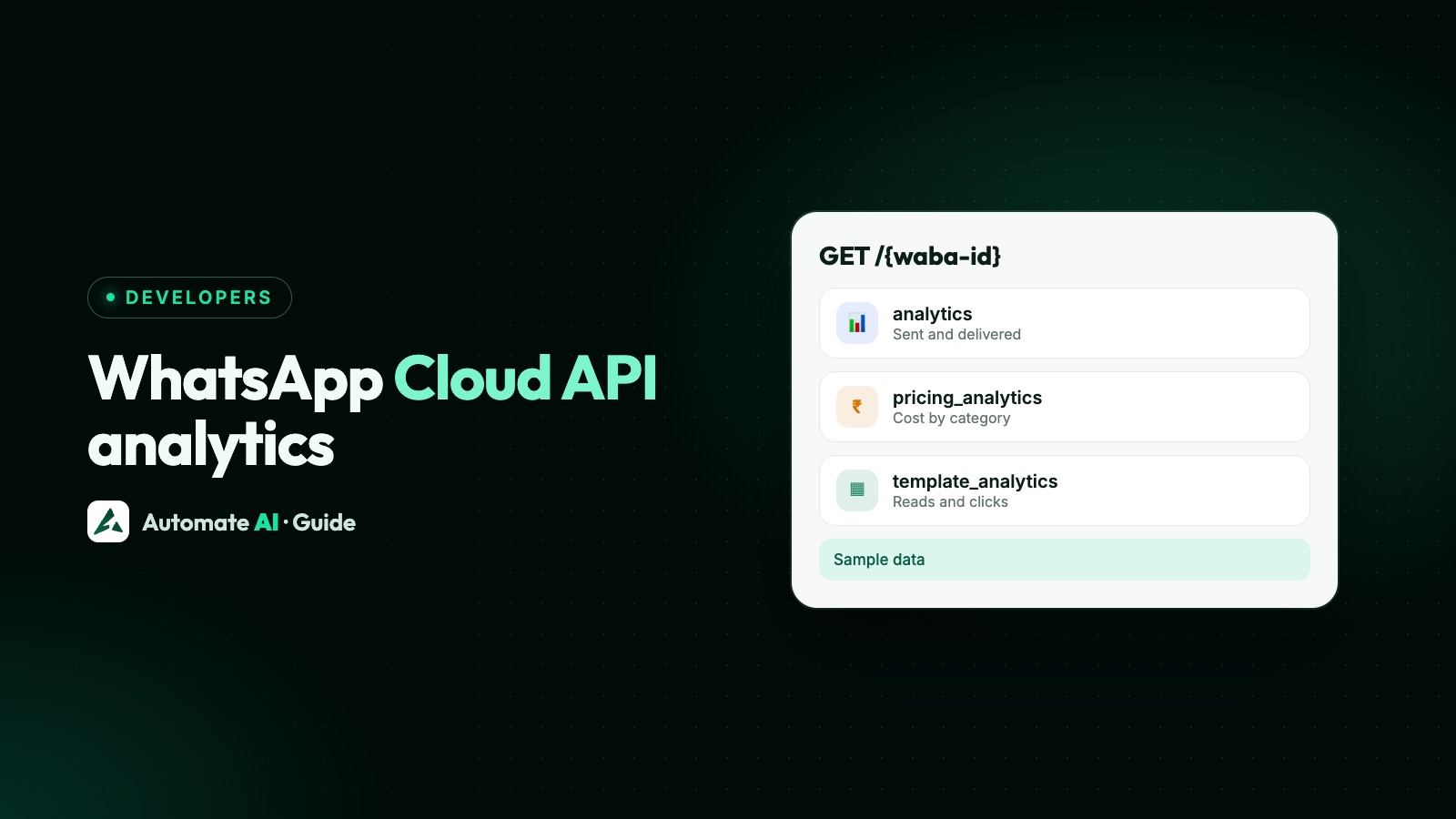
To get WhatsApp analytics from the Cloud API, send a GET to your WhatsApp Business account ID with one of Meta’s analytics fields: analytics for messages sent and delivered, or pricing_analytics for message volumes and costs. Template performance has its own path, /<WABA_ID>/template_analytics, for each template’s sent, delivered, read and click counts. All of them use the same access token you send messages with.
This guide shows which field answers which question, the request format with working examples, the limits that trip people up (a 1-year lookback, a 7-day window for reads and clicks, data in UTC), and what to move to now that conversation_analytics is gone from 1 November 2026.
Key takeaways
pricing_analyticsis the field for costs and volumes by country, category and pricing type. It replacesconversation_analytics, which Meta made unavailable from 1 November 2026.template_analyticsmust be switched on first, and can’t be switched off once confirmed.- Messaging and pricing data go back 1 year; template data goes back 90 days, and reads and clicks are tracked for only 7 days after a send, then reset to zero.
- Meta says analytics are approximate and may differ from invoices. Use them for trends, not accounting.
- If your account uses a Solution Partner’s credit line, COST isn’t returned; ask your partner for charges.
Which analytics field answers which question
Meta’s analytics live on the WhatsApp Business account, which Meta now calls the Messaging account (the ID didn’t change). Pick the field by the question you’re asking. The first group are fields you request with ?fields=; template and group analytics are separate paths under the WABA ID, such as GET /<WABA_ID>/template_analytics.
| Field | What it gives you | Granularity |
|---|---|---|
analytics | Messages sent and delivered by your numbers, optionally split into templates, non-template messages and incoming messages | HALF_HOUR, DAY, MONTH |
pricing_analytics | Volume and approximate cost of delivered messages, by country, number, pricing category, pricing type and volume tier | HALF_HOUR, DAILY, MONTHLY |
template_analytics | Sent, delivered, read, button clicks and cost per template, up to 10 templates a request | DAILY only |
template_group_analytics | The same metrics added up for a template group | Daily |
call_analytics | Voice call counts, cost and average duration on your numbers | HALF_HOUR, DAILY, MONTHLY |
group_analytics | Messages sent, delivered and read in a WhatsApp group, and people who joined or left | Daily |
conversation_analytics | Conversation counts and costs under the old conversation-based pricing | Unavailable from 1 November 2026 |
If you only need a quick look, the same kind of data is in Insights in WhatsApp Manager, with no code. The API is for pulling numbers into your own dashboards, finance sheets or alerts.
How the request works
Most fields use Graph API field expansion: you ask for the field on your WABA ID and chain filters onto it with dots. Times are UNIX timestamps in seconds.
| Part | Example |
|---|---|
| Endpoint | GET https://graph.facebook.com/v27.0/<WABA_ID> |
| Field and filters | ?fields=analytics.start(1790812800).end(1793491200).granularity(DAY) |
| Auth header | Authorization: Bearer <ACCESS_TOKEN> |
| curl tip | Use curl -g so curl doesn’t treat the [ and ] in array filters as a pattern |
That example asks for daily sent and delivered counts for October 2026 (1 October to 1 November, UTC) across every number on the account. The response holds an analytics object with data_points, each with start, end, sent and delivered.
- Filter by number with
.phone_numbers(["919800000000"]). Leave it out to include every business number on the account. - Filter by country with
.country_codes(["IN","AE"]), using 2-letter codes. - Split by message kind with
.product_types([0,2]):0is template messages,2is non-template messages, and100is messages customers sent you.
Costs and volumes with pricing_analytics
This is the field finance teams want. It reports messages delivered in the date range, with VOLUME (how many) and COST (approximate charges in your Messaging account’s currency). A monthly breakdown by category for Indian numbers looks like this:
| Part | Example |
|---|---|
| Request | GET /v27.0/<WABA_ID>?fields=pricing_analytics.start(1790812800).end(1793491200).granularity(MONTHLY).country_codes(["IN"]).dimensions(["PRICING_CATEGORY","PRICING_TYPE"]) |
| One data point back (made-up example numbers) | { "start": 1790812800, "end": 1793491200, "pricing_type": "REGULAR", "pricing_category": "MARKETING", "volume": 1200, "cost": 1035.72 } |
| Filter | Values Meta lists |
|---|---|
pricing_categories | AUTHENTICATION, AUTHENTICATION_INTERNATIONAL, MARKETING, MARKETING_LITE, SERVICE, UTILITY, REFERRAL_CONVERSION |
pricing_types | FREE_CUSTOMER_SERVICE, FREE_ENTRY_POINT, REGULAR (billable) |
dimensions | COUNTRY, PHONE, PRICING_CATEGORY, PRICING_TYPE, TIER |
metric_types | COST, VOLUME (leave empty for both) |
Two details matter since Meta’s pricing changes of 1 October 2026. SERVICE now means 1:1 non-template messages, and FREE_CUSTOMER_SERVICE means those delivered within the number’s free tier of 1,000 service messages a month. REGULAR also includes utility messages sent inside a customer service window and service messages beyond the free tier. Which messages are free is explained in is the WhatsApp API free?.
Volume tiers
Add TIER, PRICING_CATEGORY and COUNTRY to dimensions and data points affected by volume pricing get a tier such as 0:750000. The number after the colon is the top of your current tier for that country and category; subtract volume from it to see how far you are from the next one. Tiers apply only to utility and authentication templates. Marketing shows 0:MAX, and free messages have no tier.
Template analytics: reads, clicks and cost per template
Template analytics tell you how each template performs: SENT, DELIVERED, READ, CLICKED and COST. Before you can read them, you confirm template analytics on the Messaging account, in WhatsApp Manager or with one call:
| Step | Request |
|---|---|
| Confirm (once) | POST /v27.0/<WABA_ID>?is_enabled_for_insights=true |
| Read | GET /v27.0/<WABA_ID>/template_analytics?start=1793404800&end=1794096000&granularity=daily&metric_types=sent,delivered,read,clicked,cost&template_ids=[<TEMPLATE_ID_1>,<TEMPLATE_ID_2>] |
- Up to 10 template IDs per request, daily data only, and a 90-day lookback.
- Reads and clicks are tracked for only 7 days from the day a message is sent. Meta says the read and click counts for those messages then reset to zero, and no further updates are recorded, so save them before then.
- Clicks cover URL buttons and quick-reply buttons, and only for marketing and utility templates.
unique_url_buttoncounts distinct WhatsApp accounts that clicked. - Cost comes back as
amount_spent,cost_per_deliveredand, if the template has a URL button,cost_per_url_button_click. - Not available for accounts owned by or shared with businesses in the EU or Japan, or with numbers using those countries’ calling codes.
- Turn off click tracking for one template with
POST /<TEMPLATE_ID>?cta_url_link_tracking_opted_out=true&category=<CURRENT_CATEGORY>. Send its current category: a different one sends the template back to review.
Template data is in UTC by default, and a start or end that isn’t midnight UTC is moved back to midnight. Add use_waba_timezone=true to get days in your account’s time zone; start and end must then be dates such as 2026-10-31. Tips for better templates are in WhatsApp template messages.
Moving off conversation_analytics
Meta ended conversation-based pricing on 30 June 2025 and charges per delivered message instead. The old conversation_analytics field, which counted conversations, is no longer available from 1 November 2026. If a dashboard or script still calls it, it’s broken now.
| Old (conversation_analytics) | New (pricing_analytics) |
|---|---|
metric_types: COST, CONVERSATION | metric_types: COST, VOLUME (messages, not conversations) |
conversation_categories | pricing_categories, which add AUTHENTICATION_INTERNATIONAL, MARKETING_LITE and REFERRAL_CONVERSION |
conversation_types: FREE_TIER, FREE_ENTRY_POINT, REGULAR | pricing_types: FREE_CUSTOMER_SERVICE, FREE_ENTRY_POINT, REGULAR |
conversation_directions | No equivalent: pricing is per message |
Dimensions such as CONVERSATION_CATEGORY | PRICING_CATEGORY, PRICING_TYPE, TIER, plus COUNTRY and PHONE |
Don’t try to compare old conversation counts with new message volumes in one chart; they measure different things. Start a new series from July 2025, when per-message pricing began.
Limits and gotchas
- Lookback: since 1 December 2025, messaging and pricing analytics go back 1 year (it used to be 10 years). Template and template group analytics stay at 90 days, and group analytics need a start within the last 90 days. Save monthly snapshots if you want longer history.
- Approximate: Meta says analytics may differ from invoices because of small variations in processing. Reconcile spend against your invoice or your provider’s statement.
- Only what’s there now: responses include only the numbers and templates linked to the Messaging account at the time of the request. Deleted templates and moved numbers drop out.
- Several Messaging accounts on one number: under Meta’s new account model, a message counts in the analytics of the Messaging account it was sent from. If your token can send for more than one, the
messaging_account_idon each send decides which one. - Access: you need a token with access to that Messaging account, the same kind you send messages with. See finding your WABA ID if you’re not sure which ID to call.
A simple reporting setup
For most teams, three scheduled calls cover it:
- Daily, 02:00 UTC:
pricing_analyticsfor yesterday withdimensions(["COUNTRY","PRICING_CATEGORY","PRICING_TYPE"]), saved to your database. This is your spend trend. - Daily:
template_analyticsfor templates sent in the last 7 days, so reads and clicks are saved before Meta resets them to zero after 7 days. - Monthly:
pricing_analyticswithMONTHLYgranularity, compared with the invoice. Flag any gap larger than you’d expect from rounding.
Delivery problems for single messages don’t belong here: they come through the status webhook as they happen. See WhatsApp Cloud API webhooks for statuses and WhatsApp API error codes for failures.
Analytics in Automate AI, without the API
If you send through Automate AI, each campaign already shows who it was sent to, delivered to, read, replied, failed or clicked, so you don’t need Meta’s analytics fields for that. What each tab means is in WhatsApp campaign delivery reports.
Frequently asked questions
How do I get WhatsApp analytics from the Cloud API?
Send a GET to your WhatsApp Business account ID with a field such as analytics or pricing_analytics, plus start and end UNIX timestamps and a granularity, using a Bearer access token. Template analytics use a separate path: GET /<WABA_ID>/template_analytics with start, end, granularity and template IDs.
What replaced conversation_analytics?
pricing_analytics. Meta made conversation_analytics unavailable from 1 November 2026, after moving from conversation-based to per-message pricing on 1 July 2025.
How far back does WhatsApp API analytics data go?
Messaging and pricing analytics go back 1 year since 1 December 2025. Template analytics go back 90 days, and reads and clicks are tracked for only 7 days after a message is sent, then reset to zero.
Why is COST missing from my pricing_analytics response?
Meta doesn’t return COST for Messaging accounts that share a Solution Partner’s credit line. Ask your Solution Partner for your charges.
Can I turn template analytics off?
No. Once you confirm template analytics on a Messaging account, Meta says it can’t be disabled. You can turn off button click tracking for individual templates.
Do WhatsApp analytics match my invoice?
Not exactly. Meta says analytics are approximate and may differ from invoices because of small variations in data processing.
Sources
- Meta: Analytics (messaging, pricing, template, call and group analytics)
- Meta: Pricing on the WhatsApp Business Platform
- Meta: WhatsApp account model evolution
- Meta: Graph API changelog
- Meta: Graph API versioning
WhatsApp rules and prices change. We check these guides against Meta’s documentation, but always confirm current terms with Meta before you rely on them. Questions? Message us on WhatsApp at +91 836 977 8812.