How to Check if a Number Is on WhatsApp (and What the API Allows)
Check one number with a wa.me link or by saving it. The Cloud API has no lookup, so here’s what a failed send tells you and how to clean a list safely.
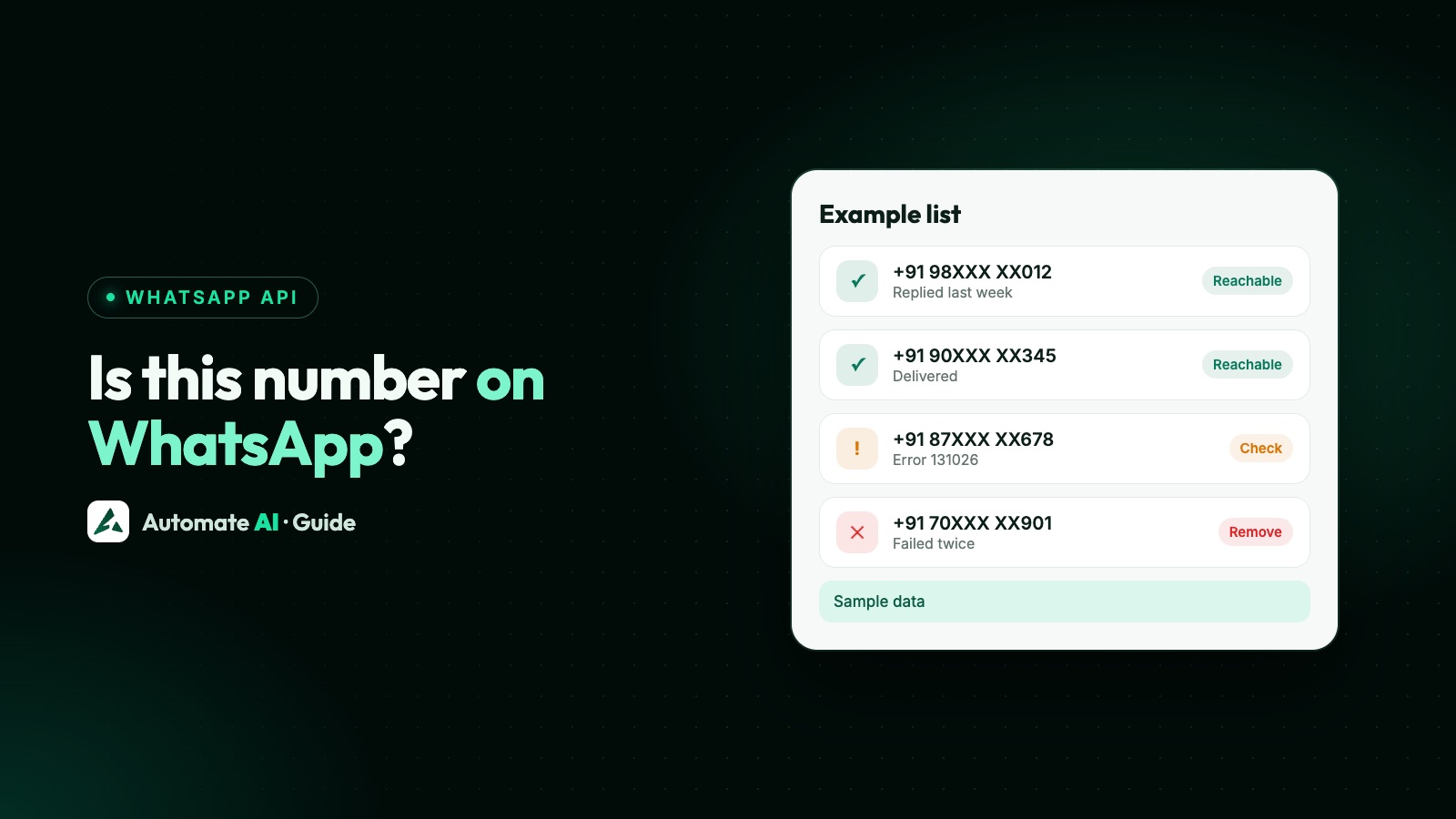
To check if one number is on WhatsApp, open https://wa.me/<number> with the full international number, or save it to your phone and look for it in WhatsApp’s New chat screen. If a chat opens, or the person appears as a contact rather than under “Invite to WhatsApp”, the number has an account.
For a whole list, the honest answer is less convenient: Meta’s Cloud API has no lookup for this. The only official signal is what happens when you send a message, and you may only send to people who agreed to hear from you. This guide covers both, what the error means, why “number checker” services are a risk, and how to clean a list in practice.
Key takeaways
- For one number, a
wa.melink or saving the contact is free and takes a minute. - Meta’s current Cloud API documentation has no endpoint to look up whether a number has WhatsApp.
- A send to a number that can’t receive it fails with error 131026, which has several possible causes.
- WhatsApp’s Terms bar collecting information about users in unauthorised ways, and automated access, so be wary of bulk checkers.
- Being on WhatsApp isn’t permission. You still need opt-in before you message anyone.
The options at a glance
| Method | Works for | How much it tells you | Within WhatsApp’s rules? |
|---|---|---|---|
wa.me link | One number | Whether a chat opens | Yes, for numbers you have a reason to contact |
| Save the contact | A few numbers | Whether they show as a WhatsApp contact | Yes |
| Ask the customer to message you first | Any size | Proof, because they wrote to you from that number | Yes. You can reply for 24 hours; ask separately before sending marketing later |
| Official send to opted-in contacts | Lists | Delivered, or failed with a reason | Yes, with opt-in |
| Third-party bulk checkers | Lists | Whatever the service claims | Doubtful; see below |
How to check one number
With a wa.me link (works online, without saving)
- Write the number in full international format, with digits only: no
+, no leading zeros, no brackets or dashes. An Indian mobile looks like919800000000. - Open
https://wa.me/919800000000in a browser, swapping in the number. - Continue until WhatsApp or WhatsApp Web opens. WhatsApp says these links work for a number with an active WhatsApp account, so a chat opening means the account exists.
If no chat opens, check the format before you decide anything. A stray zero or missing country code can make a good number look bad. You don’t have to send anything; opening the chat is enough. More on these links is in how to create a WhatsApp link and QR code.
By saving the contact
Save the number in your phone’s address book, then open WhatsApp and tap the New chat icon. People who use WhatsApp are listed as contacts. WhatsApp puts people who don’t in the Invite to WhatsApp section, with an option to send them an SMS invite.
Does the official WhatsApp API have a number lookup?
No. We went through the index of Meta’s current WhatsApp documentation and its Messages reference in November 2026. Neither lists a way to check whether a phone number has WhatsApp before sending.
Older tutorials mention a contacts endpoint, which is where the idea comes from. That belonged to the self-hosted On-Premises API, and it stopped being a real check long ago. Meta’s changelog says that from v2.43 (announced October 2022) it always returned valid and a wa_id, whether or not the person had WhatsApp, and advised developers not to rely on them. The On-Premises API has since been retired: its final client expired on 23 October 2025.
So if you searched for a “WhatsApp number lookup API” or a “WhatsApp number checker API”, there’s no such thing from Meta today. Anything sold under that name gets its answer some other way, and the sensible question is how.
What a send attempt returns
The closest thing to a check is the result of a real message, and it comes in two stages.
| Stage | What you see | What it means |
|---|---|---|
| The API response | Status 200 with contacts[0].wa_id and a message ID | Meta accepted the request. Meta says this doesn’t indicate delivery, so it isn’t proof the number is on WhatsApp |
| Webhook, delivered | A delivered status | The message reached a WhatsApp account on that number |
| Webhook or response, failed | Error 131026, “unable to deliver message” | See the three causes below |
Meta lists these as possible reasons for 131026:
- The recipient’s number isn’t on WhatsApp.
- The recipient hasn’t accepted WhatsApp’s latest terms.
- The recipient is using an outdated version of WhatsApp.
So one 131026 is a strong hint, not proof. You also can’t use a send as a free test on a cold list. WhatsApp’s Business Messaging Policy only lets a business contact someone who has shared their number and agreed to receive messages. Cold contacts don’t just waste effort: blocks and reports can lower your quality rating and limit your account.
Other failure codes mean something else entirely. 131049, for example, means Meta held back a marketing message to protect engagement, and the number is probably fine. WhatsApp API error codes covers the rest.
Why free number checkers and bulk lookup APIs are a risk
Search for a free WhatsApp number checker and you’ll find plenty. We aren’t judging any particular service, and we can’t see how each one works. But since Meta offers no lookup, you should weigh these points before uploading a list to any of them:
- WhatsApp’s Terms. They bar collecting information about users “in any impermissible or unauthorized manner”, and accessing the service through unauthorised automated means. A tool that tests thousands of numbers through ordinary WhatsApp accounts is the kind of activity those rules describe.
- Your own account. If a tool asks you to link your number by QR code, that number is the one at risk. See unofficial WhatsApp APIs and why bulk senders get banned.
- Your customers’ data. You’d be handing their phone numbers to a third party. Check that your privacy notice allows it and that you know what happens to the file afterwards.
- Accuracy. You usually can’t tell how a result was produced or how old it is.
- It doesn’t solve the real problem. A number confirmed to be on WhatsApp still hasn’t agreed to hear from you.
Before paying for a checker, ask the vendor plainly: where does this answer come from, and is that method allowed by WhatsApp’s terms? A vague reply is your answer.
How to clean a WhatsApp list in practice
You don’t need a checker to get a clean list. This order works for most businesses:
- Fix the format. Put every number in full international format with its country code. Meta warns that leaving out the country code can send a message to the wrong number or leave it undelivered.
- Remove duplicates and obvious junk, such as too few digits or repeated placeholder numbers.
- Remove anyone who opted out or blocked you. Meta’s policy requires you to honour those requests.
- Keep only people who agreed. If you can’t say how someone opted in, leave them out. See WhatsApp opt-in.
- Send a small first batch of a message those people expect, rather than the whole list.
- Wait a day, then read the failures and act on each code using the table below.
- Collect better numbers from now on. Use a WhatsApp link or QR code so customers write first. Anyone who messages you has already proved the number works.
| Failure | What to do with the contact |
|---|---|
| 131026 | Stop sending. Confirm the number through another channel, or remove it |
| 131049 | Keep it. Don’t resend for at least 24 hours |
| 131050 (stopped marketing messages) | Keep it out of marketing |
| 131047 | Keep it. Use an approved template |
| 132xxx | Keep it. The template is the problem |
If a number keeps failing across several campaigns, it’s time to drop it. The wider picture is in why WhatsApp messages aren’t delivered.
How Automate AI handles numbers that can’t be reached
Automate AI doesn’t have a number checker, and Meta doesn’t offer a lookup that one could be built on. What it does is make the send result easy to act on:
- Failed messages show the reason. A 131026 appears as “Message undeliverable. The recipient may have an invalid number or is unable to receive messages.”
- They aren’t retried. With automatic retry on, numbers not on WhatsApp are skipped, because trying again can’t help.
- Retarget leaves them out. When you build a follow-up from a campaign’s results, opted-out, blocked, deleted and invalid numbers are excluded.
- You can export the list. A campaign’s Export CSV includes each record’s status and error message, so you can review failures in a spreadsheet. With automatic retry on, Move Failed Contacts to Group in Settings › General puts contacts still failing after the last try into a group you choose.
- Imports need a country code. When you import contacts, you set the country code for 10-digit numbers, which avoids a common cause of 131026.
More on sending and reading results is on the WhatsApp campaigns page and in WhatsApp delivery reports.
Frequently asked questions
How can I check if a number is on WhatsApp without saving it?
Open https://wa.me/ followed by the full international number, digits only. If a chat with that number opens, it has a WhatsApp account.
Is there a WhatsApp number checker API from Meta?
No. Meta’s current Cloud API documentation doesn’t offer a lookup. The only official signal is the result of a real message sent to someone who opted in.
What error does the API return if a number isn’t on WhatsApp?
Error 131026, “unable to deliver message”. The same code also covers people who haven’t accepted the latest terms or use an outdated app.
Can I trust a free WhatsApp number checker?
Be careful. Meta has no lookup for them to use, WhatsApp’s Terms restrict unauthorised collection of user information, and you’d be sharing your customers’ numbers with a third party.
Does a 200 response mean the number is on WhatsApp?
No. Meta says the response only shows the API accepted your request. Wait for the delivered or failed status at your webhook.
If a number is on WhatsApp, can I message it?
Only if the person shared their number with you and agreed to receive messages. Having an account isn’t permission.
Sources
- WhatsApp Help: How to use click to chat
- WhatsApp Help: How to find and invite contacts
- Meta: Error codes
- Meta: Send messages
- Meta: WhatsApp changelog
- Meta: On-Premises API sunset
- WhatsApp Terms of Service
- WhatsApp Business Messaging Policy
WhatsApp rules and prices change. We check these guides against Meta’s documentation, but always confirm current terms with Meta before you rely on them. Questions? Message us on WhatsApp at +91 836 977 8812.