Meta Ads for B2B: Do They Work, and How to Get Business Enquiries
Do Meta ads work for B2B? When Facebook and Instagram ads suit business buyers, how they compare with LinkedIn ads, and a setup that brings qualified enquiries.
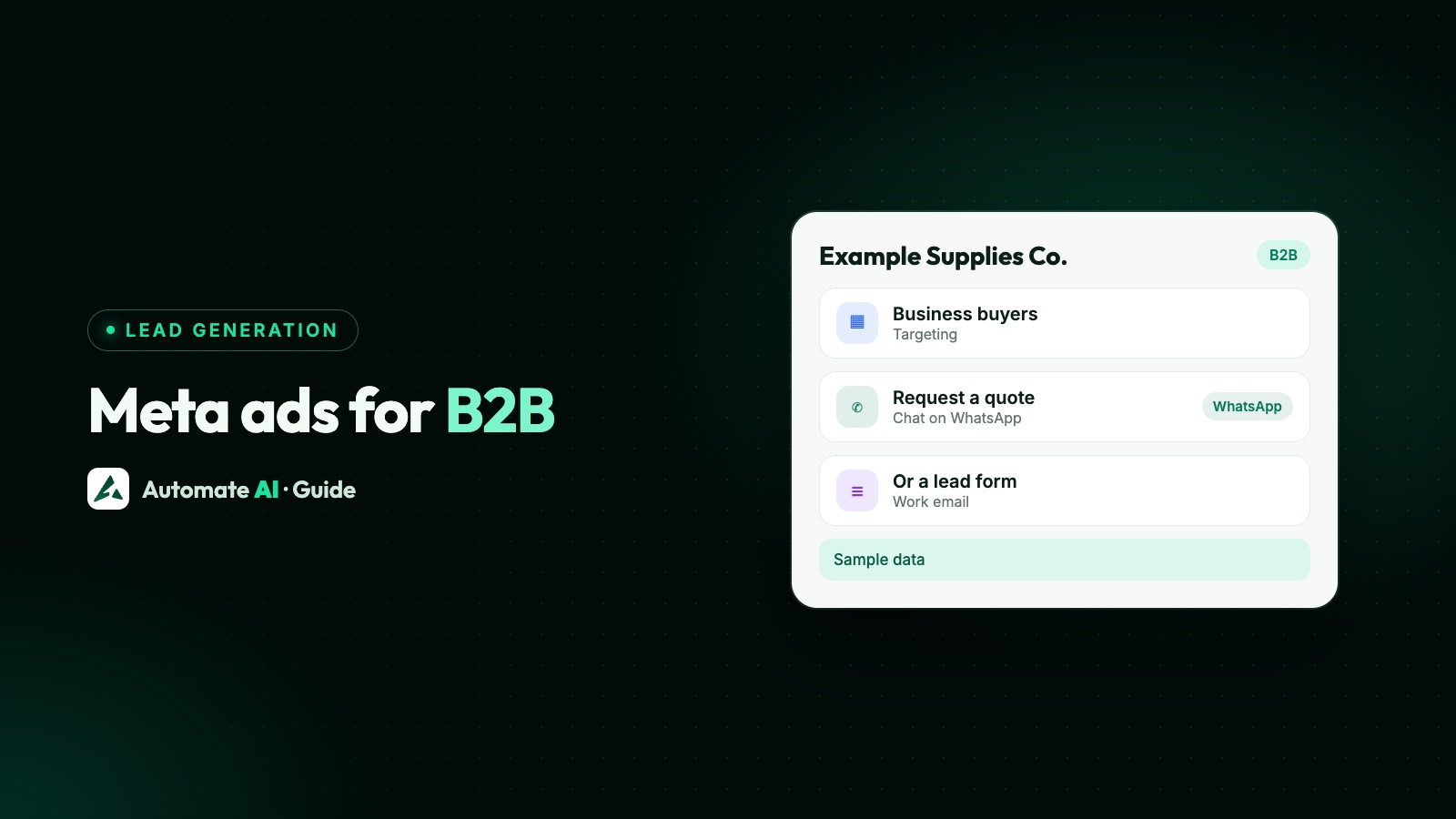
Meta ads can work for B2B, mainly when your buyers are business owners and managers you can describe by place, trade and problem, rather than by exact job title at a named company. Facebook and Instagram reach people as people, so the ad has to say clearly who it’s for, and the qualifying happens in the form or the chat afterwards.
This guide answers whether Meta ads suit your kind of B2B offer, how they compare fairly with LinkedIn ads, how to target business buyers on Meta, sample ads for software, wholesale and services, and how to run them from Automate AI so each enquiry arrives on WhatsApp. How to sell once a trade buyer is in the chat (quotes, price lists, reorders) is covered in WhatsApp for B2B.
Key takeaways
- Meta suits B2B offers bought by owners and small teams: shops, clinics, contractors, restaurants, agencies, small manufacturers.
- LinkedIn targets by job title, company and seniority from profiles; Meta reaches people across Facebook, Instagram and WhatsApp and lets ads open a WhatsApp chat.
- On Meta, job titles and employers are self-declared (and these options aren’t available in every country), and detailed targeting isn’t available for ads that click to WhatsApp, so let the ad copy do the filtering.
- Use a lead form with a work email and company name when you need firmographics, and a chat ad when buyers want to ask first.
- Judge Meta B2B ads on qualified leads and sales, not cost per lead, and test before moving budget.
Do Meta ads work for B2B?
There’s no single answer, because B2B covers very different buyers. A better question is who signs the order:
| Your buyer | How well Meta fits | Why |
|---|---|---|
| Owners of small businesses (shops, salons, restaurants, clinics, contractors) | Often a good fit | They’re the decision maker, they use Facebook, Instagram and WhatsApp daily, and you can describe them by trade and city |
| Trade buyers, dealers and resellers | Can fit | Ads aimed at a trade (“For hardware shops in Gujarat”) filter well; WhatsApp is already how many of them order |
| Small and mid-sized teams buying software | Worth testing | The ad and the form need to qualify, because Meta won’t limit delivery to one job title |
| Enterprise roles at named companies | Harder | If you need “IT directors at 200 named banks”, profile-based targeting such as LinkedIn’s is built for that |
Meta’s ad auction doesn’t simply pick the highest bid; Meta says it weighs estimated action rates and ad quality to show each ad to the people most likely to respond. In practice that means a clear B2B ad, one that names the trade and the problem, helps Meta find the right business owners for you.
LinkedIn ads vs Meta ads for B2B
Both can work, and many B2B teams test both. A fair comparison, using only what each platform says about itself:
| LinkedIn ads | Meta ads (Facebook, Instagram) | |
|---|---|---|
| Targeting | Job title, company name, industry, seniority and interests, from professional profiles | Location, age, language, and detailed targeting that includes self-declared job titles, employers and industries |
| Lead forms | Lead Gen Forms pre-filled from LinkedIn profile data, on Sponsored Content and Message Ads | Instant forms pre-filled from what people gave Meta, with work email and company name as options |
| Ads that open a chat | Message Ads are delivered as LinkedIn messages | Ads can open a WhatsApp chat with your business number |
| How you pay | An auction; LinkedIn says cost depends on your bid and how sought-after the audience is | An auction; Meta says the winner isn’t simply the highest bid, as it also weighs estimated action rates and ad quality |
| Best when | You sell to defined roles at defined companies | You sell to owners and teams you can describe by trade, place and problem |
Neither platform publishes a price you can plan on, and figures you see quoted elsewhere rarely match your market. Run a small test on each with the same offer and compare qualified leads and sales, not clicks.
How to target business buyers on Meta
Meta’s targeting options do include work details. Its developer documentation lists employers and job titles (“every self-declared, targetable job title”) and industries among the demographics you can target. Three things limit how far that takes you:
- It’s self-declared. Only people who filled in their work on their profile can match, so a job-title audience misses many real buyers.
- It isn’t available for chat ads. Meta’s help page on detailed targeting currently says it isn’t available for ads that click to WhatsApp. For those, set location, age and language, and let the ad copy filter.
- Meta can widen it. When you optimise for link clicks, landing page views, conversations, conversions or value, Meta applies Advantage+ detailed targeting automatically, so the ad can reach people outside your choices.
What works better for most B2B advertisers:
- Name the buyer in the first line of the ad: “For clinic owners”, “For restaurants with two or more outlets”. People outside that group scroll past, which is what you want.
- Use your customer list. A custom audience built from existing customers lets you exclude them, or build a lookalike of them in Ads Manager. See Meta ads custom audiences.
- Retarget your website visitors with the pixel, where you have it: people who read your pricing page are already qualifying themselves.
- Keep location honest. If you only deliver in some states or countries, set them as the location.
More on how controls and suggestions work is in Meta ads targeting.
Chat ad or lead form for B2B?
Both start a conversation without a landing page. They suit different B2B offers:
| Click-to-WhatsApp ad | Instant lead form | |
|---|---|---|
| Good for | Owners who want to ask about price, minimum order or a demo before giving details | Software demos and quotes where you need company name, team size and a work email |
| Qualifying | In the chat: a greeting with one question, then buttons | In the form: up to 15 custom questions, though fewer is better |
| Lead quality tools | A pre-filled message that names the offer | The higher intent form type adds a review screen; in Ads Manager you can add work email as a required question and tick Require work email under Quality filters (mobile Facebook and Instagram placements only). Lead ads made in Automate AI don’t set this filter |
| Your first message | A normal reply, because the buyer wrote first | An approved WhatsApp template, because the lead hasn’t messaged you |
For B2B SaaS, a lead form asking for work email, company name and team size often suits the demo step, while a chat ad suits “Is this right for a business like mine?” questions. Form setup, including work email, is in how to create a Facebook lead form.
Sample B2B ads
Our own samples, with made-up businesses. Each names the buyer and asks one qualifying question as soon as the chat opens.
| Sample business | Headline | Pre-filled message | Greeting |
|---|---|---|---|
| Example Ledger (billing software) | Billing software for multi-outlet shops | Hi, I’d like a demo of Example Ledger. | Thanks! How many outlets do you run, and which day suits a 20-minute demo? |
| Example Packaging Co (manufacturer) | Custom printed boxes, from 500 pieces | Hi, I’d like a quote for printed boxes. | Happy to help. What will the boxes hold, and roughly how many do you need? |
| Example Fresh Supply (wholesale) | Wholesale vegetables for restaurants, delivered daily | Hi, I’d like your wholesale price list. | Welcome! Which area is your restaurant in, and how many kilos a day do you buy? |
| Example Books & Tax (accounting firm) | Monthly bookkeeping for small businesses | Hi, I’d like to know about monthly bookkeeping. | Thanks for asking! What kind of business do you run, and how many invoices a month? |
A sample primary text, for the software: “Run more than one shop? Example Ledger keeps billing, stock and daily reports for every outlet in one place. Message us to book a 20-minute demo.”
Meta reviews every ad. Describe the product, not the viewer: “Struggling to pay your suppliers?” implies a vulnerable financial situation and is risky; “Supplier payments, tracked in one place” is fine. If your product is credit for businesses, check Meta’s financial products and services Special Ad Category first, and if you’re hiring, the employment category. More examples are in Click-to-WhatsApp ad examples.
Run B2B ads from Automate AI
You can create these ads from Meta Ads in Automate AI’s main menu, on every plan, for account owners and managers. Meta bills ad spend to your own ad account, and nothing is spent until you publish.
- Connect your ad account with Continue with Facebook and pick the ad account and Page. You can choose an ad account from any Meta Business you have access to, including an agency’s.
- Pick the ad type: a WhatsApp chat ad, a lead form ad with one of your existing forms, or a website ad.
- Describe the offer in a line, such as “billing software for shops with two or more outlets, free 20-minute demo”. AI drafts the headline, text, audience, greeting and pre-filled message (AI drafting uses your own AI key, added in Settings; without one, write the ad yourself). Edit anything.
- Set the audience: up to 10 countries or 10 cities, age and gender, and optional interests from Meta’s list. Leave interests empty for WhatsApp chat ads.
- Add an image, set a daily budget and publish. Meta reviews the ad before it runs.
Job titles, employers, custom audiences and lookalikes aren’t set in Automate AI. Add them in Ads Manager; when you later edit that ad set in Automate AI, targeting set in Ads Manager is kept as it is.
For form leads, connect Integrations › Facebook Leads (AI + Automation Plan and Series 4). Each lead with a phone number becomes a contact, and an approved template goes out as your first message, a different one per ad if you like. A sample: “Hi {{1}}, thanks for asking about Example Ledger. Which day suits a 20-minute demo this week? Reply with a day and we’ll send a time. Reply STOP to opt out” Full steps are on the Facebook Lead Ads integration page.
Measure B2B leads by quality, not volume
B2B sales take longer, and a cheap lead that never buys is expensive. Track these:
- Cost per chat and per lead. Meta Ads in Automate AI shows spend, clicks, chats started, cost per chat and new contacts for every ad, including ads made in Ads Manager.
- Qualified leads. Set up contact statuses such as Qualified, Demo booked and Won, and mark leads as they move, so you can see which ad brought buyers.
- Source per ad. In Settings › Lead Sources, match a phrase from each pre-filled message (“printed boxes”) to a source name, so chats are tagged by ad.
- Feed results back to Meta. For chat-ad contacts, Integrations › Conversions API can send Lead and Purchase events to Meta when a status changes, which Meta says helps it improve ads that click to WhatsApp.
A worked example with made-up numbers: ad A brings 60 chats and 6 demos; ad B brings 25 chats and 8 demos. Ad B wins even though it looks weaker on cost per chat. The method is in track which ads bring WhatsApp customers, and fast replies matter as much as targeting: see speed to lead.
Frequently asked questions
Do Meta ads work for B2B?
They can, especially when your buyers are owners and managers of small and mid-sized businesses. They’re harder for narrow enterprise roles. Test with one offer and judge by qualified leads.
Is LinkedIn or Meta better for B2B ads?
LinkedIn targets by job title, company and seniority from profiles, which suits defined roles at defined companies. Meta reaches people across Facebook, Instagram and WhatsApp and lets ads open a WhatsApp chat. Many B2B teams test both with the same offer.
Can I target job titles on Facebook ads?
Yes, Meta’s detailed targeting includes self-declared job titles, employers and industries, but not for ads that click to WhatsApp, and Meta may widen the audience when Advantage+ detailed targeting applies.
Are Meta ads good for B2B SaaS?
They can be for software bought by small teams and owners. Use a lead form with work email and company name for demos, or a chat ad for pre-sales questions, and score leads before judging cost.
What should a B2B lead form ask?
Name, phone, work email and company name as prefill fields, plus two or three questions such as team size and what they want to fix first. Don’t ask about income or credit scores.
Can I run B2B Click-to-WhatsApp ads from Automate AI?
Yes. In Meta Ads, describe the offer, check the draft, choose countries or cities and publish to your own ad account. Chats arrive in the shared inbox as contacts.
Sources
- LinkedIn Marketing Solutions: Ad targeting
- LinkedIn Marketing Solutions: Lead Gen Forms
- LinkedIn Marketing Solutions: Ads pricing
- Meta for Business: About the ad auction
- Meta for Developers: Targeting search (employers, job titles, industries)
- Meta Business Help Centre: Questions prohibited on your instant form
- Meta Business Help Centre: Use detailed targeting
- Meta Business Help Centre: work email quality filter for lead ads
WhatsApp rules and prices change. We check these guides against Meta’s documentation, but always confirm current terms with Meta before you rely on them. Questions? Message us on WhatsApp at +91 836 977 8812.