Meta Ads for Ecommerce: Catalog Ads, Advantage+ Sales and WhatsApp Follow-Up
How to run Meta ads for an online store: catalog setup, pixel events, catalog ads for retargeting and new buyers, sales campaigns, and WhatsApp chat ads.
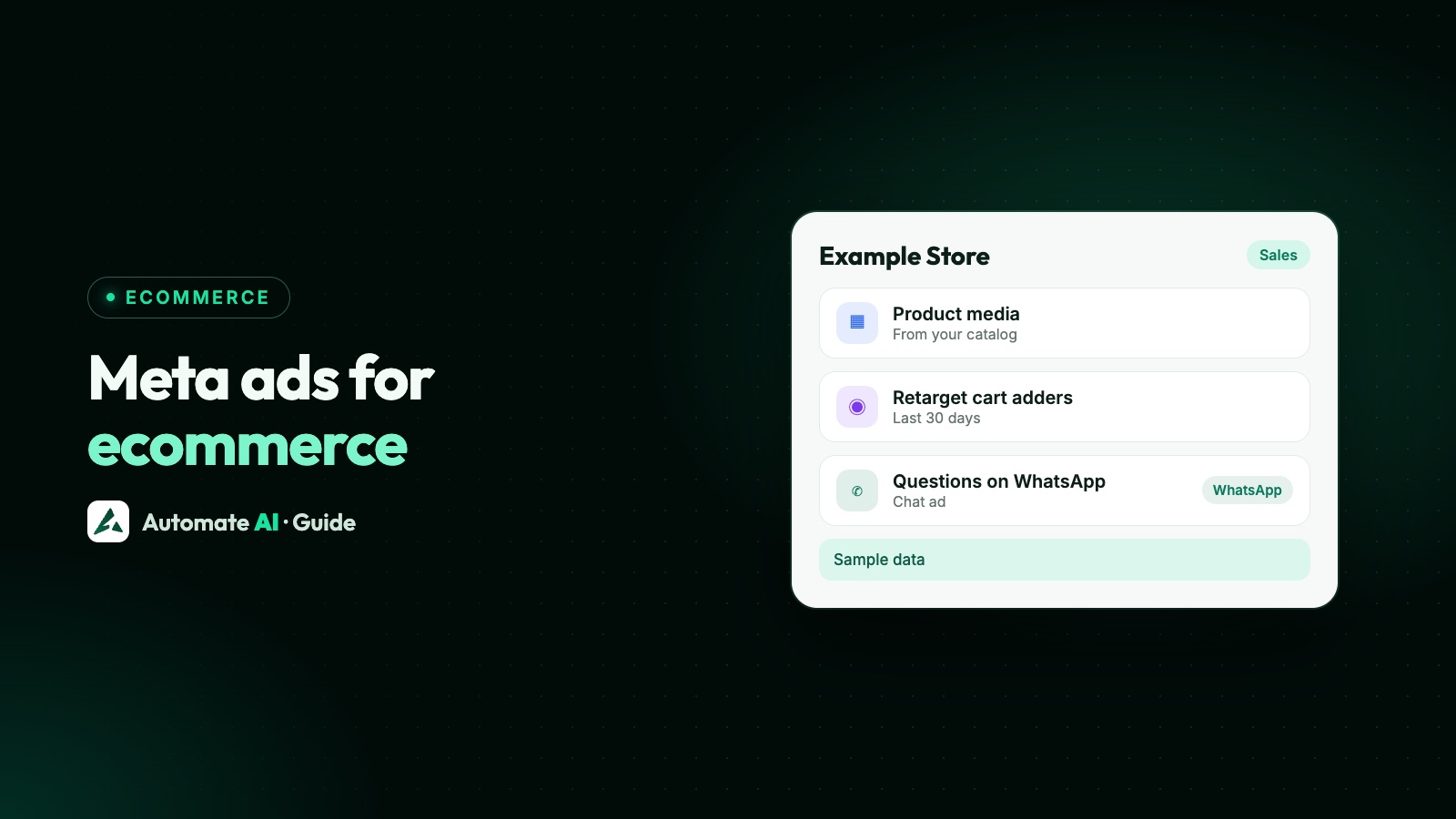
To run Meta ads for an ecommerce store, put your products in a Meta catalog, install the Meta pixel with the ViewContent, AddToCart and Purchase events, connect the two, and run a Sales campaign that shows product media to new shoppers and to people who viewed products but didn’t buy. For products people want to ask about first, add ads that open a WhatsApp chat, so the question turns into a sale instead of a lost visit.
This guide covers the setup Meta requires, how catalog ads work (Meta now calls them ads showing product media), where Click-to-WhatsApp ads fit for a shop, and how to tie it together with a Shopify store. How Advantage+ settings work in general is in our separate guide to Meta Advantage+.
Key takeaways
- Catalog ads need four things: a catalog in Commerce Manager, a Meta pixel (or app SDK), the required events with product IDs, and the pixel connected to the catalog.
- Meta renamed Advantage+ catalog ads to ads showing product media. In Sales campaigns, product data is on by default if you have a catalog.
- Use catalog ads two ways: retargeting people who viewed or added to cart, and broad prospecting for people who never visited.
- Click-to-WhatsApp ads suit products with questions: sizes, fit, custom orders, cash on delivery or higher prices.
- In Automate AI, a paid Shopify order from someone who came from a WhatsApp ad can be sent back to Meta as a Purchase event.
The three kinds of Meta ads an online store uses
Most stores end up with a mix of three ad types. Each does a different job, so it helps to know which one you’re building before you open Ads Manager:
| Ad type | What it does | Best for |
|---|---|---|
| Ads showing product media (catalog ads) | Meta picks products from your catalog for each person, using pixel, SDK and on-platform signals | Stores with many products, retargeting viewers and cart abandoners |
| Sales campaign with your own creative | Your photo or video, optimised for purchases on your website | A hero product, a launch or a sale with one clear message |
| Click-to-WhatsApp ads | The button opens a WhatsApp chat with your business instead of a product page | Products people ask about before buying, and markets where shoppers prefer to chat |
All three can sit under the Sales objective; see Meta ads objectives if you’re unsure which to pick.
Set up your catalog, pixel and events first
Meta’s requirements for ads showing product media are short, but each one matters. In order:
- Create a catalog in Commerce Manager and add the products you want to advertise. The catalog must be in a business portfolio. Product sets let you narrow which products appear in an ad.
- Install the Meta pixel on your website. If you have a mobile app, install the Meta SDK and set up the required app events too.
- Add the required standard events: ViewContent (someone viewed a product), AddToCart and Purchase.
- Send product IDs with each event, using
content_ids(the catalog’sidoritem_group_id, with the “s” at the end) orcontents(an array of objects withidandquantity). - Connect the pixel or SDK to the catalog, then check the catalog match rate to see whether events match your products.
If your store runs on Shopify
Meta’s Facebook and Instagram app for Shopify syncs your Shopify products to Commerce Manager and lets you turn on the Meta pixel and Conversions API. Meta lists what you need before you start: a store that isn’t password-protected, the Basic Shopify plan or higher, a Facebook Page, and a business portfolio that owns that Page, with admin access. After connecting, Meta suggests checking that products synced, and choosing Enhanced or Maximum data sharing in Shopify.
Catalog ads: retargeting and finding new buyers
Ads showing product media display products dynamically for each person. Meta lists three uses: retargeting, reaching new people, and cross-selling or upselling. Most stores start with the first two.
| Retargeting | Broad audience (prospecting) | |
|---|---|---|
| Who sees it | People who viewed or added products to cart on your website or app but didn’t buy | People who haven’t visited or bought but have shown interest in products like yours |
| Audience | Include a catalog custom audience of viewers and cart adders; exclude recent buyers | Location and demographics; avoid stacking many interests and behaviours |
| Exclusions Meta suggests | People who purchased recently | Buyers from the last 10 days, but not all website visitors |
| Creative tip | Show the product they looked at, or similar ones | In a carousel, add an intro card that introduces your brand |
| Optimise for | Conversions along the purchase path, such as Purchase | Standard events such as Purchase, AddToCart or registration |
For retargeting, Meta suggests segmenting by time since the last action, with an ad set per segment, and extending the custom audience’s retention window to 30 or 90 days to grow it. Custom audiences are covered in Meta ads custom audiences.
Product sets and “include other products”
When you advertise one product set, such as “Winter jackets”, Meta can also show other relevant products from your catalog when that’s likely to perform better. The option only appears when the set holds less than 60% of your catalog, and the “All products” set isn’t eligible. If you use it, keep your ad text general, because products outside the set may appear.
Sales campaigns with product data
Meta has changed how catalog campaigns are built. In a Sales campaign, product data is on by default if you have a catalog, so the catalog powers the whole campaign. At ad level you then choose the creative source: product media from the catalog, or media you upload yourself. Ads with your own media can still benefit from the product data.
Ads showing product media can also run with the Traffic, Engagement, Leads or App promotion objectives, by choosing product media as the creative source. Catalog creative can switch between product images and videos, and Advantage+ creative enhancements for catalog include dynamic overlays, image touch-ups and background generation. Check the preview if your brand rules need product photos unchanged.
Budget, audience and placement automation in Sales campaigns, and how to turn pieces off, are explained in Meta Advantage+.
Where WhatsApp fits in an ecommerce ad plan
A product page works for a shopper who already knows what they want. Many don’t: they want to check a size, ask whether cash on delivery is possible, or see the item in another colour. A Click-to-WhatsApp ad sends them into a chat with your business instead, where a person, chatbot or AI can answer.
| Your product or market | Lead with | Why |
|---|---|---|
| Low price, clear photos, quick decision | Catalog ads to the product page | A chat adds a step the shopper doesn’t need |
| Sizes, fit or variants people ask about | Click-to-WhatsApp ad | One answer in chat replaces a guess or a return |
| Custom, made-to-order or bulk orders | Click-to-WhatsApp ad | The order needs details only a conversation gets |
| Higher-priced items | Both: catalog ads for browsing, a WhatsApp ad for questions | Big purchases usually come with questions |
| Shoppers who left a cart | Catalog retargeting, plus a WhatsApp reminder to opted-in customers | The ad reaches them on Meta; the message reaches them in WhatsApp |
Creating a WhatsApp ad with the Sales objective
- In Ads Manager, click + Create and choose Sales.
- In the Conversion section, choose Message destinations and tick WhatsApp. The number is the one connected to your Facebook Page.
- Review the budget, schedule and audience. Meta may show Advantage+ on for audience and placements.
- In the Message template section, set up Start conversation: a greeting and suggested messages people can tap.
- Finish the ad and publish it.
When a shopper messages you from the ad on the WhatsApp mobile app and you reply within 24 hours, Meta opens a free entry point window of up to 7 days for your messages to that person. Meta doesn’t charge for those messages (Meta Business Agent messages excepted), though providers set their own rates (Automate AI charges its normal rates from the wallet), and Meta says the window may not be available to every business yet. The facts are checked in our Click-to-WhatsApp ads guide, which also covers costs. That’s time to answer questions, share products and confirm the order.
A greeting that starts a shopping chat
Sample text for a made-up store: “Hi! Thanks for tapping our winter jacket ad. Which size do you usually wear, S, M, L or XL? I’ll check stock for you.” One simple question gets a reply.
A simple Meta ads strategy for a small store
You don’t need many campaigns. A plan that covers the whole journey, without splitting a small budget too thin:
- Get the data right first. Catalog, pixel, the three events with product IDs, and a healthy match rate. Without this, catalog ads have nothing to work with.
- One prospecting campaign. Sales objective, product data on, a broad audience, recent buyers excluded.
- One retargeting set. Viewers and cart adders from your catalog custom audience, recent buyers excluded.
- One Click-to-WhatsApp ad for the products that get the most questions, with someone or something ready to reply in minutes.
- Leave them alone for a while. Edits can restart learning; see the learning phase.
- Judge by sales, not clicks. Purchases on the website, and orders that came from WhatsApp chats.
Running WhatsApp ads and Shopify together in Automate AI
Automate AI covers the WhatsApp side of this plan. In Meta Ads (in the main menu, every plan, account owners and managers), you connect your Meta ad account, describe the offer in one line, and AI drafts the headline, text, audience and chat greeting (AI drafting uses your own AI key, added in Settings; without one, write the ad yourself). You check it, add a photo, set a daily budget and publish; Meta bills the spend to your own ad account. Details on the Click-to-WhatsApp ads page.
| What you want | What Automate AI does | Where to do it instead |
|---|---|---|
| A WhatsApp ad for a product | Creates and publishes it; chats land in the shared inbox as new contacts | Not needed |
| A website sales ad | Creates one aimed at an event from your Meta pixel, such as Purchase or Add to cart | Not needed |
| A catalog ad (product media) | Not created here. Existing ones show with the rest of your account | Meta Ads Manager; a catalog ad’s content is changed there |
| Spend, chats and cost per chat | Shown for every ad in the account, including ones made in Ads Manager | Ads Manager also works |
With the Shopify integration (AI + Automation Plan and Series 4), Automate AI sends WhatsApp messages when an order is placed, paid, shipped or cancelled, and abandoned-cart reminders at 1 hour, 6 hours, 24 hours and 3 days, each switched on or off. The Shopify WhatsApp guide covers templates and opt-in.
The two meet in the Conversions API (under Integrations). Once you set it up and switch on Purchase events, when a Shopify order is paid and the buyer’s phone matches a contact who came from a Click-to-WhatsApp ad within the attribution window (7 days unless you change it), Automate AI sends a Purchase event with the order value to Meta. Meta then knows which WhatsApp ads led to real orders, not just chats. Test orders and buyers who didn’t come from an ad are skipped.
Inside the chat, your team can share products from your WhatsApp catalogue, up to 30 at a time, on every plan. Order updates, COD confirmation and returns after the sale are covered in WhatsApp API for ecommerce.
What to measure
- Catalog match rate: if events don’t match products, fix the pixel before judging any ad.
- Purchases and return on ad spend for catalog and sales ads. Definitions are in Meta ads metrics.
- Chats started, cost per chat and reply time for WhatsApp ads. A slow first reply wastes the click.
- Orders from WhatsApp chats, sent back to Meta as Purchase events where you can. See how to track which ads bring WhatsApp customers.
Frequently asked questions
What are Meta catalog ads?
Ads that show each person the most relevant products from your catalog, based on their interests, intent and actions. Meta now calls them ads showing product media; they were previously Advantage+ catalog ads.
What do I need to run Meta catalog ads?
A catalog in Commerce Manager inside a business portfolio, a Meta pixel (or app SDK) with ViewContent, AddToCart and Purchase events that include product IDs, and the pixel connected to the catalog.
Which objective should an ecommerce store use?
Sales, in most cases. In a Sales campaign, product data is on by default when you have a catalog, and you can choose product media or your own media at ad level.
Can catalog ads open WhatsApp?
Meta’s help pages describe product media as a creative source for Sales, Traffic, Engagement, Leads and App promotion campaigns, and WhatsApp as a message destination for Sales ads, but don’t say whether the two can be combined in one ad. Check Ads Manager for your account; Automate AI doesn’t create catalog ads.
Do I need Shopify for this?
No. Any website with a Meta pixel and a catalog works. Shopify makes the setup easier through Meta’s Facebook and Instagram app, and Automate AI’s Shopify integration adds order messages, cart reminders and Purchase events for WhatsApp ad buyers.
How much should a store spend on Meta ads?
There’s no standard figure. Meta runs an auction, and costs depend on your audience, creative and competition. Start with a budget you can keep running unchanged for a few weeks, and judge it by cost per order.
Sources
- Meta Business Help Centre: About ads showing product media
- Meta Business Help Centre: Requirements to run ads showing product media
- Meta Business Help Centre: Required Meta pixel events and parameters for ads showing product media
- Meta Business Help Centre: Tips for retargeting with ads showing product media
- Meta Business Help Centre: Tips for reaching a broad audience with ads showing product media
- Meta Business Help Centre: Include other products when advertising your product set
- Meta Business Help Centre: How to create ads that click to WhatsApp in Meta Ads Manager
- Meta Business Help Centre: Connect Shopify to Facebook and Instagram
WhatsApp rules and prices change. We check these guides against Meta’s documentation, but always confirm current terms with Meta before you rely on them. Questions? Message us on WhatsApp at +91 836 977 8812.