Meta Ads for Travel Agencies: Get Enquiries on WhatsApp
A Meta ads strategy for travel agencies: target where travellers live, sell one trip per ad, and take enquiries on WhatsApp or a lead form. With sample ads.
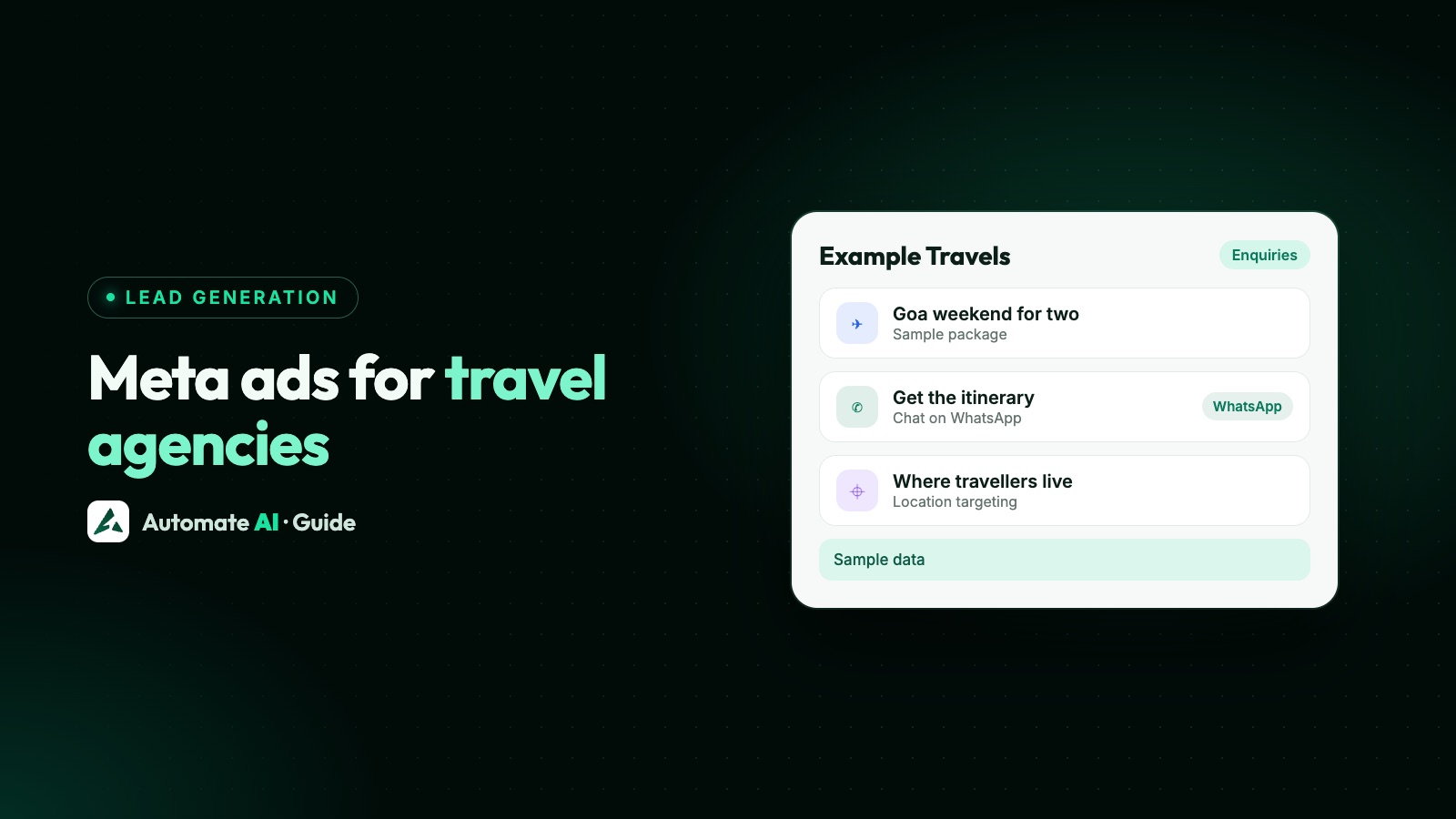
The Meta ads strategy that suits most travel agencies is simple: one ad per trip, shown to people in the cities your travellers leave from, with a button that opens a WhatsApp chat or a short lead form. Travel is a considered purchase with lots of questions (dates, hotels, visas, children), so an ad that starts a conversation usually fits better than one that sends people to a booking page.
This guide covers how to plan the campaigns, who to target, three sample ads with made-up details, the rules Meta applies to travel ads, and how to run it from Automate AI so every enquiry lands in one inbox. What to send once someone is booked (confirmations, itineraries, reminders) is on our WhatsApp for travel agencies page, so this post stays on the ads.
Key takeaways
- Run one trip or theme per ad, so the enquiry already says what the traveller wants.
- Target where travellers live, not where they’re going. Untick “Reach more people likely to respond” if you only sell to one city.
- Use a Click-to-WhatsApp ad for trips people want to discuss, and a lead form when you need the same details from everyone before a call.
- Meta has no travel-specific ad policy, but its rules on misleading prices and government ID numbers catch travel ads out.
- Meta’s own travel ads (hotels, flights, destinations) need a catalogue and booking events on your site, so they suit agencies that sell online.
- In Automate AI’s Meta Ads menu, AI can draft the ad from one line (with your own AI key), and each chat arrives as a contact in the shared inbox.
Why chat ads suit travel agencies
Few people book a family holiday from an ad in one tap. They want to know what’s included, whether the dates work and what it costs for two adults and a child. A chat can answer that.
That makes travel a natural fit for ads that open a conversation. Each route has its place:
| Ad destination | Best for | What you get |
|---|---|---|
| WhatsApp chat (Click-to-WhatsApp) | Packages, honeymoons, group tours, custom trips | A chat that starts with the traveller’s question, which you answer like any other message |
| Instant lead form | Callbacks and quotes where you need month, travellers and departure city from everyone | Name, phone and your questions, then you send a WhatsApp template first |
| Website or booking page | Fixed-price trips that people can book without help | A booking, if your site and payment flow are ready for it |
| Meta travel ads (catalogue) | Agencies with hotel, flight or destination inventory on a website or app | Ads built from your catalogue, shown to people who searched or viewed trips |
Most agencies can start with chat ads and lead forms. Click-to-WhatsApp vs website vs lead forms compares the routes in depth.
Plan campaigns around trips and seasons
A travel agency’s calendar decides what to advertise. A practical structure:
- List the trips you want to sell in the next three months, with real dates and a real starting price per person.
- Give each trip its own ad, or its own ad set if the audience differs (a family package and a solo backpacking tour reach different people).
- Start ads before people book. Your own past bookings show how far ahead each kind of trip is planned.
- Keep one always-on ad for custom trips (“Tell us where you want to go”), so you still get enquiries between campaigns.
- Pick the objective that matches the destination: Engagement for WhatsApp chats, Leads for instant forms, Traffic or Sales for a booking page. Meta ads objectives explains each.
Let each ad run for about a week before judging it. New ad sets go through a learning phase, and editing them every day restarts it (Meta ads learning phase).
Target where travellers live, not where they go
The most common targeting mistake for travel ads is choosing the destination as the location. If you sell trips to Bali from Mumbai, your customers are in Mumbai. In the ad set, set the location to the cities or countries your travellers leave from.
- Locations. Meta shows ads to people who live in, have recently been in, or often visit the places you choose. You can add cities with a radius, regions or whole countries.
- “Reach more people likely to respond”. For a city or region, Meta may tick this by default, which also shows the ad to people interested in travelling to that place. For a destination-management company selling tours *in* that city to visitors, that can help. For an agency selling trips *from* that city, untick it.
- Language. If your team only answers in some languages, set them as a control so the ad reaches people who can talk to you.
Interests such as “travel” sound useful, but Meta’s help page on detailed targeting currently says it isn’t available for ads that click to WhatsApp. For chat ads, set place and language well and let the ad copy pick the audience. The full picture is in Meta ads targeting.
Three sample travel agency ads
A Click-to-WhatsApp ad has three bits of text: the ad itself, the greeting your business shows when the chat opens, and the pre-filled message the traveller sends with one tap. Make the pre-filled message name the trip, so you know which ad brought the chat. These are our own samples with made-up agencies and prices; adapt them to yours.
1. Weekend getaway for couples (sample: Example Holidays, Pune)
- Primary text: A quiet 3-day weekend in Goa for two: a sea-view room, breakfast and a sunset cruise. From ₹14,500 per person. Ask us which weekends are still open.
- Headline: Goa weekend for two
- Pre-filled message: Hi, which weekends are open for the Goa getaway?
- Greeting: Thanks for asking! Are you flying in or driving, and is this for a special occasion?
2. Small-group tour (sample: Example Journeys, Manchester)
- Primary text: 8 days in Japan with a small group and a local guide: Tokyo, Kyoto and Osaka. Hotels and rail pass included, flights optional. Spring departures from £2,450 per person. Ask us anything on WhatsApp.
- Headline: Japan in spring, small groups
- Pre-filled message: Hi, I’d like the dates and itinerary for the Japan spring tour.
- Greeting: Thanks for asking! Are you travelling solo or with someone, and do you need flights from Manchester?
3. Custom trips (sample: Example Travel Desk, Dubai)
- Primary text: Tell us where you want to go and when, and we’ll plan the hotels, transfers and tours around you. Message our travel desk.
- Headline: Plan your next trip with us
- Pre-filled message: Hi, I’d like help planning a trip.
- Greeting: Happy to help! Where would you like to go, and roughly when?
Each greeting asks the one question you need before you can quote. More ad examples, including image sizes, are in Click-to-WhatsApp ad examples and WhatsApp ad sizes.
Meta’s rules that catch travel ads
We checked Meta’s Advertising Standards: there’s no policy written for travel in particular. Travel ads follow the general rules, and a few of them matter more for agencies:
- Prices must be honest. Meta’s rules on prohibited commercial practices name deceptive pricing, and its Community Standards list misleading or unreasonable pricing. If you say “from ₹14,500”, someone should be able to book at that price on the dates you show, and say whether it’s per person and what’s excluded.
- Sell what you advertise. Meta also lists product misrepresentation, meaning services that differ materially from the ad. Use photos of the actual hotel or tour, not a nicer one.
- No fake documents. Meta’s Advertising Standards ban ads for fake documents, naming passports and immigration papers. If you offer visa help, describe the service and never imply you can get around the rules.
- Don’t ask for ID numbers in lead forms. Meta doesn’t allow lead form questions that ask for government-issued ID numbers such as passport numbers, account numbers such as frequent flyer or loyalty card numbers, or a child’s date of birth. Ask for passport details later, through a secure route, once a booking is real.
- Talk about the trip, not the viewer. Meta’s personal attributes rule means “Need a break from your stressful job?” is risky; “A slow week in the hills, phones optional” is fine.
When Meta’s own travel ads make sense
Meta has a travel-specific ad product: travel ads, a type of Advantage+ catalogue ad for hotels, flights and destinations. Meta builds each ad from your catalogue and uses signals from your website or app to show relevant trips, for example a hotel someone looked at on your site, or a hotel to someone who just booked a flight.
Meta’s developer documentation says they need a catalogue with a product set, travel events set up on your website or app, a Facebook Page and an ad account, and they use the catalogue sales objective. That suits online agencies with live inventory; for packages sold by conversation, chat ads are the simpler start.
Automate AI’s Meta Ads menu doesn’t create catalogue ads, so make travel ads in Ads Manager if you use them.
Run travel ads from Automate AI
You can make Click-to-WhatsApp and lead form ads from Meta Ads in Automate AI’s main menu, on every plan, for account owners and managers. Meta bills the ad spend to your own ad account. The steps:
- Connect your ad account with Continue with Facebook, and pick the ad account and Page. Chat ads open a chat with your connected WhatsApp number.
- Describe the trip in a line, such as “3-day Goa weekend for two with sea-view room and sunset cruise, from ₹14,500 per person”. AI drafts the headline, text, audience, greeting and pre-filled message, using only the facts you give it (AI drafting uses your own AI key, added in Settings; without one, write the ad yourself). Edit anything.
- Set the audience: up to 10 countries, or up to 10 cities with a radius (1 to 80 km per city). Add the cities your travellers leave from.
- Add a photo of the destination or hotel, keep automatic placements on or choose your own (WhatsApp Status is one option, though not in the EU or the UK; see WhatsApp Status ads), set a daily budget and publish. Nothing is spent until you publish, and Meta reviews the ad first.
Languages and catalogue ads aren’t set in Automate AI. If you set a language in Ads Manager, editing the ad set later in Automate AI keeps it as it is.
The lead form route
Build the instant form in Meta Business Suite with three or four questions: destination or trip, travel month, number of travellers and departure city. Add wording that says your agency will contact them on WhatsApp. Then connect Integrations › Facebook Leads (AI + Automation Plan and Series 4), so each lead becomes a contact and gets an approved template as your first message, and each ad can have its own. How to create a Facebook lead form and the Facebook Lead Ads integration page have the full steps.
A sample first template for a form lead: “Hi {{1}}, thanks for asking Example Holidays about the Goa weekend for two. Which weekend suits you? Reply with a date and we’ll send prices. Reply STOP to opt out”
Answer fast and see which trips sell
An enquiry that waits a day has often booked elsewhere. A few habits keep the ads worth their cost:
- Qualify in the chat. A chatbot can ask the greeting’s question with buttons (month, travellers, budget band) and hand the chat to an agent. Chatbots are in the AI + Automation Plan and Series 4.
- Use the free window. When a traveller messages you from a Click-to-WhatsApp ad on the WhatsApp mobile app and you reply in time, Meta doesn’t charge for your messages in the free entry point window, which can stay open for up to 7 days. Automate AI still charges its normal rates for those messages from the wallet.
- Tag each trip. In Settings › Lead Sources, add a phrase from each pre-filled message, such as “Goa getaway”, with a source name. New contacts whose first message matches are tagged in the chat list.
- Compare cost per chat, then bookings. Meta Ads in Automate AI shows spend, clicks, chats started, cost per chat and new contacts for every ad. Mark booked travellers with a contact status to see which trips actually sell, as in track which ads bring WhatsApp customers.
Frequently asked questions
Do Meta ads work for travel agencies?
They can, especially ads that open a WhatsApp chat or a lead form, because travellers have questions before they book. Results vary by trip, price and how fast you reply, so test one trip with a small budget first.
What is a good Meta ads strategy for a travel agency?
One ad per trip or theme, targeted at the cities your travellers leave from, with a chat or lead form as the destination, and a quick reply that asks for dates and the number of travellers.
Does Meta have special rules for travel ads?
There’s no travel-specific policy in Meta’s Advertising Standards. The general rules apply, including honest pricing, no fake documents, and no lead form questions about passport or other ID numbers without Meta’s permission.
Should I target the destination or the traveller’s home city?
The home city, if you sell trips from there. Untick “Reach more people likely to respond” so the ad isn’t shown to people who are only interested in visiting that city.
Can I create travel agency ads in Automate AI?
Yes. In Meta Ads, describe the trip in a line, check the ad AI drafts (or write it yourself if you haven’t added your own AI key), choose your cities or countries and publish to your own ad account. Chats arrive in the shared inbox as contacts.
Sources
- Meta for Developers: Travel ads
- Meta Business Help Centre: Questions prohibited on your instant form
- Meta Business Help Centre: Use detailed targeting
- Meta Business Help Centre: reaching people beyond your chosen locations
- Meta Advertising Standards: Prohibited commercial practices
- Meta Community Standards: Prohibited commercial practices
- Meta Advertising Standards: Cheating and deceitful practices
- Meta: Pricing on the WhatsApp Business Platform (free entry point window)
WhatsApp rules and prices change. We check these guides against Meta’s documentation, but always confirm current terms with Meta before you rely on them. Questions? Message us on WhatsApp at +91 836 977 8812.